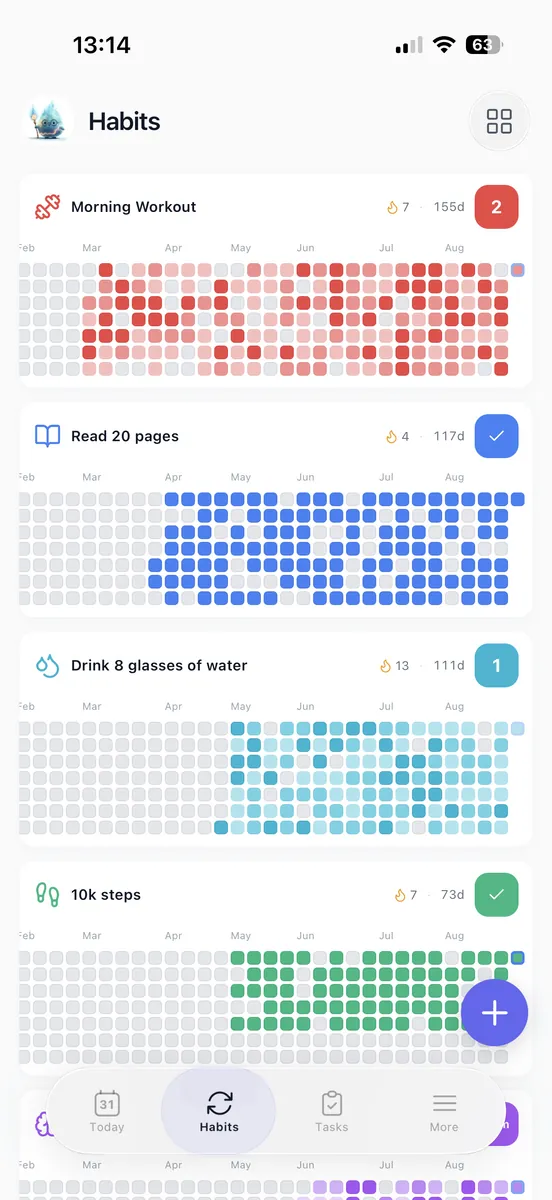
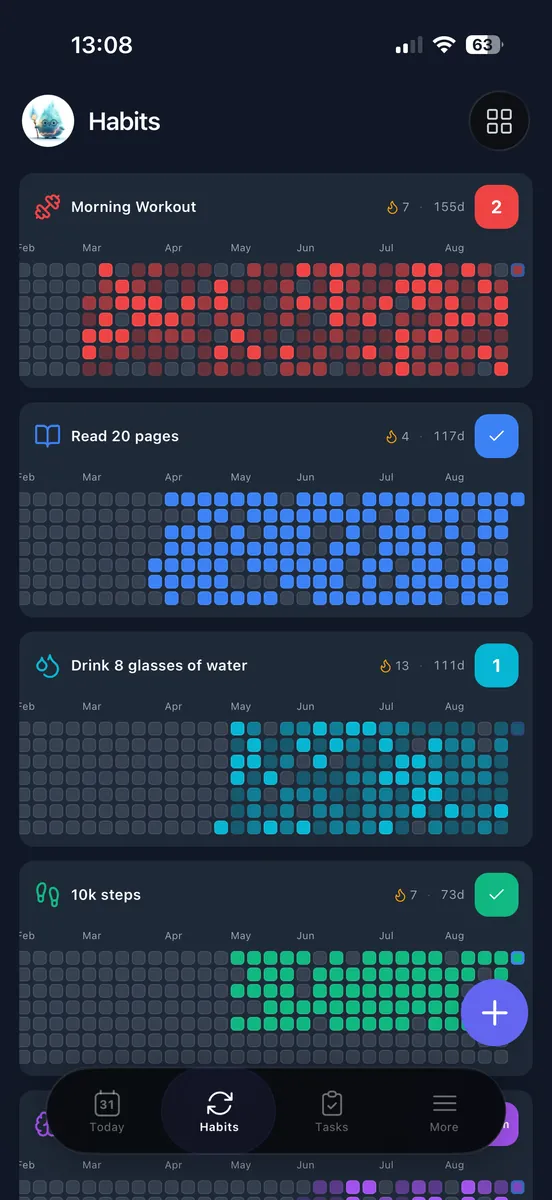
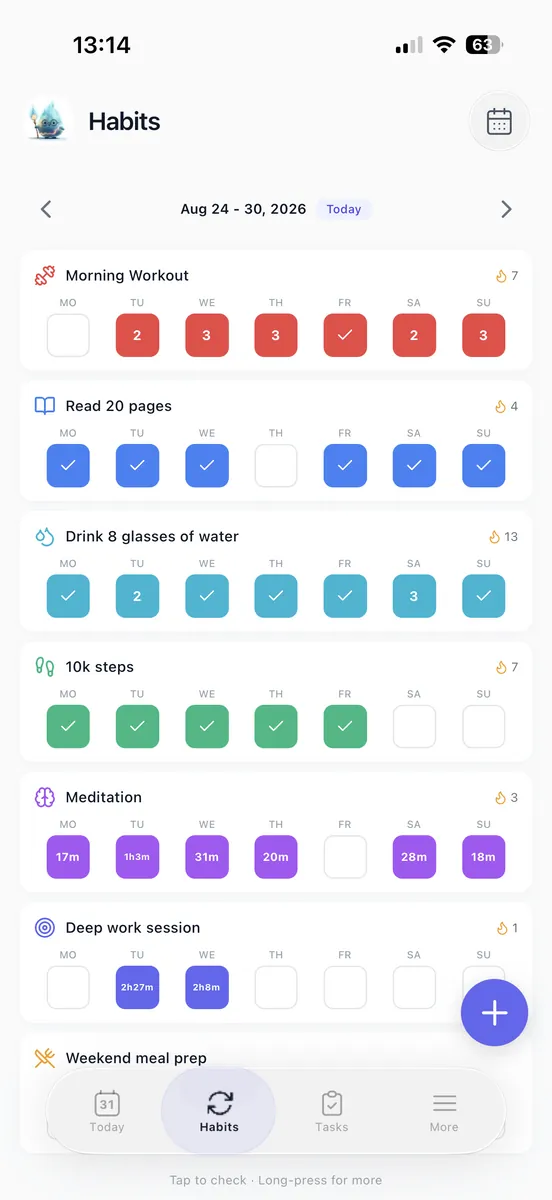
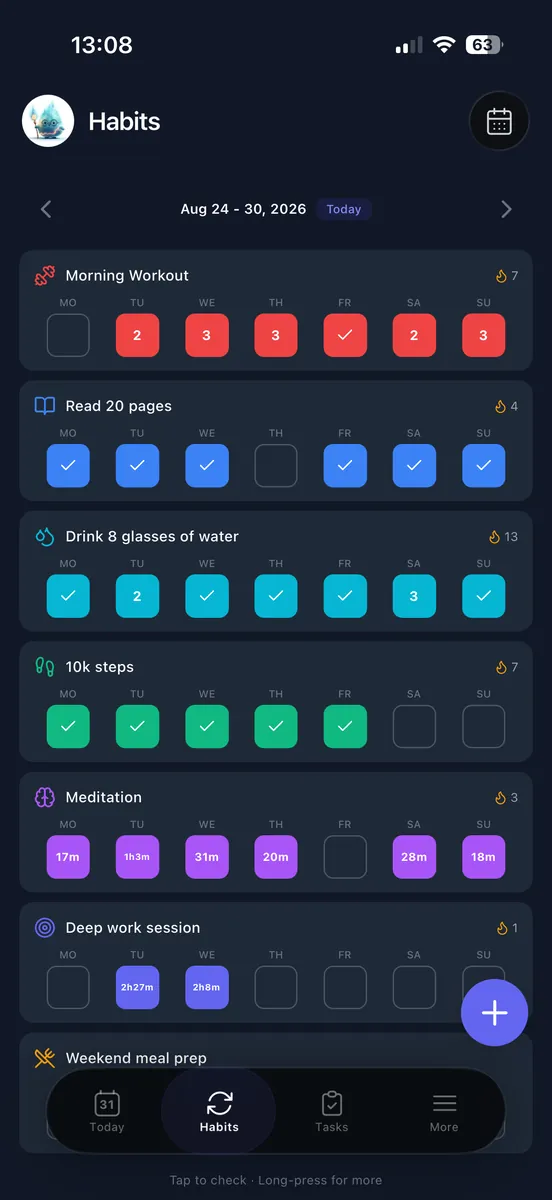
How is this different from every other habit tracker?
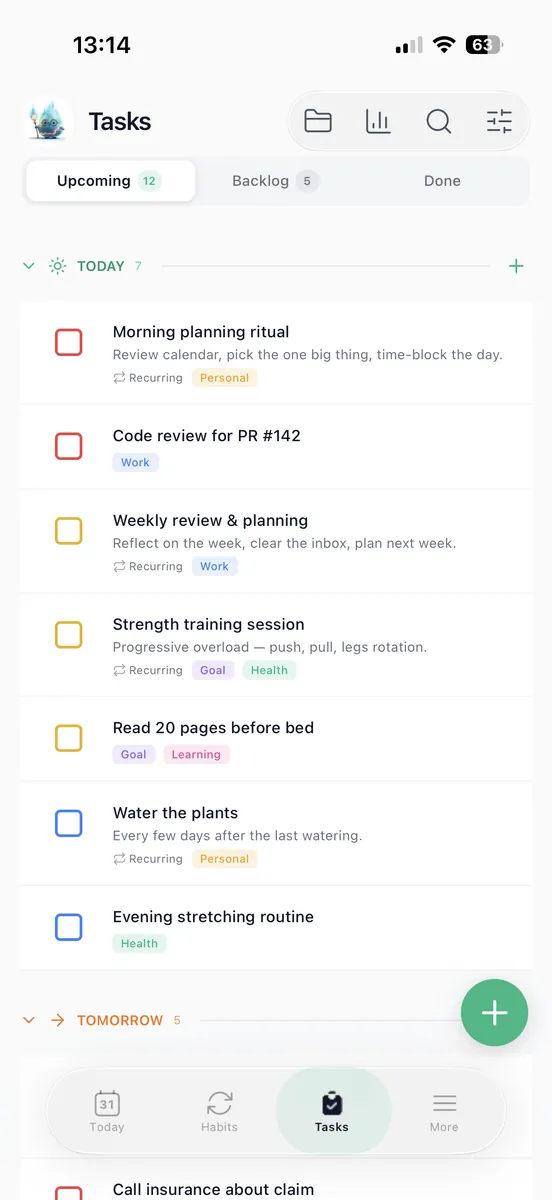
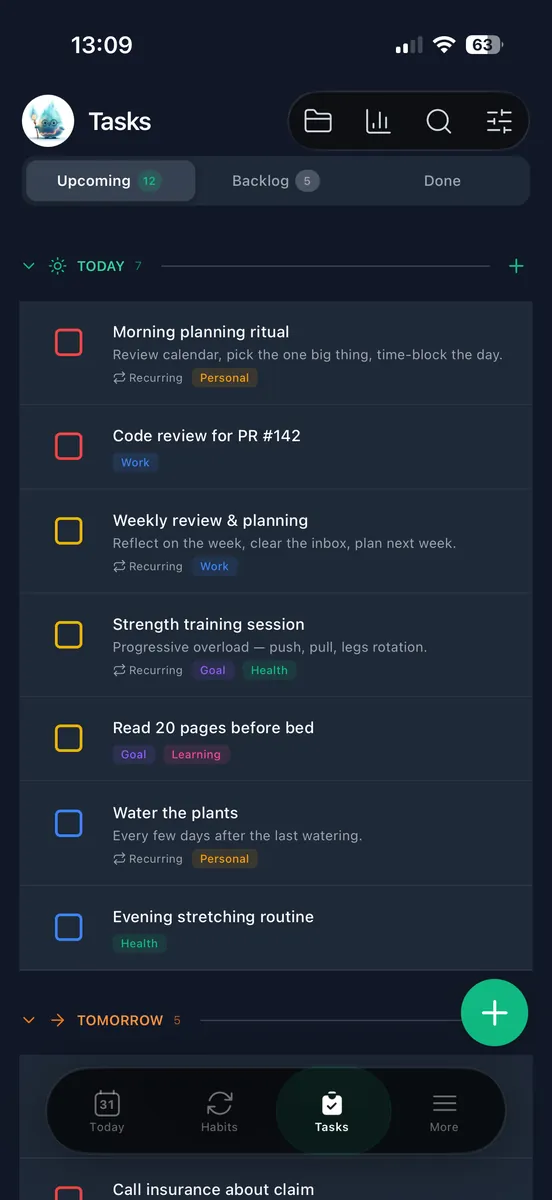
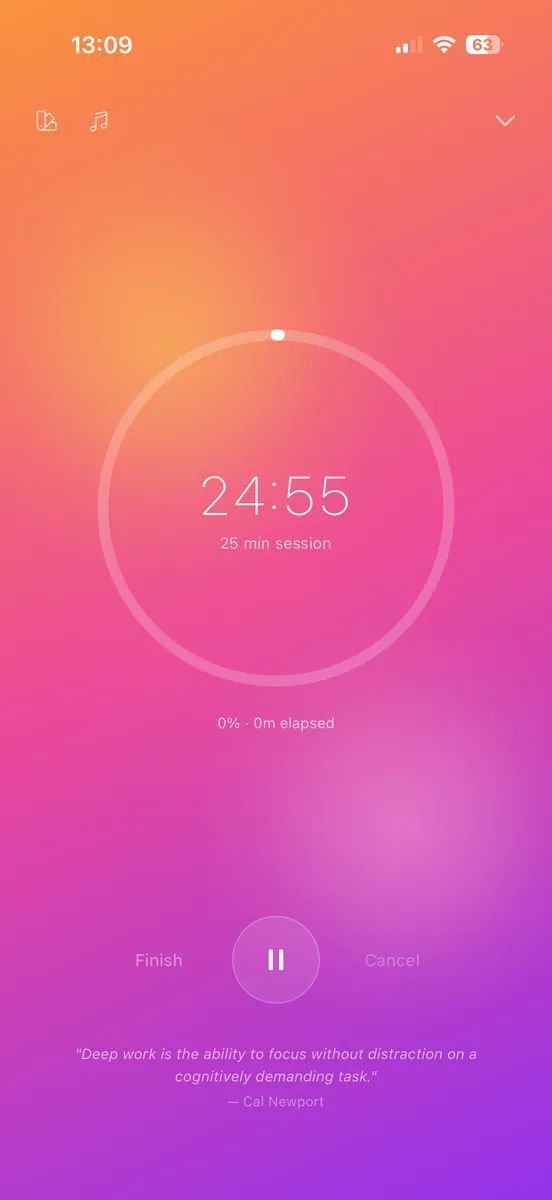
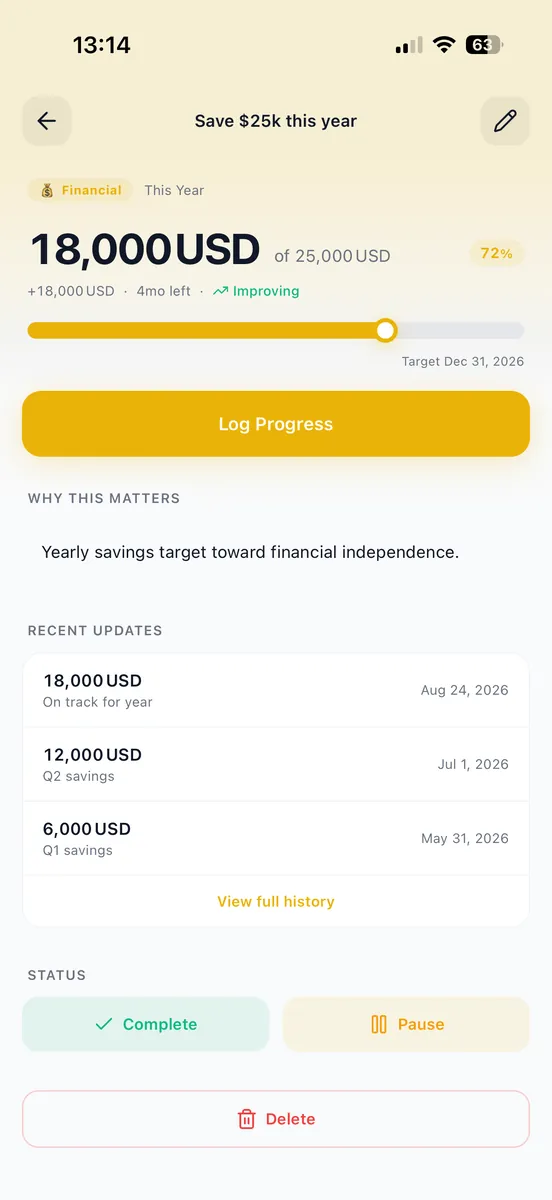
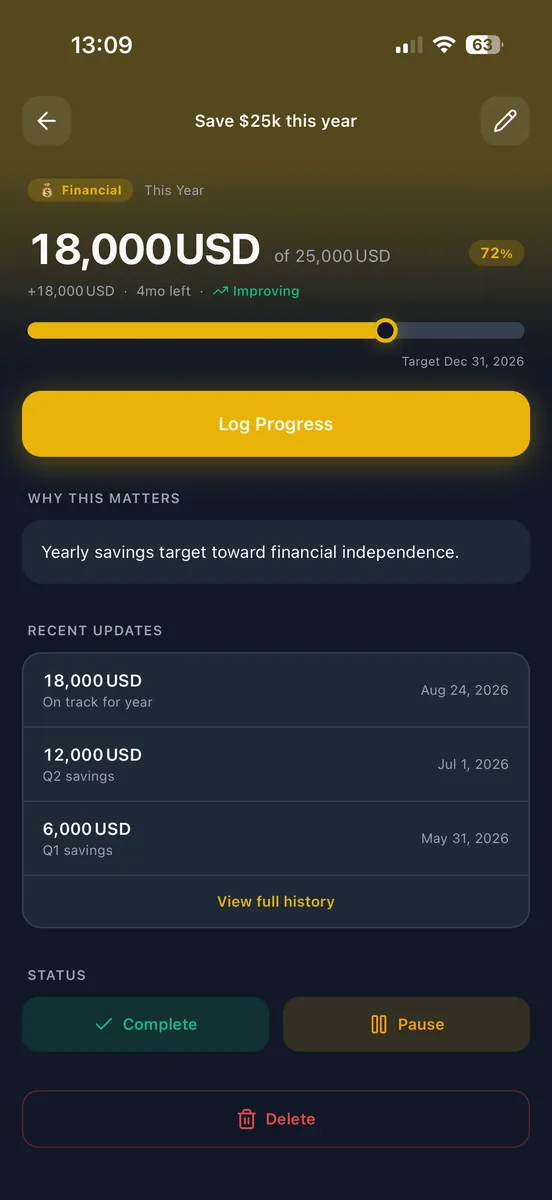
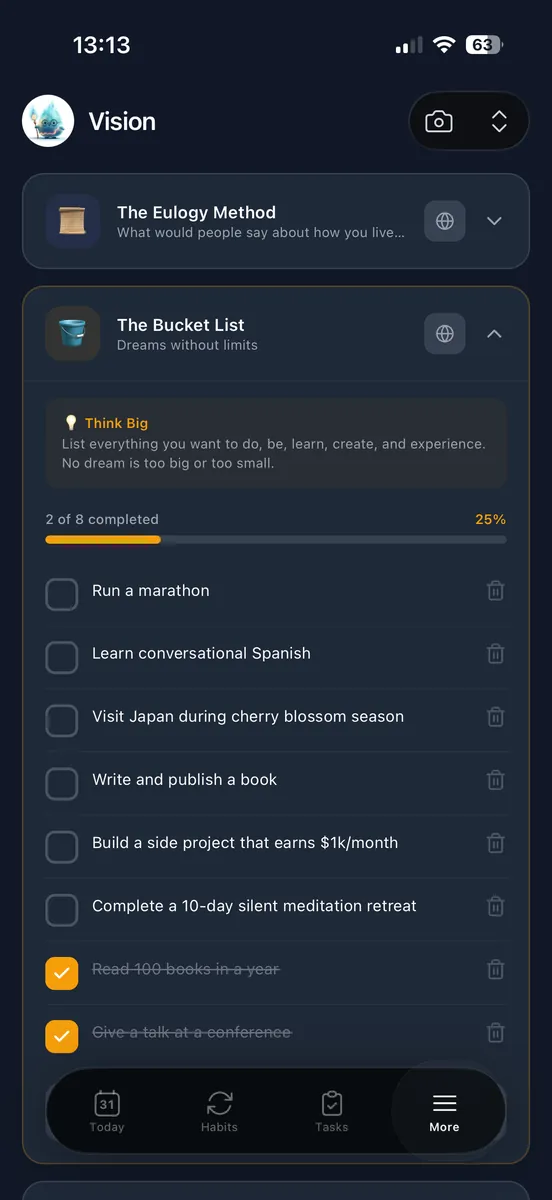
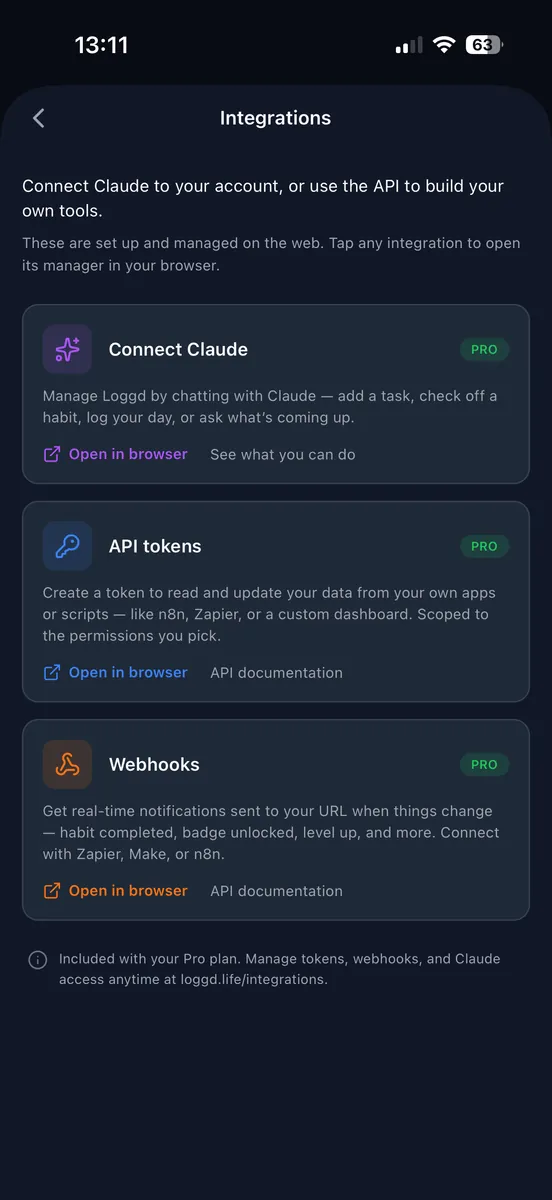
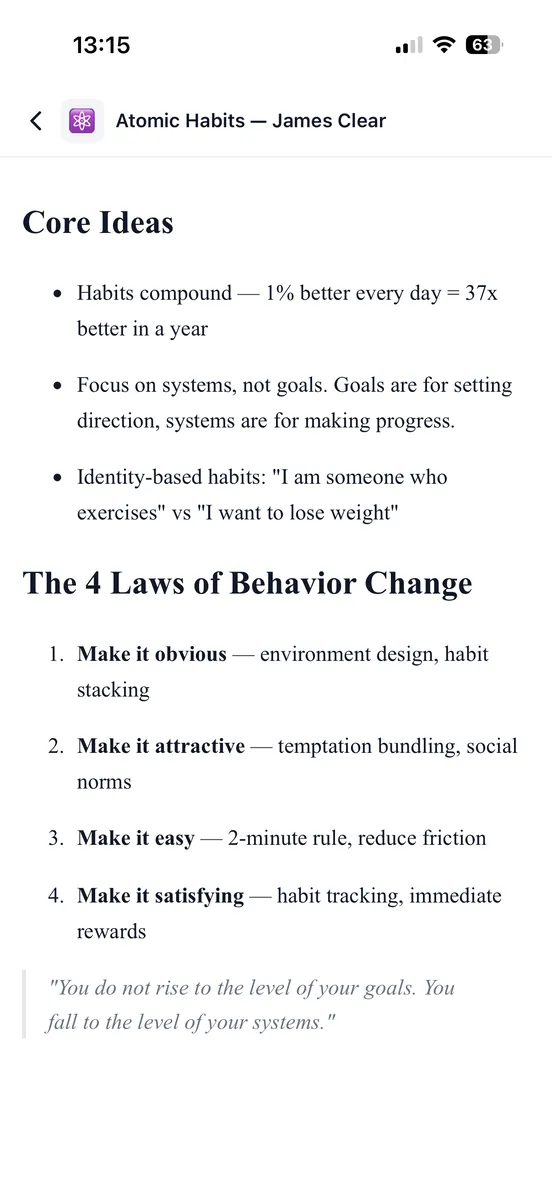
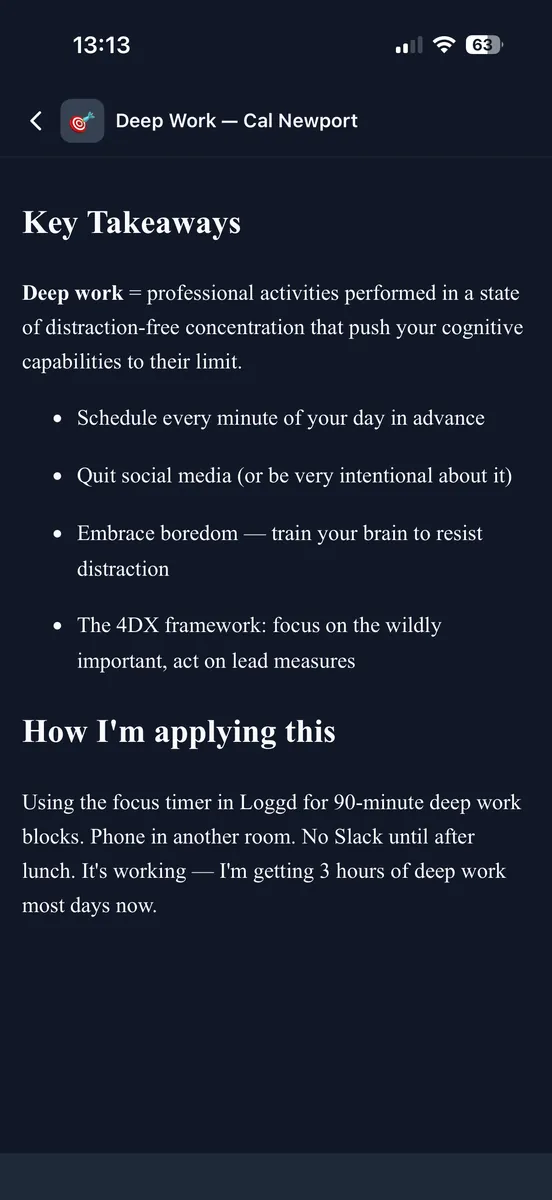
Because it does not stop at habits. Most trackers give you a grid and leave you to keep tasks, goals and notes somewhere else. Here they are one app that grows with how much you want to use it: track three habits and ignore the rest, and it stays that simple. Or run the whole week through it, link tasks to goals, time your deep work, write your notes in it, and drive it from Claude. Same account either way, and nothing you turn on makes the simple version worse.
Can I try it without making an account?
On iPhone and Android, yes. Open the app and start adding habits straight away, with no email, no password and no card. When you decide to keep it you claim the account and everything you logged comes with you, and if you decide not to you can delete it whenever you want. The web asks for a quick sign-up because your data has to live somewhere it can sync from.
What do I actually get for free, and what happens when I hit the limit?
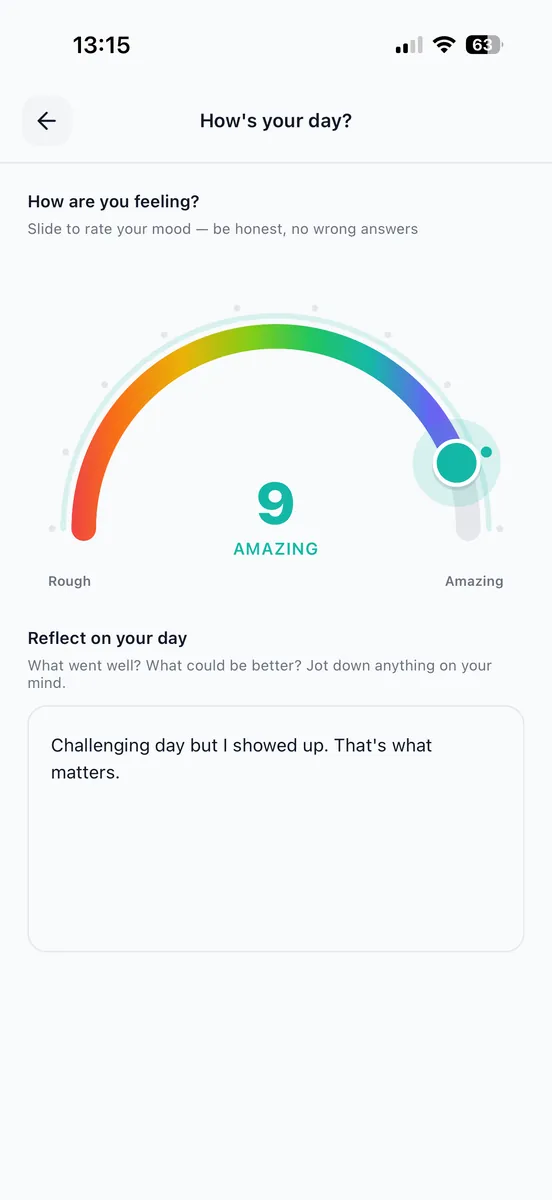
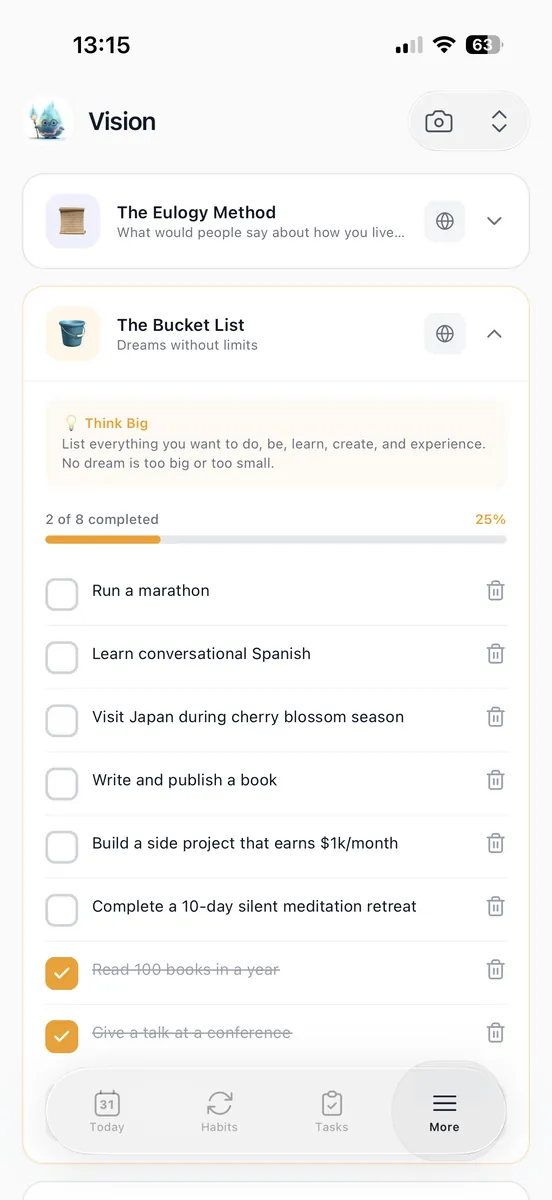
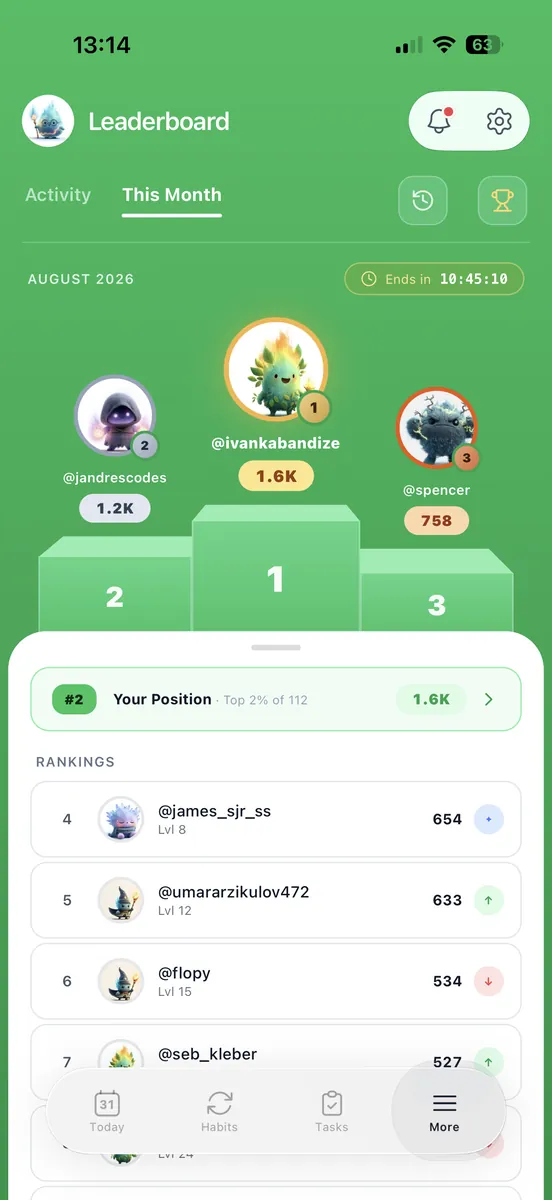
Free gives you three habits, two goals, thirty tasks and four tags, with no time limit on any of it, plus streaks, XP, badges, the focus timer, the check-in, notes and the vision exercises in full. When you reach a cap nothing is deleted and nothing stops working. You simply cannot add a fourth habit until you archive one or go Pro. Three habits is genuinely where most people should start anyway.
What happens to my streak if I take a day off?
Nothing, if you planned it. Habits can be daily, weekdays or a custom schedule, and days you deliberately skip are recorded as skips rather than misses, so a holiday does not wipe out four months of work. That is the single thing that makes people quit habit apps, so it was worth getting right.
Do I have to install the app?
No. loggd.life runs in the browser and the phone apps are optional. It is one account either way, so whatever you check off on your phone is already there when you open a laptop. The mobile apps also keep working offline and sync once you are back on a connection.
Can I get my data out?
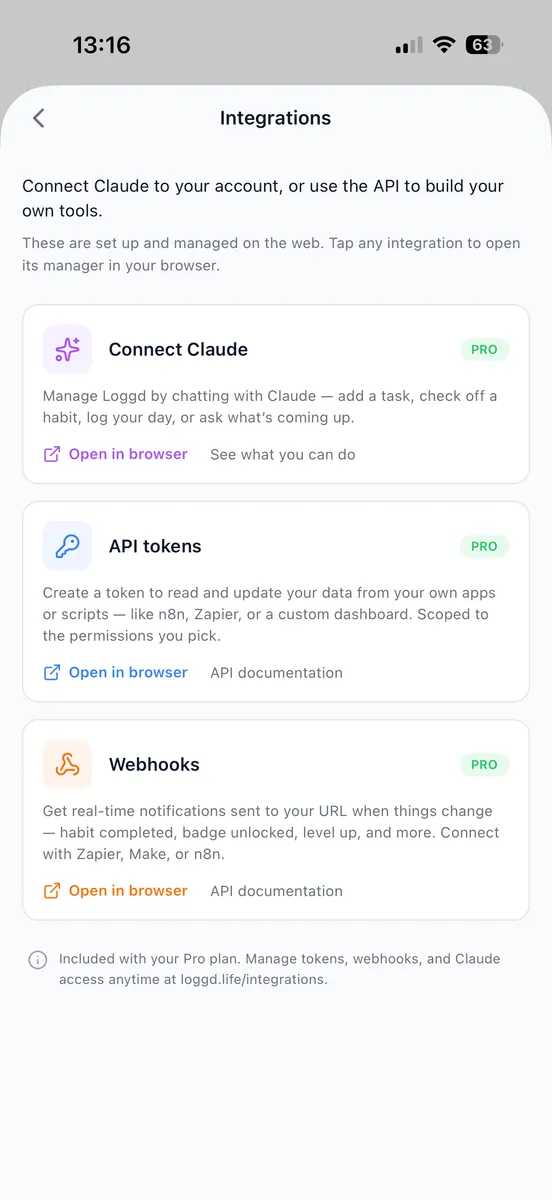
Yes, and you do not need Pro for it. Getting your own data back is your right, not something to sell you: Settings has a one-click export that downloads everything you have logged as JSON, on any plan, and you can delete your account and everything in it at any time. Pro adds the API and webhooks on top, for pulling it into your own tools automatically.