Timeboxing means giving one task a fixed amount of time, then stopping to review when that time ends. To use it, choose a specific action, set a timer, and decide in advance what you will do if the work is unfinished.
The time limit bounds your effort. The task scope defines what belongs inside it. For example, give yourself 20 minutes to draft an email. When the timer ends, send it if it is ready or identify the decision you still need to make.
This approach helps you make room for important work while keeping meals, breaks, and the end of your workday in view. The aim is to give a task a clear place and a useful stopping point, not to promise it will be finished in one session.
Choose One Action and a Useful Stopping Point
Start with one task that matters today. Turn broad work such as “work on the report” into an action you can see and complete in one session: “draft the findings section with placeholders for missing figures.”
Before you begin, decide what counts as enough for this box. That might be a rough draft, a checked list, or a documented next decision. A clear stopping point helps you avoid polishing indefinitely. Gather the materials you need and silence optional notifications so you can stay with the chosen action.
Research summarized by the American Psychological Association finds that doing multiple complex tasks at once takes a toll on productivity. Keep one task inside each box rather than trying to move several demanding tasks forward at once.
Time blocking reserves space on a calendar, while timeboxing also sets an explicit limit on the work; see the timeboxing and time blocking comparison if you are choosing between them.
If you have been postponing a task, make the first box small. Open the document and write the first three bullets. Once you have started, you can decide what the next useful action should be.
Choose a Timebox Length That Fits the Work
Choose a duration by checking four things in order: how much time remains before your next fixed commitment, your current energy, how uncertain the work is, and what specific scope fits. Treat the available time as a ceiling, not a target. If a meeting starts in 25 minutes, leave time to transition and choose a smaller box instead of using the whole gap.
| Task type | Starting duration | Adjustment |
|---|---|---|
| Routine administration | 10 to 20 minutes | Batch similar items. |
| Demanding drafting or analysis | 30 to 60 minutes | Choose one deliverable. |
| Unfamiliar work | 10 to 15 minutes | Investigate before estimating. |
| Low-energy work | 10 to 20 minutes | Choose a smaller useful action. |
These are starting points, not fixed rules. For unfamiliar work, spend the first box checking requirements, testing an approach, and listing unknowns. Estimate the next box after you know more.
The planning fallacy is the tendency to underestimate the time a future task will require. Compare your estimates with your own recent sessions, then adjust the next box based on what happened. If your energy is low, shorten the scope. Save demanding work for a more suitable opening instead of extending your workday.
 Loggd · by the makers of this blog
Track your habits, tasks and goals in one free app.
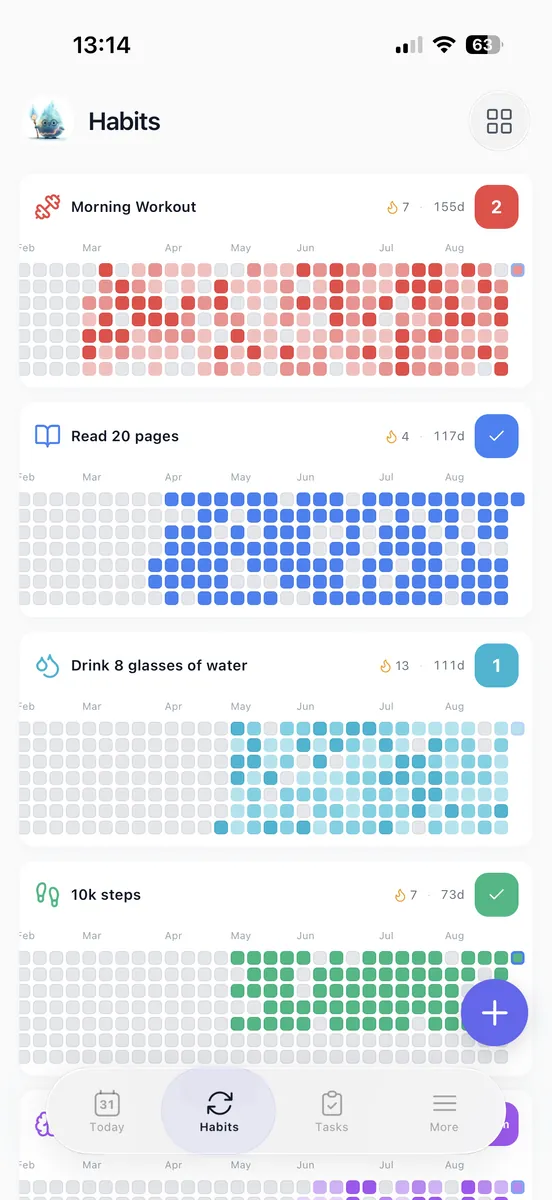
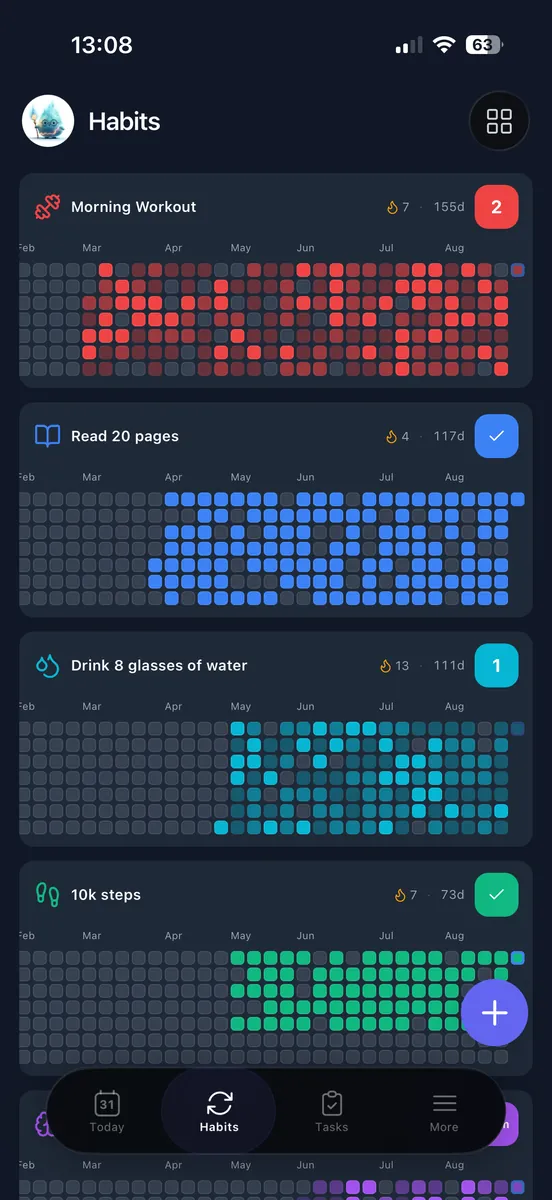
Every day you check off fills in a grid of your last 365 days, so you can see if you are getting better.




Free plan with no time limit. No credit card.


Set the Stop Rule Before Starting the Timer
Choose the stop rule before you begin. The right boundary depends on the task and what comes next.
- Choose a hard or soft boundary. Hard timeboxing means stopping when the timer ends. Use it for meetings, routine administration, or work that must end before a fixed commitment. Soft timeboxing uses the end time as a decision checkpoint. Choose it for flexible work when a short extension could reach a useful stopping point.
- Start the timer and work on the chosen action. Keep the task scope in view so the session does not turn into a different project.
- Assess the result when the timer ends. If the result is usable, close it. If essential work remains, record the next action and reserve another box. If one clearly defined finishing step fits before your next commitment, choose one short extension and set a new end time.
- Protect the rest of your day. If you are in a flow state, check your next commitment before extending. Set a new end time, and keep the planned stopping time for the day.
For a meeting, agree on its outcome and end time at the start. Capture unresolved decisions for follow-up rather than letting the meeting run without a clear reason. In Loggd, connect a focus session to its goal so the work stays together.
Reset the Box When an Interruption Matters
When something interrupts a box, first capture the request and check whether it needs action before the box ends. If it can wait, add it to a separate capture list and return to your current action. This keeps a new task from quietly taking over the time you set aside.
If the request is genuinely urgent, stop the timer and write a restart note: the last step you completed and the next action to take. When you return, use the remaining time only if that next action still fits. Otherwise, move it into a new box. An interrupted session is a reason to adjust the plan, not to label the work a failure.
If a meeting runs over, protect your next fixed commitment. Shorten, move, or remove the work box affected by the overrun, and decide which change is realistic before continuing. Avoid squeezing the full task into a smaller gap if that would leave no transition time.
Reserve buffer time around parts of the day when interruptions are likely. If requests repeatedly displace the same task, move it to a more protected opening during your next review.
Turn an Annual Goal Into Today's Timebox
Use your annual review to decide what still deserves time. Identify what is complete, what still matters, and what you will drop. Then choose one annual goal to translate into work you can schedule now.
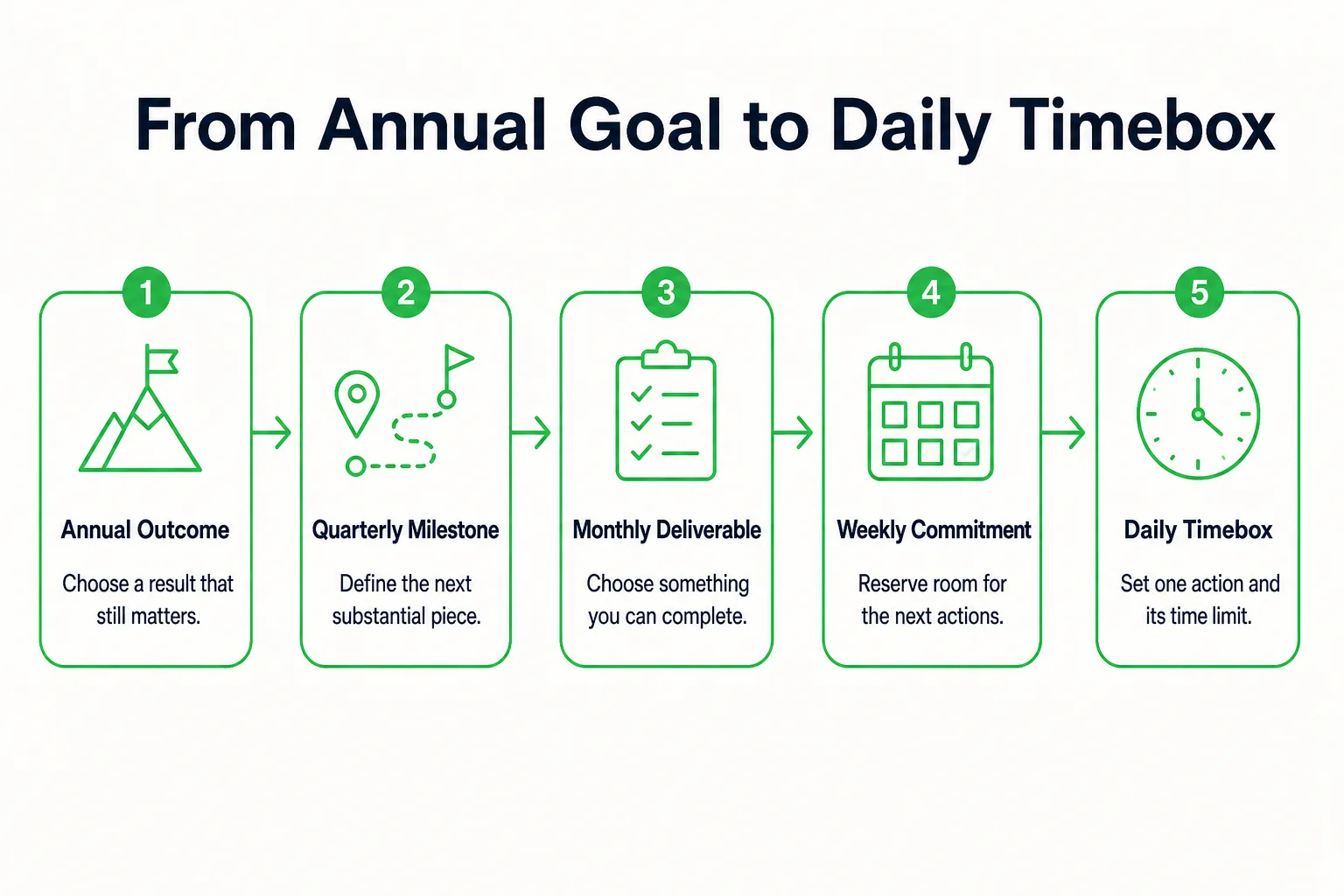
- Set the annual outcome. For example, finish a professional portfolio this year.
- Choose a quarterly milestone. Complete three case studies this quarter. Check that this still contributes to the annual outcome and fits your available weeks.
- Name a monthly deliverable. Finish one case study this month. At month-end, review the next month's deliverable and adjust if priorities have changed.
- Choose a weekly commitment. This week, draft the case study outline and gather work samples. Check that these actions support the monthly deliverable and fit alongside your other commitments.
- Set today's timebox. Spend 30 minutes drafting the project context. Make the action small enough to fit the box, and decide what counts as a useful stopping point.
The annual and quarterly levels set outcomes; the weekly and daily levels receive actual timeboxes. Keep calendar slots farther in the future broad until you know the next actions. At each level, check both that the smaller commitment supports the larger goal and that it fits the available week.
A useful plan allows time for meals, transitions, interruptions, unfinished work, and changes. Leave gaps between demanding boxes. If the calendar is full, reduce commitments instead of assigning every open minute. When priorities shift, revisit the quarterly milestone and decide whether the goal or its next steps need to change.
Build a Recurring Habit Without Adding Hours
Say you want to read regularly. Reserve 10 minutes after lunch on Monday, Wednesday, and Friday. Keep the plan inside personal time you already have, rather than adding an hour elsewhere in your day.

| Week | Planned sessions | Adjustment and result |
|---|---|---|
| 1 | 3 sessions of 10 minutes | Complete 2 of 3. |
| 2 | 3 sessions of 10 minutes | Move the missed Friday session to a more reliable cue. Complete 3 of 3. |
| 3 | 3 sessions of 10 minutes | Keep the schedule and complete 3 of 3. |
| 4 | 3 sessions of 5 minutes | Shorten the boxes for a busy week and complete 3 of 3. |
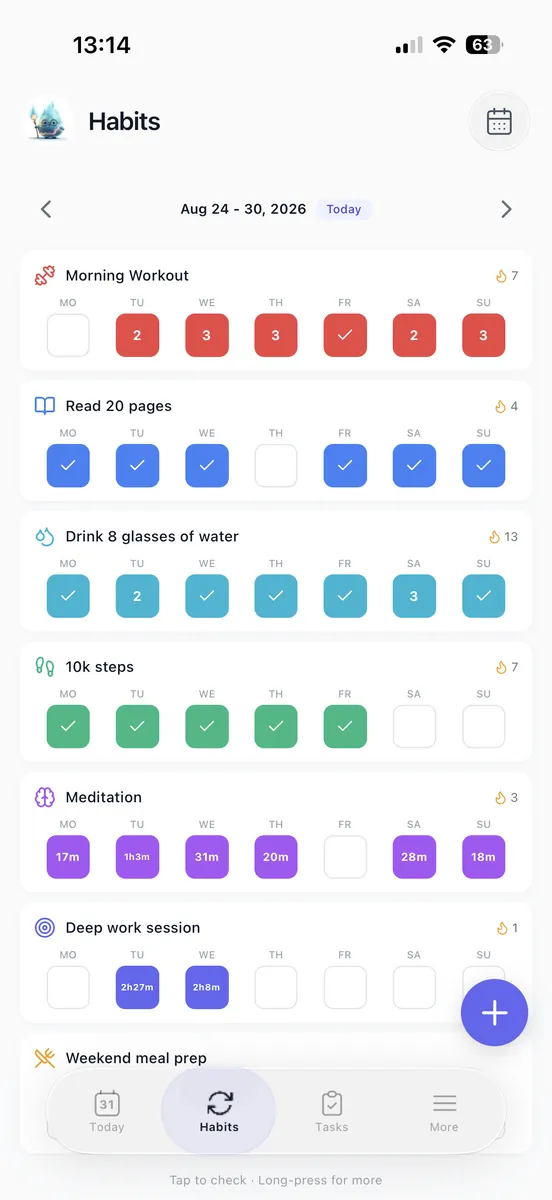
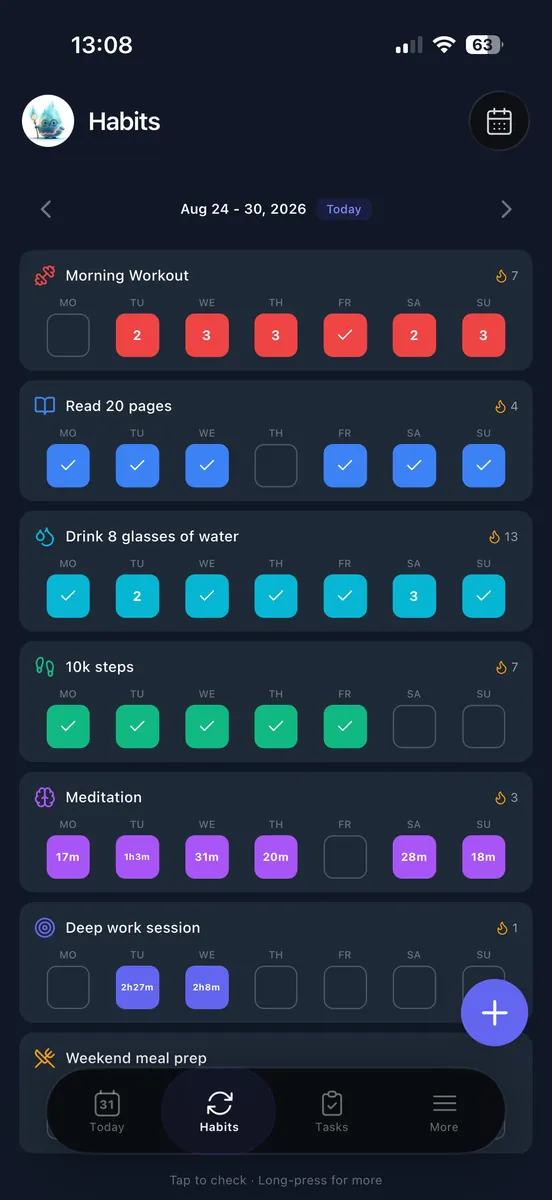
That is 11 completed sessions out of 12 planned. Record duration separately from completion, so the shorter sessions in week four remain visible. A check-off means you completed that day’s planned reading box. Record partial sessions separately, and note why you missed a slot.
Before changing the habit, review its cue, scheduled time, and box length. If you miss a session, keep the next one on the schedule instead of doubling it as catch-up. When the week is crowded, shorten the session rather than borrowing time from bedtime.
Combine Timeboxing With Pomodoro or 3-3-3
Timeboxing sets a limit for a task. The Pomodoro Technique gives you a repeating work-and-break rhythm. A 3-3-3 structure organizes a day’s workload. If you use 3-3-3, split the three-hour allocation into smaller boxes with breaks. If three hours do not fit your day, choose a smaller commitment.
| Method | When to choose it | What to watch |
|---|---|---|
| Timeboxing | Variable tasks that need a clear effort limit | Estimates need review. |
| Pomodoro | A repeating work-and-break rhythm | Checkpoints may interrupt a longer useful session. |
| 3-3-3 | A day with enough discretionary time | The workload may exceed a meeting-heavy day’s capacity. |
To try Pomodoro, set a 25-minute work box, then take a five-minute break. Treat those durations as a starting setup and adjust them to the task and your day.
You can combine the methods. Choose the day’s priorities first, then assign individual timeboxes to the tasks. Use Pomodoro breaks within a longer allocation if they help you maintain a workable rhythm.
Review the Boxes Before Adding More
At the end of each day, record the planned duration, actual time spent, result, and next action for unfinished work. The result might be a completed draft, a list of findings, or a clear next step.
During your weekly review, look for what got in the way. If the task was unclear, split it into discovery and execution. If boxes repeatedly run over, reduce the scope. If interruptions recur, add buffer around that part of the day. If demanding work lands at a poor time, move it to a more suitable opening.
When you finish early, keep the useful result and check whether the planned scope is complete. Use the freed time for a break or the next planned choice instead of automatically adding work. Compare completed boxes with the weekly commitments you set for your annual goal, and track the deliverable moved forward alongside the time spent.
Choose tomorrow’s first task, set its duration, and decide what will count as enough before you start. Then leave the rest of the evening clear.