Key performance indicators, or KPIs, are measures you select to judge progress toward a specific goal. Unlike an ordinary metric, a KPI has a clear role in deciding what to do next.
Counting completed tasks is a metric. If you use the percentage of priority tasks you finish to adjust next week’s workload, that measure becomes a KPI. It helps you decide whether your plan fits the time and attention you have.
The measure and its target are different. Completion rate is the KPI; a chosen completion target is one possible target, not a standard everyone should use. The distinction matters because a useful measure helps you decide whether to continue, change your approach, or change the workload.
Understand the Different Types of KPIs
One useful way to group KPIs is by scope. Strategic KPIs concern larger objectives. Operational KPIs concern ongoing execution. Functional KPIs focus on a particular department or area of responsibility. These labels can overlap, and they are not a universal classification. Use the one that clarifies what a measure is for.
| Type | Question it answers | Example measures |
|---|---|---|
| Strategic | Are we moving toward a larger objective? | Annual revenue growth |
| Operational | Is ongoing work being carried out as intended? | On-time delivery rate |
| Functional | How is a particular area performing? | Finance savings rate; customer resolution time; sales conversion rate; marketing inquiry conversion rate |
Leading and lagging describe a different distinction. Leading KPIs can give an early indication of later results, while lagging KPIs describe results that have already occurred. For example, completed practice sessions could be a leading measure, and a later assessment result could be a lagging one. The first does not prove what the second will be.
A quantitative KPI is expressed as a number, such as a rate or count. A qualitative KPI uses descriptive judgment, such as whether a deliverable meets an agreed standard. Before assessing quality, define what satisfactory work looks like. That makes the judgment more consistent, though it does not turn it into an objective measurement. Choose labels only when they help you understand or use the KPI.
Choose a KPI That Changes Your Next Action
Build a KPI around a decision you may need to make. Set it up in these steps:

- Name the desired outcome. For example, you want to finish the priority work in your weekly plan.
- Choose an observable measure, such as the percentage of planned priority tasks completed.
- Define its data source and calculation. Use a dated task list, and divide completed planned priority tasks by all planned priority tasks.
- Record a baseline: your starting measurement. Then set a target, the result you want, and a review date. A benchmark is a reference for comparison; when an outside benchmark does not fit, compare with your own earlier, similar period.
- Write down the counting rules before tracking. Decide what counts as completed, which days were scheduled, and how you will record missing entries.
A useful measure changes a decision. If priority-task completion falls below your chosen target, reduce next week’s planned workload before adding more tasks. Start with one to three KPIs as a practical setup, then add another only when it supports a different decision.
A SMART goal connects a specific outcome to a measure and deadline. Set realistic time frames and specific deadlines, so you know when to check whether the measure is moving in the right direction.
 Loggd · by the makers of this blog
Track your habits, tasks and goals in one free app.
Every day you check off fills in a grid of your last 365 days, so you can see if you are getting better.




Free plan with no time limit. No credit card.


Calculate KPIs From Your Everyday Records
There is no single KPI formula. Choose a count, rate, average, or change calculation that fits the question. Each measure below comes from ordinary records. It becomes a KPI when you connect it to a goal and decide what action its result could prompt.
- Task planning: Completion rate = completed planned priority tasks ÷ planned priority tasks × 100. Apply the formula to the tasks on your dated task list. Record extra tasks separately so they do not inflate the result.
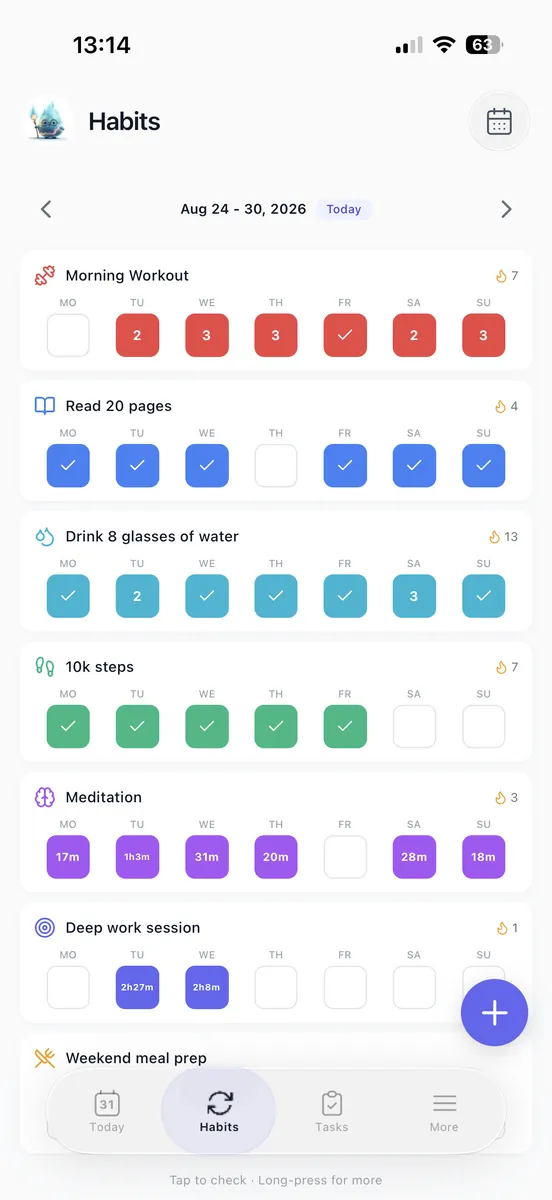
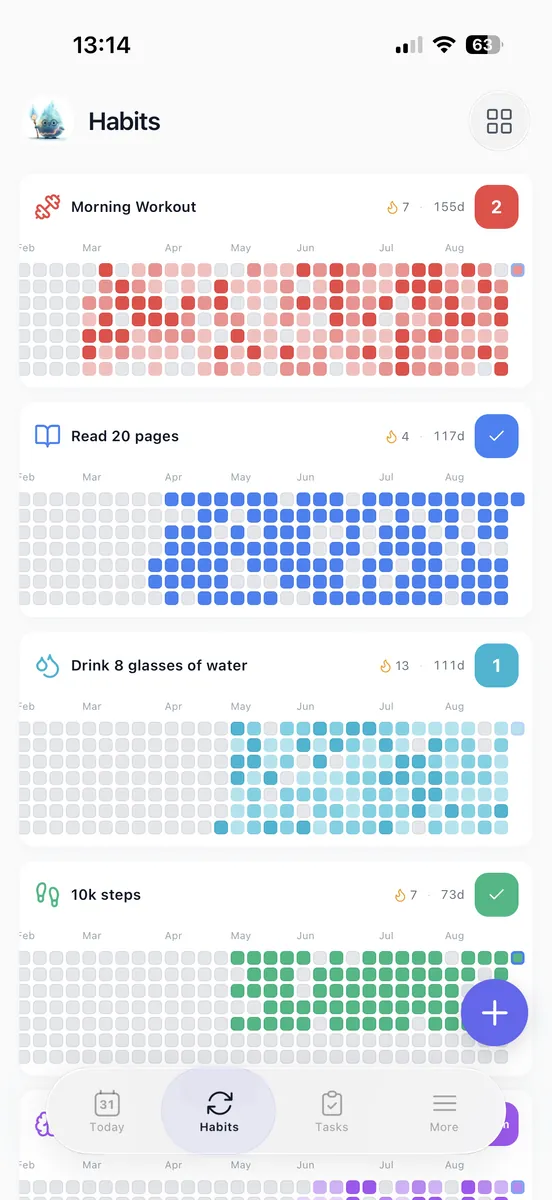
- Daily habits: Consistency rate = completed scheduled occasions ÷ scheduled occasions × 100. Apply the formula to the sessions in your habit log. Leave unscheduled rest days out of the denominator.
- Professional responsiveness: Average response time = total elapsed response time ÷ requests answered. If timestamps for six answered requests add up to 18 hours, the average is 3 hours. Record unanswered requests separately, and use the same time convention each period.
- Annual review: Year-over-year growth = (current year value − previous year value) ÷ previous year value × 100. Compare the values for comparable deliverables across the two years. If last year’s value was zero, report the absolute change instead.
- Work quality: Acceptance rate = deliverables accepted without revision ÷ deliverables submitted × 100. Apply the formula to your acceptance notes. Define acceptance before counting.
These figures show how to calculate the measures, not what target to choose. For each one, ask what result would lead you to keep the plan, adjust it, or investigate further.
Review the Goal, Not Just the Number
Record events when they happen, then review habit and task KPIs weekly. Check longer-term outcomes monthly, and compare like-for-like periods during a yearly review. Set the review frequency to match how soon useful new information is likely to appear.
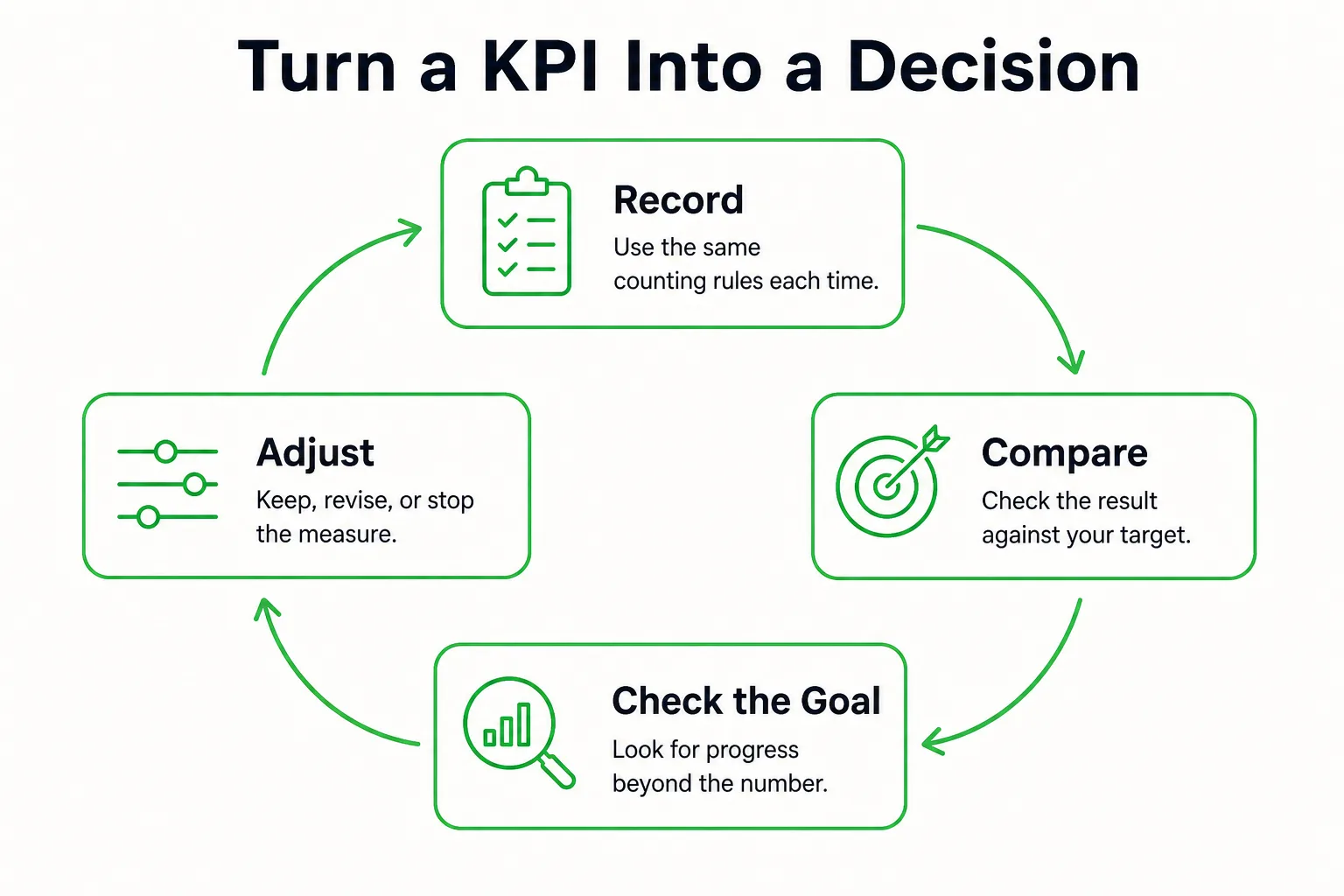
A notebook or spreadsheet can serve as a small KPI dashboard. For each measure, write down the current result, target, and next action. Keep the definition nearby so you can tell whether the data still means the same thing.
If your KPI improves but the goal does not, inspect what the measure is counting. Completing more easy tasks could raise your completion rate while an important deliverable stays unfinished. Limit the measure to planned priorities, then check whether the deliverable actually advanced.
A vanity metric looks encouraging but does not help you decide what to do about the goal. An actionable metric points to a specific adjustment, such as reducing next week’s planned workload when priority-task completion falls below your chosen target.
Before changing the plan, check for missing records, inconsistent definitions, or a workload that changed between review periods. Also ask whether the target is pushing you to rush or accept lower-quality work. Keep a KPI while it supports a useful decision, revise it when your goal or circumstances change, and stop tracking it when no useful action follows. Note any definition change so later comparisons remain clear.
Choose the next adjustment your current result supports, and set a date to review its effect.