Timesheets record how you actually spend your time, usually by date, activity, and duration. You can use one to track work hours, personal habits, household tasks, and rest. A useful personal time log connects each entry to a decision: what deserves another block next week, and what needs less room? The point is to understand your ordinary day, not to fill every minute with work. Start by choosing a format, then record a day and build a short logging routine. Review the week to spot patterns you can act on, and keep useful notes so you can look back over the year. A few clear categories are enough to begin.
What Does a Timesheet Record?
A basic timesheet records the date, an activity or task, and either its start and end times or its duration. You can add a project or category to make the entries easier to sort and compare.
That record can answer practical questions. How many hours went to work? Which project used most of the available time? If you bill by the hour, which entries were billable and which were non-billable? Did the time you spent match the priorities you intended to address?
A daily timesheet collects entries for one day. A weekly timesheet brings several days together so you can review patterns and totals. Biweekly and monthly timesheets cover longer reporting periods, but you can still record time each day. For personal use, daily entries in a weekly view are a useful starting point. Leave payroll fields such as employee ID, pay rate, and supervisor signature out of that personal layout.
Employee timesheets may go to a manager or client for review. Your personal review is different: check for missing entries, overlapping times, and categories that help you answer a real question. For covered nonexempt workers, federal law requires accurate records of hours worked and wages earned, so keep required employment records in the system your employer specifies.
Include rest and household care if they help you see the shape of your day. The purpose is to understand where time went, not to label parts of life as wasted.
Choose Where to Record Actual Time
| Tool | Question It Answers | When to Use It |
|---|---|---|
| Timesheet | How much time did I actually spend? | Record activities and review durations or categories. |
| Calendar | When did I intend to do something? | Reserve time for appointments, tasks, or routines. |
| To-do list | What actions still need doing? | Keep one-off tasks and recurring tasks visible. |
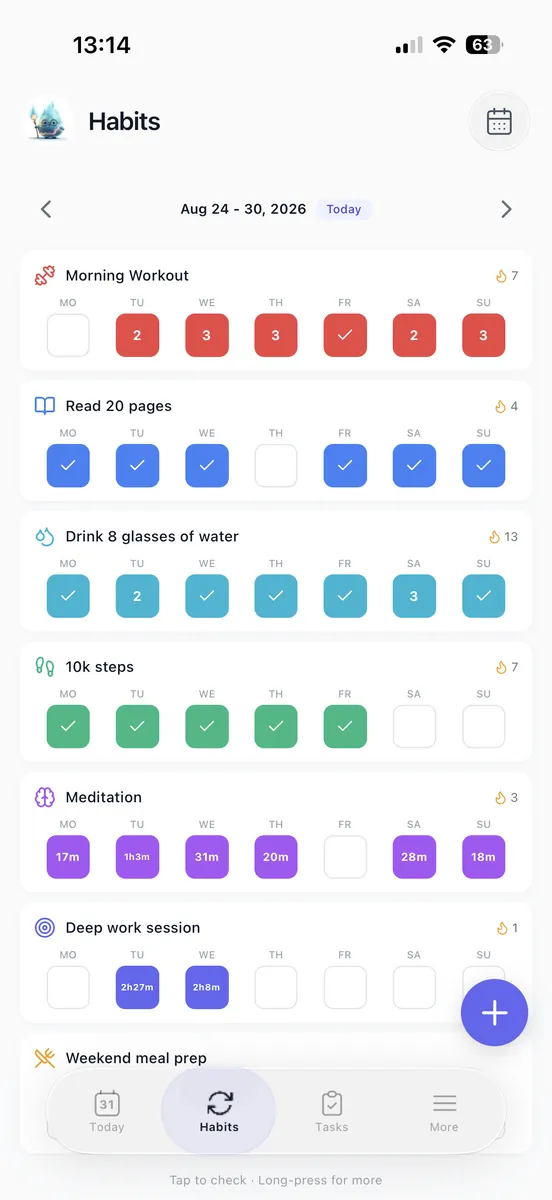
| Habit tracker | Did I complete a habit, or how often did I do it? | Check consistency without logging every minute. |
| Time tracker | How long has this running session lasted? | Measure a task with a timer, then use the result in a timesheet. |
A time tracker can supply entries for a timesheet. A calendar block shows intended time, not actual time, until you correct it to match what happened.

Choose a format that fits your routine. Paper makes quick handwritten entries easy, but you total them by hand. A spreadsheet lets you edit categories and add formulas, though you may need to set it up. A timesheet app may offer timer-based entry or easier summaries when those functions are available; check that you can export and correct your records.
If weekly totals matter, copy a free timesheet template into a spreadsheet. If opening another app would interrupt the task, use paper. A timer adds precision, but you need to start and stop it. For a first personal time audit, broad manual blocks are often easier to maintain.
 Loggd · by the makers of this blog
Track your habits, tasks and goals in one free app.
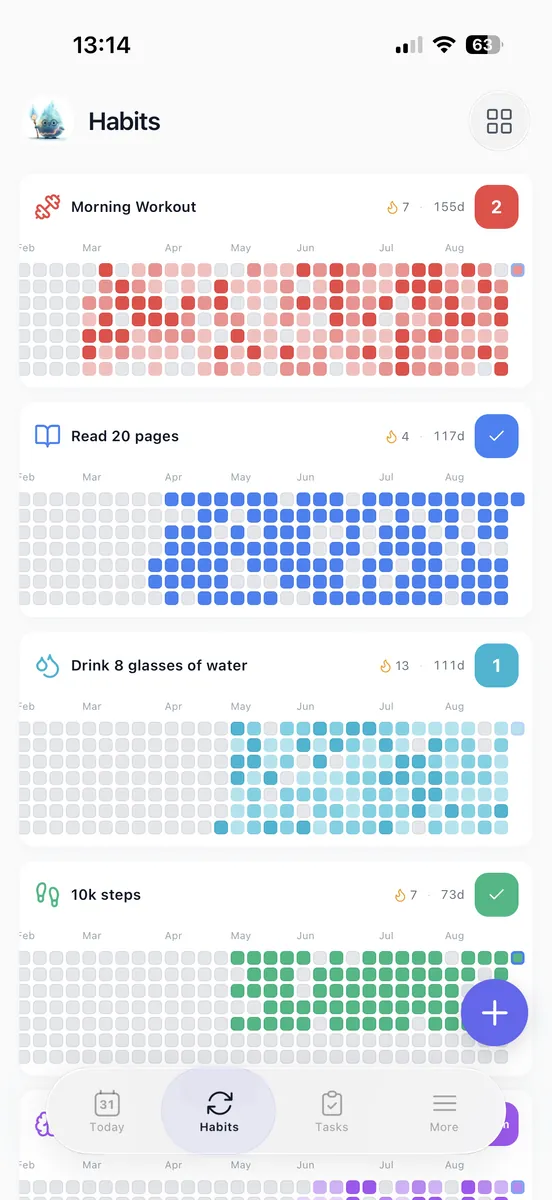
Every day you check off fills in a grid of your last 365 days, so you can see if you are getting better.


Free plan with no time limit. No credit card.


Fill In a Daily Timesheet
Use this header for a daily timesheet:
Date | Start | End | Activity | Category | Duration
Write the date once above the table, then add one row for each activity block. Here is a worked example for a day from 7 a.m. to 10 p.m. The entries show how you could group a full day without recording every small interruption.
| Start | End | Activity | Category | Duration |
|---|---|---|---|---|
| 7 a.m. | 8 a.m. | Breakfast and getting ready | Personal care | 60 minutes |
| 8 a.m. | 8:30 a.m. | Walk | Habit | 30 minutes |
| 8:30 a.m. | 9 a.m. | Commute | Travel | 30 minutes |
| 9 a.m. | 11:30 a.m. | Project work | Work | 150 minutes |
| 11:30 a.m. | Noon | Inbox | Work | 30 minutes |
| Noon | 1 p.m. | Lunch and rest | Personal care | 60 minutes |
| 1 p.m. | 2 p.m. | Meeting | Work | 60 minutes |
| 2 p.m. | 2:30 p.m. | Unplanned scrolling | Distraction | 30 minutes |
| 2:30 p.m. | 4:30 p.m. | Project work | Work | 120 minutes |
| 4:30 p.m. | 5 p.m. | Work admin | Work | 30 minutes |
| 5 p.m. | 5:30 p.m. | Commute | Travel | 30 minutes |
| 5:30 p.m. | 7 p.m. | Cooking and dinner | Personal care | 90 minutes |
| 7 p.m. | 7:30 p.m. | Household paperwork | Home admin | 30 minutes |
| 7:30 p.m. | 8 p.m. | Strength session | Habit | 30 minutes |
| 8 p.m. | 10 p.m. | Reading and downtime | Rest | 120 minutes |
The category totals are work, 6 hours 30 minutes; habits, 1 hour; travel, 1 hour; personal care and rest, 5 hours 30 minutes; home admin, 30 minutes; and distraction, 30 minutes. Together, they account for 15 hours, from 7 a.m. to 10 p.m.
The 30-minute scrolling block gives you a specific interruption to examine, without turning the rest or household care into a score. To adapt the layout, add a project column for project tracking. If you need to distinguish billable and non-billable work, add a billing-status column.
Give Daily Logging a Four-Minute Budget
Try this four-minute budget for logging. Treat the times as convenient prompts, not a requirement to capture every minute.
- Near lunch, spend one minute filling in the morning. Use the calendar, completed tasks, or remembered transitions to reconstruct broad blocks.
- At the end of work, spend two minutes recording the afternoon. Split a block when the activity or useful category changes, rather than entering every message or brief interruption.
- In the evening, spend one minute closing the day. Add the main activities you remember and note any gap you cannot reconstruct reliably.
For your first week, keep entries broad. Mark uncertain durations as estimates. If reconstructing a stretch would be guesswork, label it “unrecorded” instead of filling in a false precision.
Choose one primary activity for overlapping time so the same minutes do not appear twice. Add a short secondary note only when it could affect a later decision. Keep category names stable through the week, and if logging runs long, combine low-value categories or track a narrower window, such as the workday.
If you miss a day, resume with the next block and preserve the gap. A routine that fits an ordinary busy day is more useful than one that depends on continuous monitoring.
Turn Weekly Totals Into One Change
Set aside 10 minutes at the end of the week. Check for missing blocks and overlapping entries first, then total only the categories that help answer your current question. A meta-analysis found that prompting people to monitor goal progress increased goal attainment. Use your own review to check how much time a chosen goal received and decide what to do next.
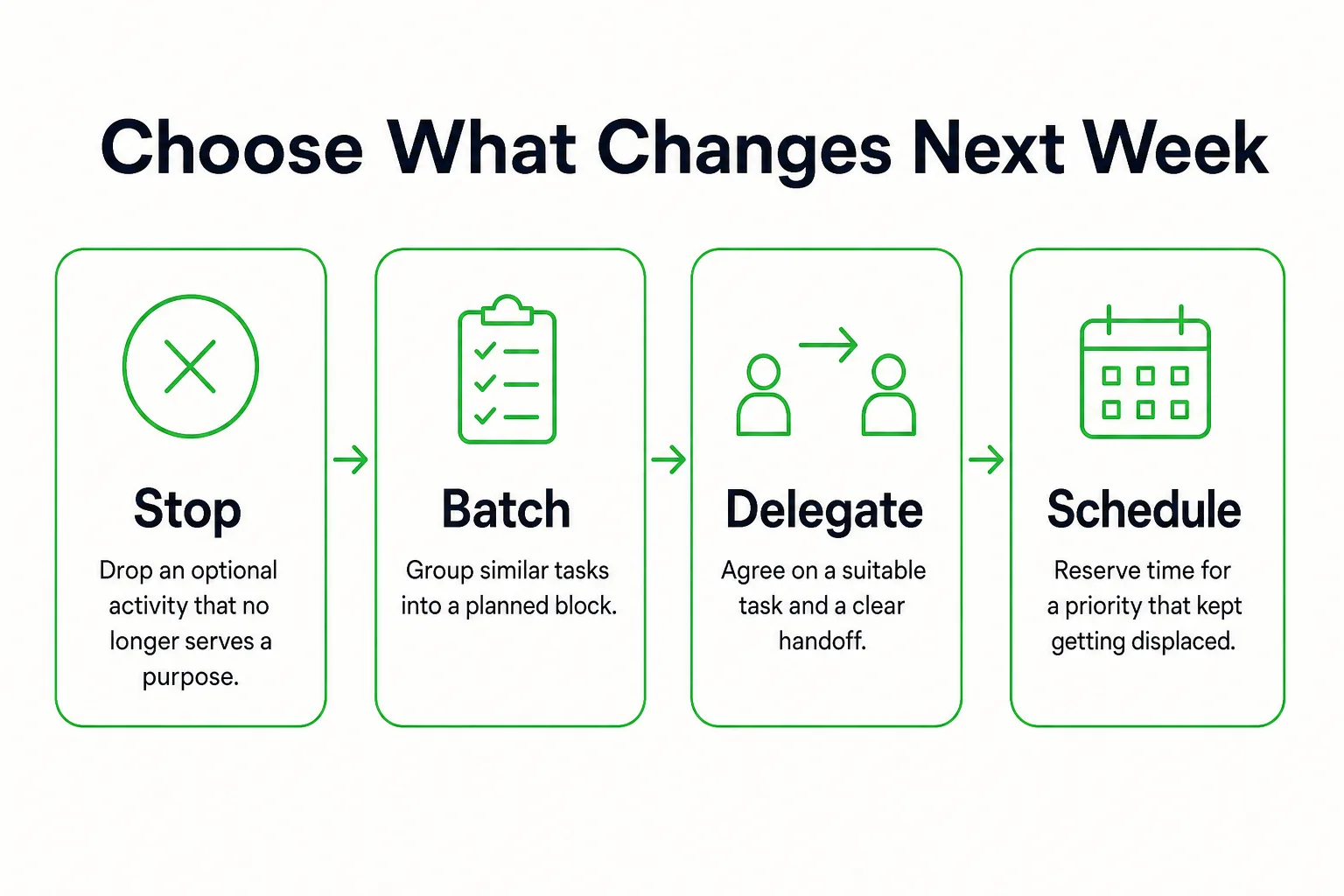
A useful time record should change a small decision. If the log shows that admin tasks are scattered across the week, choose a time to batch them rather than just noting that there were many. For other patterns, choose a practical response:
- Stop a recurring optional activity if it no longer serves a purpose.
- Batch similar tasks when they are spread across multiple blocks.
- Delegate a suitable task when someone has the capacity and agrees to take it on.
- Schedule protected time when a priority has repeatedly been displaced.
Extend the daily example across a week. If five separate 30-minute scrolling blocks appear in the completed log, they add up to 150 minutes, or 2 hours 30 minutes. Choose one vulnerable afternoon block for a different next action. Do not assume all that time will become productive work; a break or another needed activity may be the better choice.
Copy this sentence into your weekly review and fill in the blanks:
Because my log shows [pattern], next week I will [action] at [time or trigger], then check [observable result].
For example: “Because scrolling followed the afternoon meeting, I will put my phone out of reach before the next meeting and schedule a short break afterward, then check whether project work starts at the planned time.” That makes the pattern, change, and check concrete. If the review identifies a goal to act on, you can connect its tasks and focus sessions in Loggd.
Keep Weekly Notes You Can Use at Year-End
Save a short note beside each weekly timesheet. Keep it factual so you can understand the entries later, without trying to explain every hour.
Week of: [date range]
Time given to [chosen goal]: [hours or blocks]
Recurring drain: [pattern, if any]
Change tried: [action]
Context: [travel, illness, caregiving, deadline, or other relevant change]
Use the same broad category names from week to week. If you change a category, note when and how: for example, “Starting the week of June 8, split home admin into errands and paperwork.” That small note helps you compare like with like later.
At year-end, compare similar weeks before drawing conclusions. A fully logged week and a partial week do not offer the same view, and a work-heavy season may look different from a period with time away. Keep those differences beside the numbers.
Suppose four fully logged weeks each show two hours spent on a course. That is eight recorded hours. Check the time against completed lessons or another milestone you chose. Time invested tells you where time went; it does not, by itself, show how much you learned or whether you reached the goal.
Look for three patterns: which priorities repeatedly received time, which recurring demands displaced them, and which seasonal changes next year’s commitments need to accommodate. Treat blank weeks as blank. Summarize the periods you actually recorded instead of multiplying a sampled week into an annual total.
End by choosing one next decision: continue a commitment, reduce a demand, or make a seasonal adjustment. Give it a behavior and a place in the coming week, such as setting aside Tuesday evening for the course or moving errands into one Saturday block.