Time blocking for ADHD means giving tasks a place in your day, with room to start, switch, and recover when something changes. Put fixed commitments in first, add a few flexible work blocks, and leave some time unassigned.
A block reserves time for a specific action, such as drafting an outline, rather than promising to finish an entire project. Time blindness can mean not having a clear sense of time, so make each block’s start and end visible. If you want to understand reserving time versus setting a firm stopping limit, read timeboxing versus time blocking. You’ll have a usable plan for the day and a way to repair it without starting over.
Put Fixed Commitments on the Calendar First
Start with a short task capture outside your calendar. Write down appointments, deadlines, errands, and unfinished work, then mark which items have fixed times and which can move. The National Institute of Mental Health recommends prioritizing time-sensitive tasks and writing down reminders.
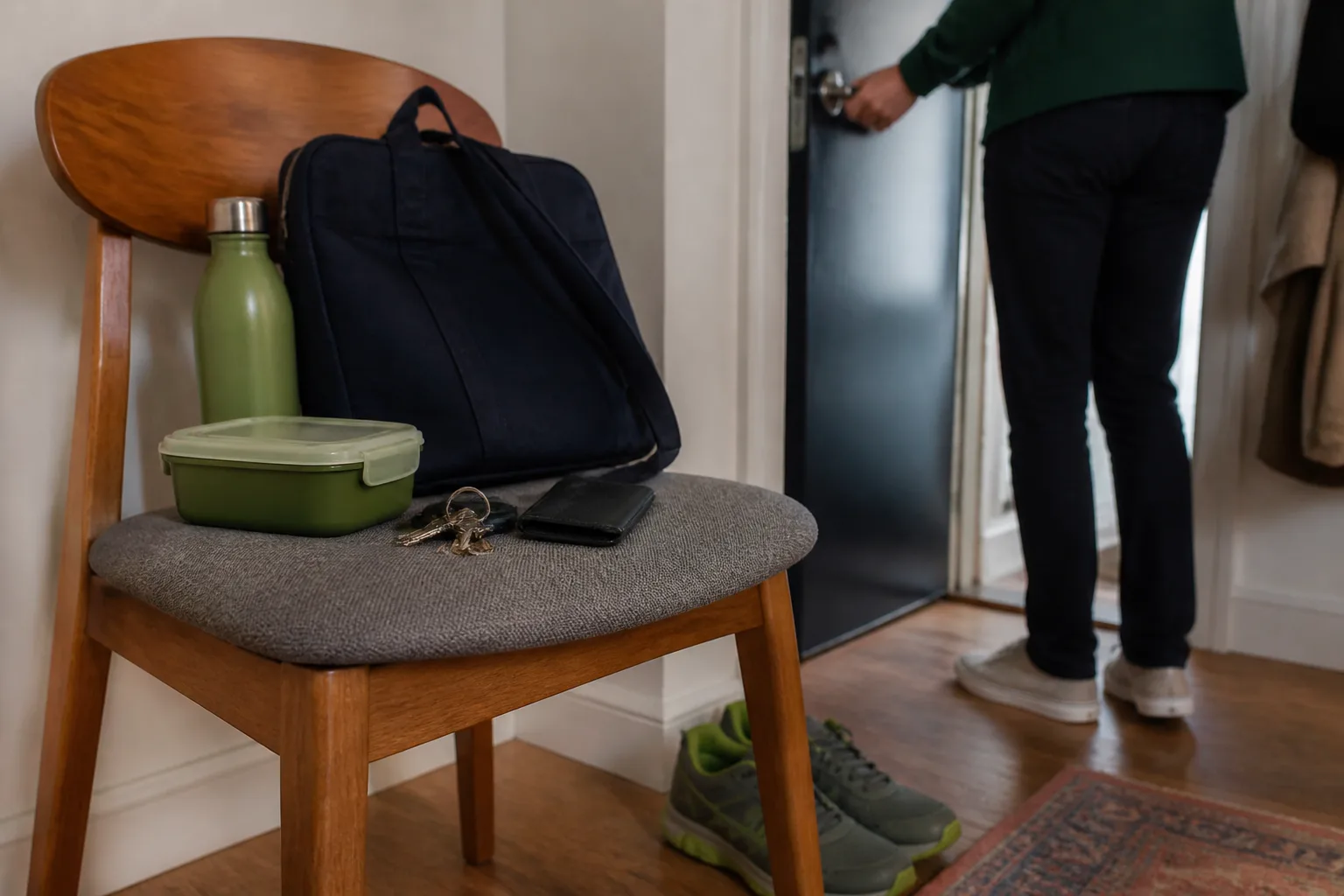
Schedule appointments and other fixed events first. Add time to prepare, travel, eat, and switch into the next activity before fitting work into the remaining space. Use the time blocking planner to draft those commitments and the flexible blocks around them.
Choose one must-do task by its nearest real consequence or deadline. Add optional tasks only where there is room. Turn broad tasks into actions you can see and begin: instead of “do taxes,” write “gather tax documents.”
You can group short administrative tasks, such as replying to routine messages, into one block. Give a deadline-sensitive item its own place if waiting could cause a problem. For every block, decide what you can shorten or move if the day changes. “Open the document and draft the first section” gives you a usable next action; “write report” leaves too much undecided.
Choose a Block Length You Can Start Today
Choose a block by checking the work, your attention right now, and the time before your next commitment. These are lengths to test, not fixed rules.
| Block length | Choose it when | Where to pause |
|---|---|---|
| 25 minutes | Starting feels difficult or your available attention is low | After one small output |
| 45 minutes | The task is familiar and has a clear next step | At a checkpoint |
| 60 minutes | The work needs setup and connected thinking | For a planned short break |
| 90 minutes | You have a project window with multiple work segments and a break | At a checkpoint before continuing |
Use this order: check your next fixed commitment, ask whether the first action feels startable, then choose a length. If the block would run into the commitment, shorten it. If the first action feels too hard to begin, shrink the task’s scope or choose a shorter block.
The National Institute of Mental Health recommends short breaks during sustained-attention tasks. Build breaks into longer windows rather than treating 90 minutes as uninterrupted concentration. A longer window can hold two work segments with a break between them.
When your energy changes, keep a smaller version of the same task ready. For example, outline three bullets instead of drafting the whole section. Move demanding flexible work only when a suitable space exists. If you need help noticing when different kinds of work fit, use the one-week energy-management protocol.
 Loggd · by the makers of this blog
Track your habits, tasks and goals in one free app.
Every day you check off fills in a grid of your last 365 days, so you can see if you are getting better.


Free plan with no time limit. No credit card.


Give Each Block a Start Cue and an Exit
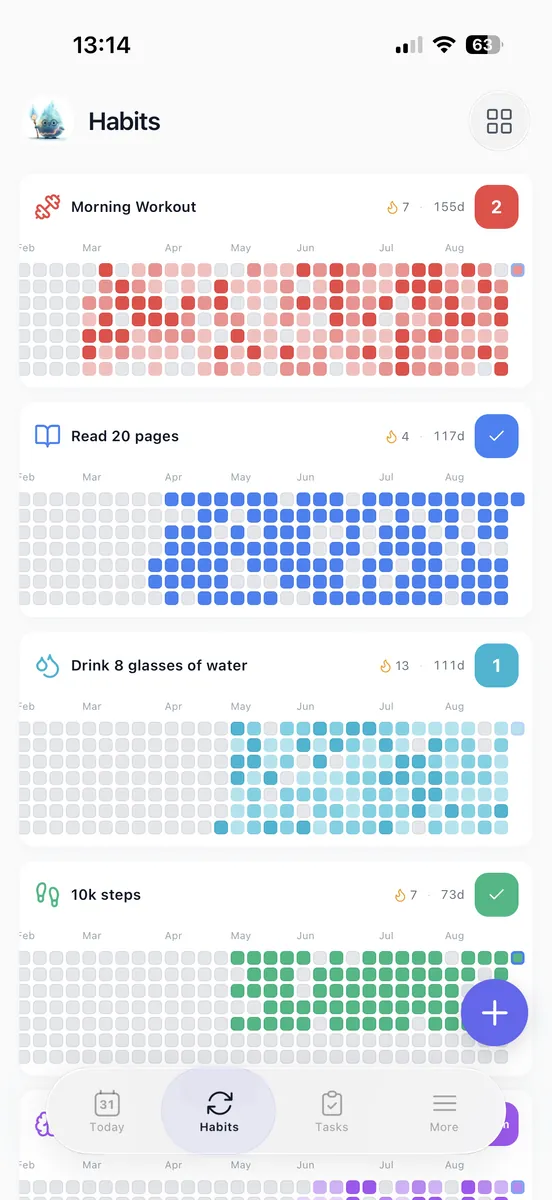
Write the first physical action beside each block. It might be “open the assignment instructions” or “put the needed documents on the desk.” Prepare only what that action needs, so the block has a clear starting point.
A visible cue can help you notice when time is passing. NIH MedlinePlus Magazine suggests timers, visual cues, alarms, or reminder apps for time-management challenges. Use the ADHD focus timer to make a chosen work interval visible. Keep appointment reminders in your calendar.
Choose an end cue that prompts a decision: stop, continue within available buffer, or write down the next action and switch. Keep the alarm noticeable and within reach. A break is for rest; transition time is for closing one activity and preparing for another; buffer time is spare capacity for variation.
As a starting setup, allow 5 minutes for a straightforward desk switch and 10 to 15 minutes when materials or location change. Leave one unassigned 30-minute space in the day. Replace these allowances with your observed times later.
If starting is difficult, use the first 5 minutes for the smallest setup action, then reassess. If you still cannot start, use the recovery steps below.
Copy This Flexible ADHD Time-Blocking Template
Replace the fixed anchors with your real commitments before copying flexible work into the gaps.
| Time | Block | What Can Move? |
|---|---|---|
| 8:30 to 8:45 a.m. | Check calendar, choose the must-do task, open materials | Task choice |
| 8:45 to 9:30 a.m. | Flexible focus block: draft the outline | Scope or placement |
| 9:30 to 9:45 a.m. | Break and meeting preparation | Keep preparation before the meeting |
| 9:45 to 10:30 a.m. | Fixed meeting | Protect the time |
| 10:30 to 10:45 a.m. | Capture next actions and transition | Shorten if needed |
| 10:45 to 11:30 a.m. | Flexible focus block: revise one section | Scope or placement |
| 11:30 a.m. to noon | Batched messages and small tasks | Drop optional items |
| Noon to 12:45 p.m. | Lunch | Keep a meal break |
| 12:45 to 1:15 p.m. | Unassigned capacity | Use only if needed |
| 1:15 to 1:40 p.m. | Flexible focus block: finish one small action | Task or scope |
| 1:40 to 2 p.m. | Break and appointment preparation | Protect needed preparation |
| 2 to 3 p.m. | Fixed appointment | Protect the time |
| 3 to 3:15 p.m. | Transition back | Adjust to the actual transition |
| 3:15 to 4 p.m. | Flexible follow-up work | Move or reduce |
| 4 to 4:15 p.m. | Record unfinished work and close the day | Keep the next action brief |
NIH MedlinePlus Magazine advises setting specific times for routine daily activities, including meals and work. Adapt the template to your day: replace work with caregiving or study blocks, include travel, and leave personal time outside the planned window unassigned.
The unassigned block stays empty until needed. If it remains free, use it for rest or finish early rather than automatically adding work. To print or save this template as a PDF, copy the table into a document, replace the times, then print it or save the document as a PDF.
Repair a Missed Block Without Rebuilding the Day
When a block slips, repair the affected part of the day instead of rebuilding the whole plan.
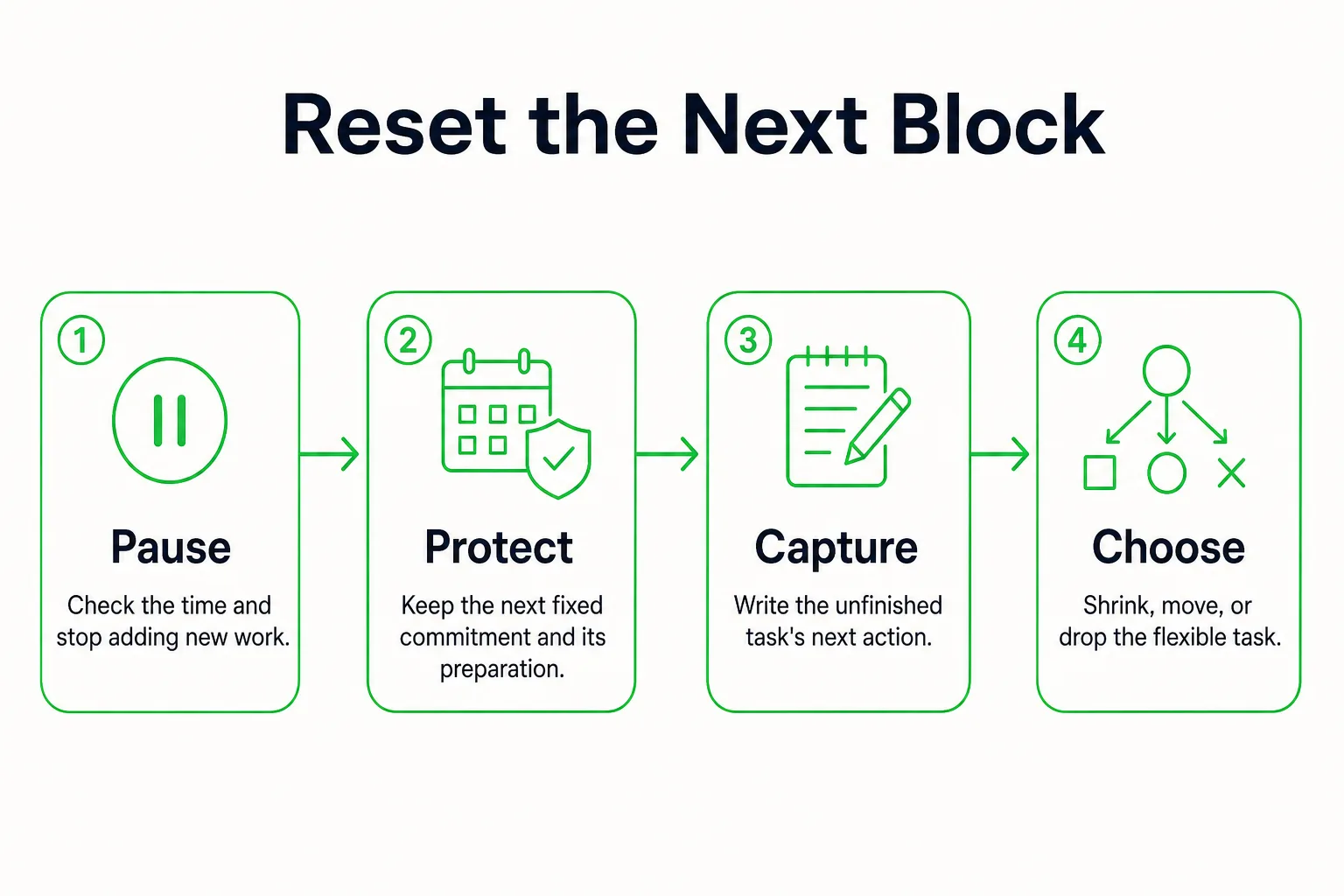
- Pause when you notice the slip. Find the next fixed commitment and include any preparation time it needs.
- Write down the unfinished task’s next action, such as “add the last two sources to the outline.”
- Choose one: finish a smaller piece now, move the task to an open block, or drop it if it is optional.
- Update only the blocks affected. Once the next action has a place, return to the current block.
If work runs over, continue only within genuinely available buffer. Otherwise, stop at a usable checkpoint and leave a brief restart note. If an interruption arrives, capture the request in one place. If it needs immediate attention, release the current flexible block and name its next available home; do not leave two commitments competing for the same time.
If you cannot start, reduce the task to an action that fits 5 minutes. If that still does not happen, choose a smaller useful task or take a break, then set a new decision point.
For example, your 10:45 a.m. work block starts 20 minutes late. Keep the 11:30 a.m. boundary. Use the remaining 25 minutes for one smaller part, then put the unfinished next action in the 12:45 p.m. unassigned space if it is still the priority.
Protect fixed commitments and work with a real deadline today. Reduce or defer optional administrative work before using the time needed for the next protected commitment. If no remaining block fits, check the deadline and choose what moves to another day. Then return to the current block.
Adjust Your Blocks With a Week of Actual Times
Keep a short record for a few tasks you repeat, not every activity in your day. Beside each block, note the task, predicted minutes, actual working minutes, interruption minutes, and transition minutes. Use the same boundary each time: include opening materials and saving your work, and record unrelated interruptions separately.
For a more realistic estimate, include the smaller steps within the task, such as preparation or travel, as Understood recommends. For example, you allow 25 minutes for a recurring administrative task, but your log shows 35, 40, and 35 minutes of work. Try allowing 40 minutes next week, with transition time set aside separately.
At the end of the week, adjust the blocks that repeatedly ran short. Split tasks with no clear stopping point, and keep unused space when the schedule fits. If work time is increasing, change the task allowance. If external interruptions are frequent, change the block’s placement or leave more spare capacity. If you cannot tell where interruptions enter the day, use the time audit guide to examine the surrounding schedule.
Fit Classes, Studying, and Deadlines Into the Same Plan
Say you have class from 10 to 11 a.m., a 30-minute commute each way, and an assignment due Friday. A workable sequence could be:
- 9:15 to 9:30 a.m.: prepare for class.
- 9:30 to 10 a.m.: commute to campus.
- 10 to 11 a.m.: attend class.
- 11 to 11:10 a.m.: capture the assignment instructions.
- 11:10 to 11:25 a.m.: take a break.
- 11:25 to 11:50 a.m.: work on the assignment outline in an available campus study space.
- 11:50 a.m. to 12:20 p.m.: commute home.
- 12:20 to 1 p.m.: eat lunch.
Replace the commute allowance with your actual travel time. If you are working backward from Friday’s deadline, use Tuesday’s block for the outline, Wednesday’s for a draft, and Thursday’s for revision. Leave a spare block before submission. Breaking a large project into smaller pieces with step-by-step due dates gives each session a clear next action.
If seeing the submission date would help, use the goal countdown timer, then put the assignment work itself in calendar blocks. If class is canceled or your commute is delayed, protect your next fixed event and relocate one flexible action. Newly available time does not need to become more study time.