A family planner is one shared place for your household’s appointments, tasks, meals, and responsibilities. Start with a format each person can check, then agree on who updates it and when.
The right format depends on how your household gets information: phones, a visible board at home, paper, or a mix with one clearly designated main record. Choose a setup that fits the people who need it, not just the person who likes organizing.
Set it up in order: choose the format, enter commitments, assign responsibilities, check that everyone can access what they need, and review the plan together. Keep the first version focused on the next week. You can add more once the basic system is easy to use.
Choose a Family Planner You Can All Check
| Format | Cost to check | Privacy | Setup effort | Offline access | Ease of everyday use |
|---|---|---|---|---|---|
| Family planner app | Check for ongoing charges before setting it up. | Review who can view or edit shared information. | Account setup and invitations take time. | Test what remains usable without internet. | Useful when the household wants to check schedules and assigned tasks together. |
| Shared calendar | Check whether the needed accounts or services cost anything. | Check account permissions and who can see each calendar. | Confirm that everyone can access it on their devices. | Test reminders and events without internet. | A good fit when appointments are the main coordination problem. |
| Digital wall display | Check hardware and any subscription costs. | Review connected accounts and what appears on the screen. | Plan account connections and a practical place to put it. | Check what happens when Wi-Fi drops. | Choose it when a visible home reference matters most. |
| Printable PDF | Include printing costs and the effort of reprinting changes. | Decide who can see the sheet at home. | Copy the layout, print it, and fill it in. | The printed copy is available at home without internet. | Works well for a repeatable layout filled in by hand. |
| Paper planner | Account for the planner and writing supplies. | Consider who can access the single copy. | Set aside a place for it and update it manually. | The paper copy is available without internet. | A practical choice when handwriting is the easiest shared habit. |
Before choosing a digital option, check device compatibility, sharing permissions, reminder settings, and offline behavior. For any format, decide who updates it and how changes reach everyone. Choose the one the least-connected household member can reliably consult.
Add Commitments and Give Each One an Owner
Enter the plan in a consistent order so appointments, tasks, and ownership are clear.
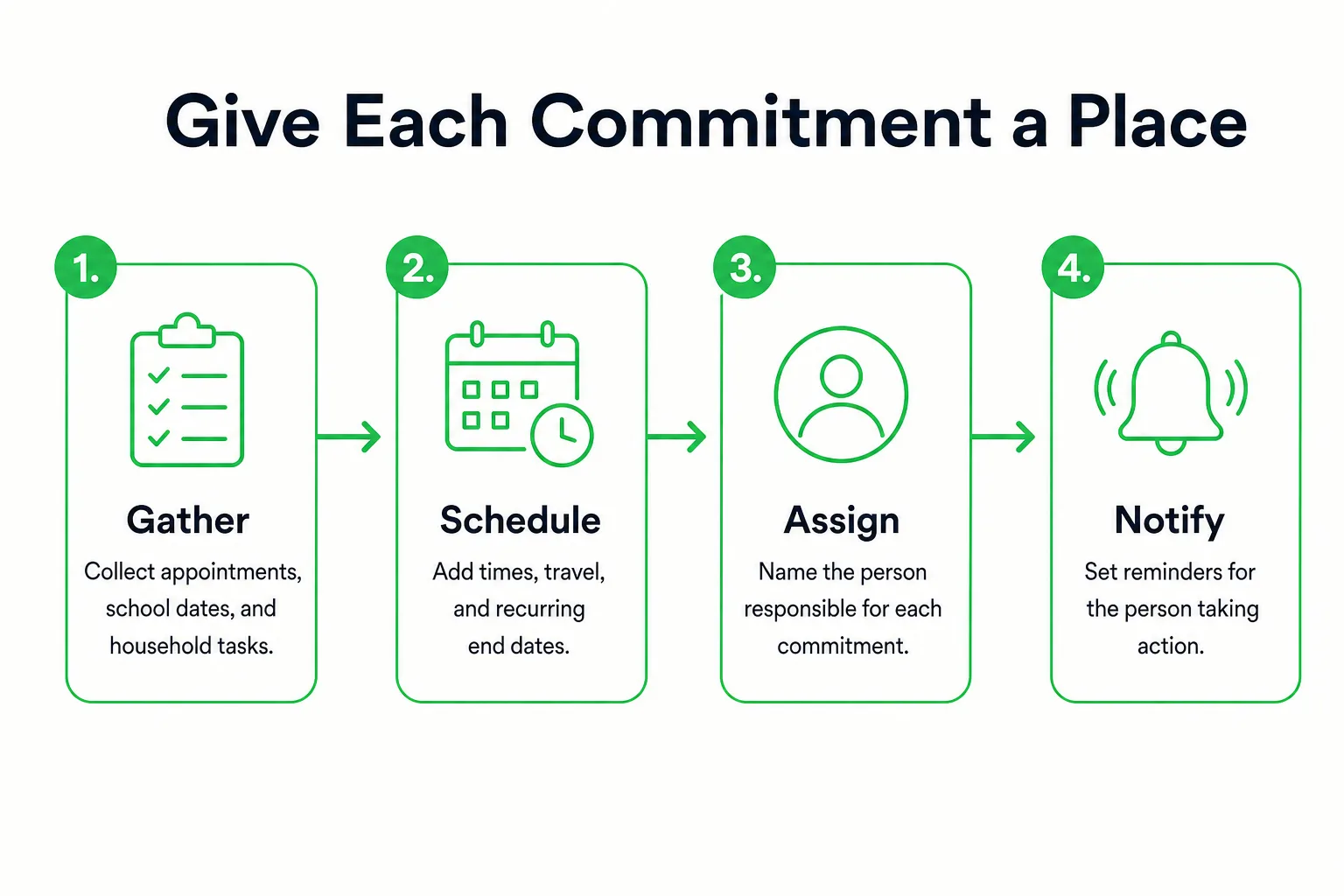
- Gather appointments and school dates from the calendars and notices your household already uses.
- Enter fixed commitments first, then add travel and pickup time around them. Separate events with a time from tasks that have a due date. A school pickup needs both a time and an owner.
- Add chores and errands, and assign each one to a person. Set a reminder for the person responsible; a reminder does not confirm that they have accepted the task.
- Mark a commitment as recurring only if it really repeats. Add an end date for school terms or seasonal activities, so they do not stay on the schedule indefinitely.
- Pair each family member’s color with their name or initials. Color can help scan the schedule, but it should not be the only way to identify an owner.
If travel or pickups overlap, use the time blocking planner to check whether the responsible person has enough time. For a detailed cleaning rotation, see the weekly cleaning planner. Keep the routine manageable: the CDC recommends simple routines and calm explanations when plans change.
 Loggd · by the makers of this blog
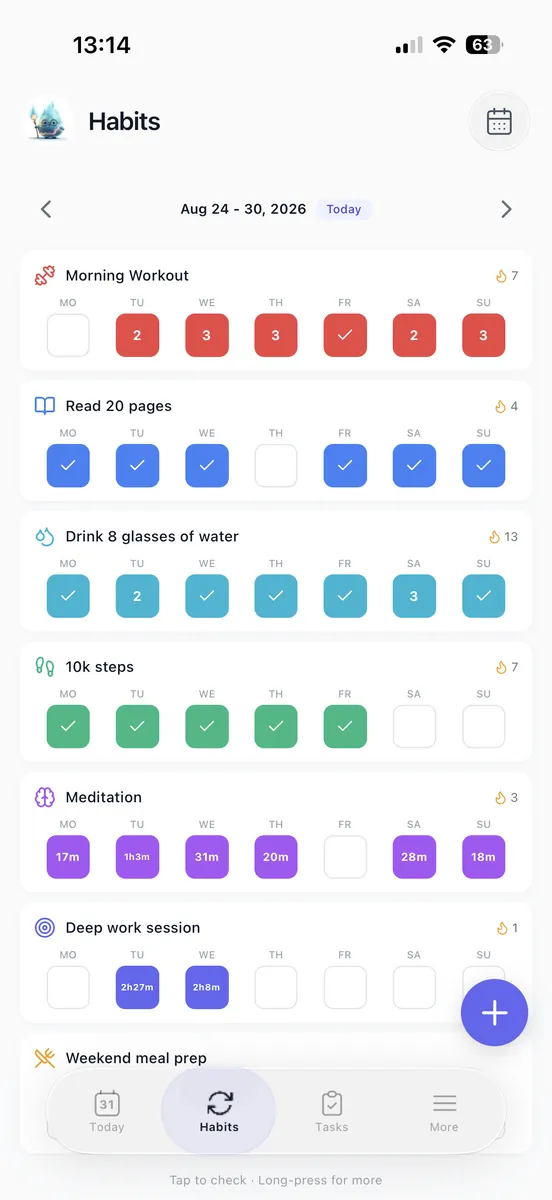
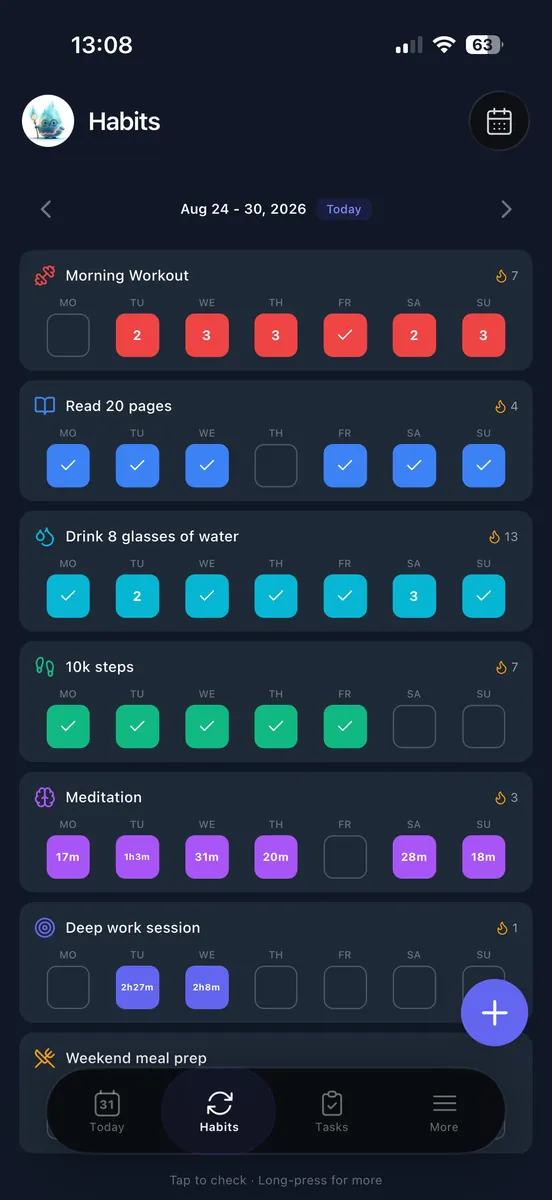
Track your habits, tasks and goals in one free app.
Every day you check off fills in a grid of your last 365 days, so you can see if you are getting better.


Free plan with no time limit. No credit card.


Copy This Family Planner Template
Copy this family planner template into a document and fill it in together. For a family planner PDF, adjust the blank space, then choose Print and Save as PDF. Print a fresh copy when handwritten changes become hard to follow.

Week of: ____________________
Main record location: ____________________
Next family check-in: ____________________
Appointments and school activities
| Day/date | Time, including travel | Commitment | Responsible person |
|---|---|---|---|
Household tasks
| Chore or errand | Owner | Due date | Done |
|---|---|---|---|
Meals
Monday: ____________________
Tuesday: ____________________
Wednesday: ____________________
Thursday: ____________________
Friday: ____________________
Saturday: ____________________
Sunday: ____________________
Shared groceries: __________________________________________
Personal goals
Goal / next action / owner / time reserved: ______________________________
For help turning a vague goal into a next action, use the goal setting plan.
Changes to confirm: __________________________________________
Items to discuss at the next check-in: ______________________________
Check Access Across Devices and Households
Test access on the devices your household actually uses before entering the full schedule. In a mixed iPhone and Android household, try an invitation, a new event, an edit, and a reminder on each relevant device. Check that everyone can see the information they need.
For children without phones or adults who prefer paper, put their part of the schedule somewhere visible and assign someone to refresh it. In separated households, agree which child-related commitments go in the shared record and how pickup changes will be acknowledged. A calendar edit alone does not confirm a changed pickup.
For additional caregivers, give access to the details they need for their responsibilities, then review that access when arrangements change. Keep sensitive medical, financial, and location details out of broadly visible entries. Check viewing and editing permissions separately. Name one main record, and decide how updates will reach any wall display or paper copy.
Keep the Family Planner Current
A household commitment needs a named action, an owner, and a fallback for a missed day. If Thursday’s grocery trip does not happen, decide who will pick up the supplies for Friday breakfast.
Set aside 10 minutes each week to check appointments, transportation, meals, task owners, and changes that still need confirmation. The American Academy of Pediatrics recommends a regular, pleasant time for family meetings, such as after dinner. If household preparation keeps getting missed, use the weekly reset planner to give it a regular place.
Once a month, remove expired recurring events and review caregiver access. For each unfinished task, decide whether to finish it, reschedule it, reassign it, or delete it. At year-end, bring unfinished household goals into the annual progress review and decide which deserve another place on the calendar.
Leave the meeting with the next week updated.