Managing time well starts with choosing work that fits the hours you actually have. Build a weekly system that connects your goals to daily actions and gives you a way to adjust when plans change. Good time management includes deciding what matters, scheduling realistic work, protecting your attention, and reviewing what happened. It involves learning to structure, protect, and adapt your time as your week unfolds.
To begin, gather your calendar, your task list, and one goal you want to move forward this week. Use the commitments already on your calendar as the starting point. Then decide what progress toward that goal can reasonably fit alongside your daily responsibilities.
Turn a Long-Term Goal Into This Week's Work
Choose one goal that deserves attention alongside your existing responsibilities. Give it a visible finish line and a date to work backward from. Then connect the goal to the next piece of work you can complete this week.
For example, say you want to complete a professional certificate by December. Your next milestone might be finishing the next course module. This week’s deliverable could be completing the module’s first lesson. Today’s action could be opening the lesson and taking notes for 25 minutes. Each step points toward the next, but the daily action is small enough to begin.
Make the weekly deliverable something you can check as finished. “Complete the first lesson and save the notes” has a clear endpoint. “Work on the certificate” does not tell you what to do or when to stop. NIH guidance recommends small, reasonable goals and specific actions, which can help you turn a broad goal into work you can fit into your week.
If the goal has a firm date, use the goal countdown timer to keep the milestone visible while you choose this week’s work. The date can help you plan, but your weekly deliverable still needs to fit the hours available. Keep maintenance tasks on your list too. Groceries, bills, and other everyday responsibilities remain part of the week, even when a larger goal matters.
Count Available Time Before Accepting Work
Before you accept more work, check how much time is actually available. A useful plan leaves space for eating, moving between tasks, unexpected demands, unfinished work, and changes. Start with fixed commitments, then subtract the time your day needs before assigning tasks.
Review the week for work hours, appointments, caregiving, commuting, personal commitments, meals, and recovery. A blank patch on your calendar is not automatically an open block for focused work. Some of that time may be needed for preparation, email, travel, or a pause between commitments.
Here is a worked example for a 9 a.m. to 5 p.m. workday:
- Total workday: 8 hours
- Meetings: subtract 2 hours
- Lunch and breaks: subtract 1 hour
- Email and admin: subtract 45 minutes
- Transitions: subtract 30 minutes
- Buffer time: subtract 45 minutes
- Time remaining for planned task work: 3 hours
Those three hours can hold a 90-minute draft, a 45-minute revision, and a 45-minute preparation task. Together, those tasks use all three hours. If another task comes up, put it into a later opening or renegotiate its deadline instead of squeezing it into time that is already committed.
Leave the buffer unassigned at first so an interruption has somewhere to go. If it stays free, use it for spillover or an optional task. Choose your allowances based on your own recent days; the example’s amounts may not fit your work. For unfamiliar work, use the completion-time guide to break the task down before committing to a finish date.
Repeat this subtraction across the week before you agree to new work. Count the hours that remain after your real commitments, not every hour that looks empty.
 Loggd · by the makers of this blog
Track your habits, tasks and goals in one free app.
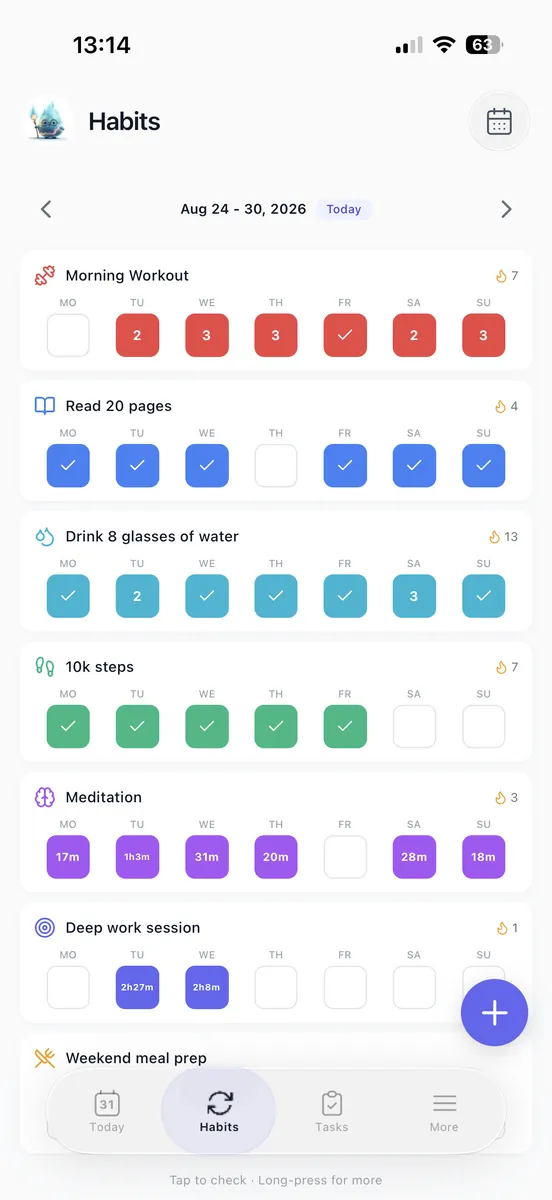
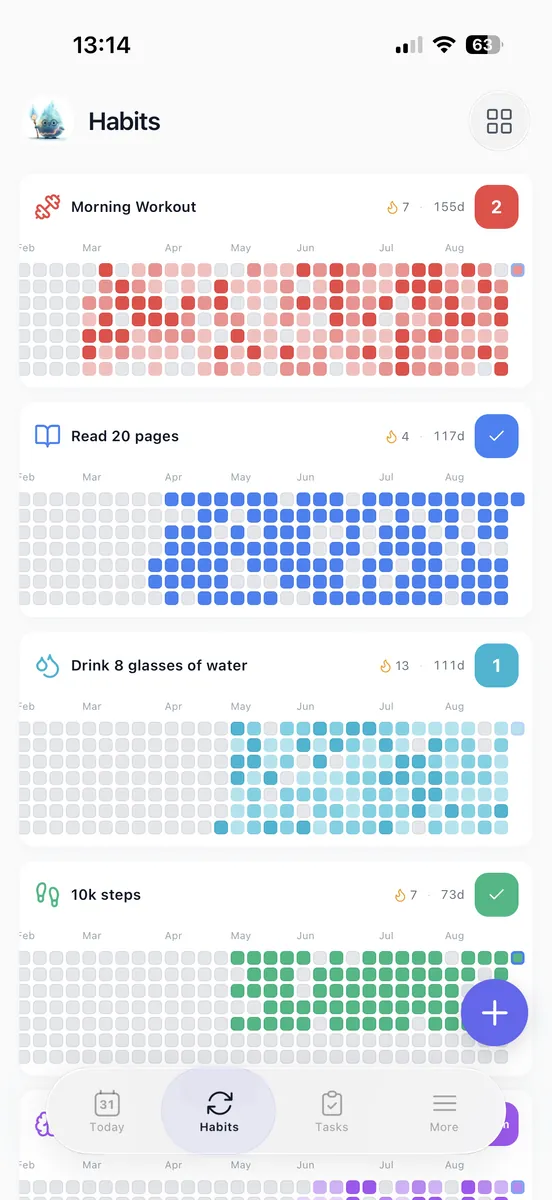
Every day you check off fills in a grid of your last 365 days, so you can see if you are getting better.




Free plan with no time limit. No credit card.



Choose What Goes First When Everything Feels Urgent
Before choosing what to do, check the actual deadlines and consequences. A request that arrived recently or sounds insistent is not automatically a firm commitment. Sorting tasks by urgency and importance can clarify what to do first, but several tasks may still compete for the same time.
Use this tie-break process:
- Confirm each deadline and what happens if it slips.
- Identify any task that blocks someone else’s next step.
- Compare the cost of delaying each task.
- Choose the next action that fits the work period you have available.
Say a client correction is due at noon, a draft is due tomorrow, and an internal update has no confirmed deadline. Complete the necessary correction, reserve time for the draft, and ask when the update is needed. That settles the next decision without pretending you can finish everything at once.
If two commitments genuinely cannot fit, contact the people affected before the deadline. Offer a smaller scope, a later delivery time, or reassignment where possible. You could write: “I can finish the correction by noon or deliver the full draft today. Which should take priority?”
Choose what comes next based on the information you have now. You can revisit the rest of the week as deadlines and capacity change.
Give Each Day a Realistic Starting Plan
Use your weekly priorities and capacity check to choose today’s work. Put fixed commitments on the calendar first, then place the most consequential task in an opening where you can reasonably work on it. Keep the calendar for time commitments and the task list for actions that are waiting to be scheduled. Use one clear place to capture new tasks.
Write each task so you can tell when it is done. “Draft the opening section,” “send the corrected file,” and “complete the lesson notes” give you a visible finish point. “Work on the project” does not. Put demanding work in a period when you can protect your attention, and group small admin tasks into an available window. Keep the buffer you planned available for changes. The time blocking planner can help you check whether your selected tasks fit around today’s commitments.
For a crowded day, choose a minimum result that still moves an important commitment forward. Keep optional work separate. Start it only after committed work and everyday needs fit; otherwise, move it to another opening or leave it off today’s plan.
Set a stopping point for the workday and account for personal responsibilities while choosing tasks. That makes work-life balance part of the plan, rather than something to check only after work spills into personal time.
Before you finish planning, select the first action and leave its materials ready. At the start of the day, you can begin with that action instead of deciding all over again.
Make Starting Easier and Interruptions Easier to Handle
Before a work period, open the materials you need, put unrelated devices away, and name the first action. If you keep postponing a task, identify what is getting in the way. The instruction may be unclear, a decision may be missing, the next action may be too large, or you may be reluctant to begin.

Match your response to the obstacle. Ask for the missing information. If the task feels oversized, reduce it to outlining three points. If starting is the hard part, try a 10-minute work period, then take a deliberate break. The focus timer can help you mark that initial period and the break afterward.
Where your role allows it, check messages at designated times instead of leaving them open as a constant interruption. Setting email times can help establish interruption boundaries. If your work requires quick responses, agree on a separate route for genuinely urgent requests so you can distinguish them from messages that can wait.
When something interrupts you, decide whether it needs action now. Capture a deferrable request in your task list. If you must switch to urgent work, write a short restart note before leaving the task you were doing. For example: “Next: check the totals in the last section.” That note gives you a clear way back without having to reconstruct your thinking.
Keep the habit small: when you finish a work period, prepare the next action and leave its materials ready. You do not need to add a complicated routine to make it easier to start again.
Rebuild the Remaining Day After a Disruption
Start with the current time and the commitments still ahead. Recalculate the time you can use instead of trying to squeeze the rest of the original schedule into the afternoon.
Say an urgent issue takes 90 minutes. Keep the deliverable due today, move a flexible admin task, and tell anyone affected when the remaining draft will arrive. Then decide explicitly what happens to each other task: finish it, reduce its scope, reschedule it, delegate it if possible, or drop it.
Before moving unfinished work to tomorrow, check tomorrow’s capacity. If the day is already full, change a commitment or agree on a different delivery time instead of stacking on another task. Use your restart note to pick up the interrupted work without rebuilding its context from memory.
When your workday ends, write one short line about the interruption and the decision it required. Save any deeper analysis for your weekly review. Resume with the next useful action; do not try to recover lost time by removing meals, breaks, or personal commitments.
Review the Week and Change One Thing
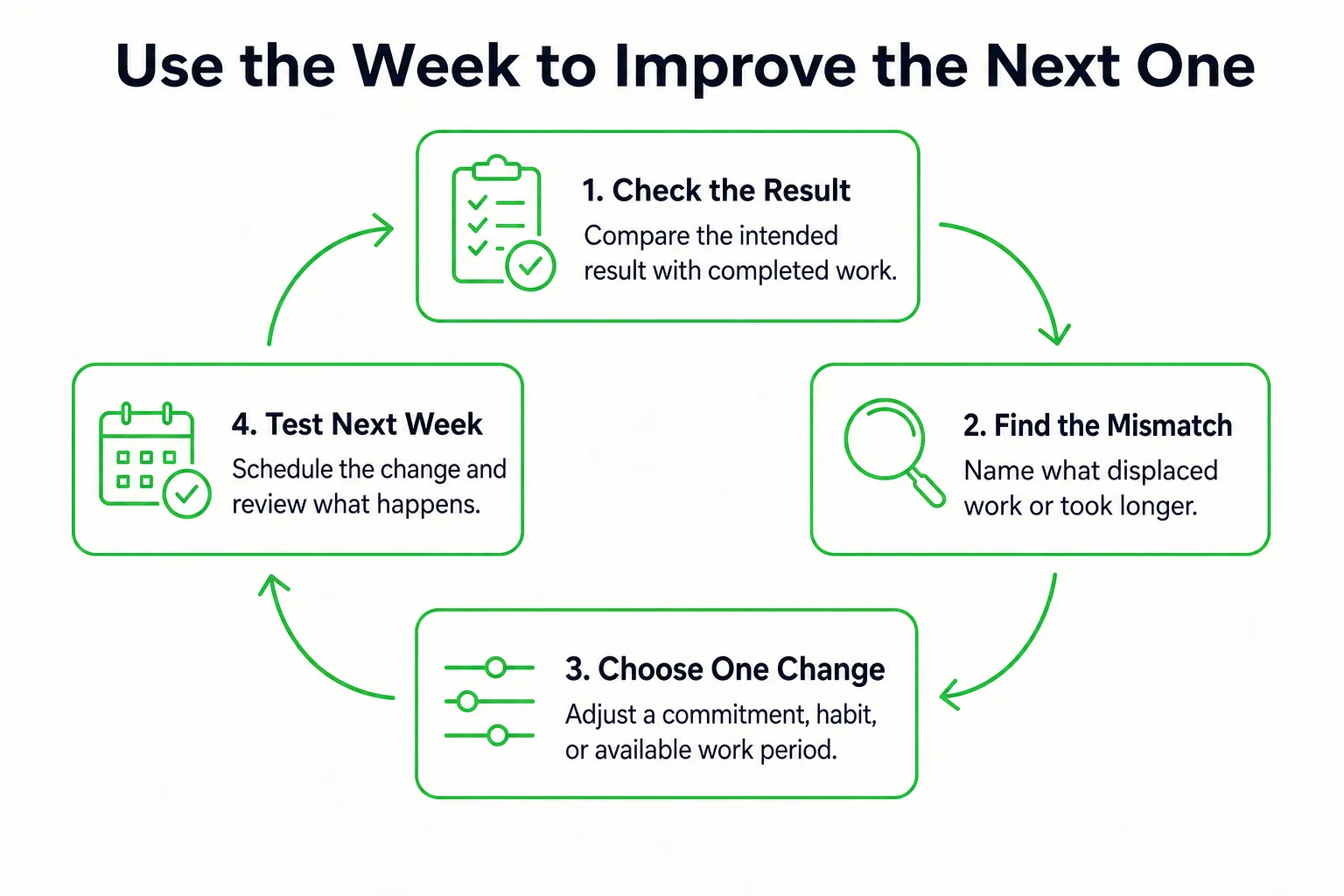
Set aside 20 minutes at the end of the workweek or before the next week begins. Look at your calendar, completed tasks, unfinished work, and short notes about interruptions. Use them to see whether your plan supported your goal, set realistic daily commitments, and left room for life outside work.
Copy this template and fill it in with concrete observations:
- Weekly result:
- Evidence of progress:
- Planned work and what actually fit:
- Work carried forward and why:
- Interruptions or recurring admin:
- Personal commitments kept or displaced:
- One adjustment:
- Where that adjustment goes next week:
For each unfinished task, note what got in the way. Was the estimate too short? Was a dependency missing? Did an urgent request displace it? Is the task no longer worth doing? A checked-off task is useful evidence, but the point is to see whether your time went toward the result you intended.
If you cannot tell where the time went, try tracking time for a few ordinary days before changing your schedule again. If time was available but demanding work repeatedly landed when you felt depleted, use the energy-management protocol to examine that pattern.
Choose one adjustment that follows from what you observed. You might reserve an admin period, reduce next week’s commitments, clarify deadlines earlier, or move demanding work to a more suitable opening. Make the change specific enough to test. For example: “Next week, reserve 30 minutes after lunch for recurring admin and check whether it still displaces the afternoon priority.”
Before you end the review, put the chosen change into next week’s calendar.