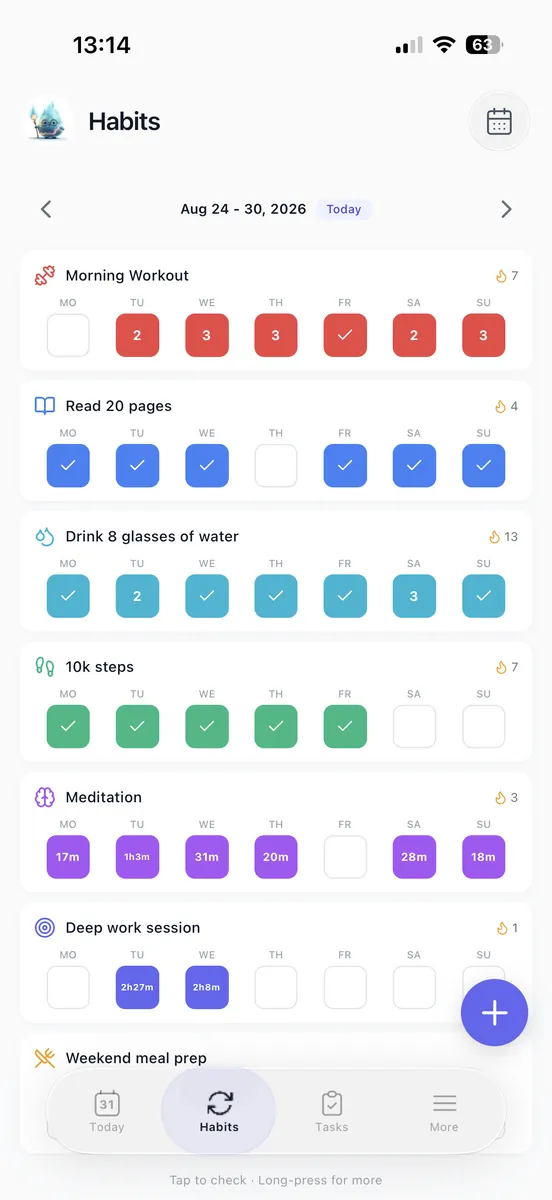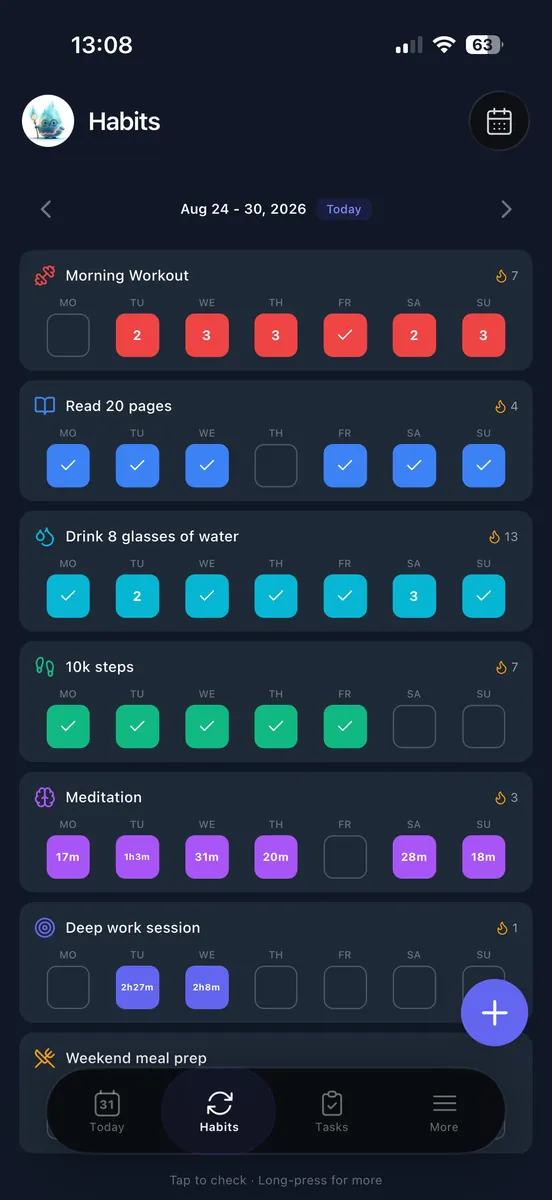
Choose planning apps by what you need help deciding: what to do next, when to do it, or what to repeat. Start with that job, then add goal tracking and reviews only where they help you act.
The right fit is the one you can keep current. You should be able to find your next action, see real deadlines, and update progress without entering the same work twice. That matters more than having every planning feature in one place.
Choose an app type, then test a small setup with real tasks, one goal, and one recurring habit. Keep the setup only if it helps you make those everyday decisions clearly.
Choose the Type of Planning App You Need
When your plan slips, what is missing: a next action, available time, a repeated behavior, or a connection between daily work and a goal? Choose an app type based on that gap, then test it with a small amount of real work.
| App type | Choose it when | Test before committing | Trade-off |
|---|---|---|---|
| Simple to-do app | Capturing and prioritizing one-off tasks is the main job. | Try quick capture, due dates, and recurring tasks. | Calendar commitments and long-term progress may need a separate home. |
| Calendar-based planner | Appointments and available hours determine your day. | Move a time block and check that a work session is distinct from a deadline. | Plans need maintenance when appointments or availability change. |
| Habit tracker | Repeating a defined behavior is the main job. | Check for flexible schedules and a way to record missed opportunities. | Projects and one-off deadlines may need another tool. |
| All-in-one planning app | Tasks, habits, and goals need to stay connected. | Add only the features you expect to use, then check whether the daily view stays readable. | There are more setup decisions to make. |
You can keep an existing calendar for appointments and choose one primary home for actions. If repeated behaviors are your main need, use our habit tracker comparison to narrow that shortlist.
Before moving an entire backlog, try one real project, one recurring behavior, and one appointment. See how each fits into the app, including what you would have to update when plans change. A week of ordinary use can tell you more about fit than a long feature list.
Connect Goals to Actions Without Copying Work
Set up one goal first, then connect it to work you can do this week. Give each level a distinct job: the goal records the desired result, a project holds a finishable body of work, a weekly priority selects what moves now, and a task states the next action.
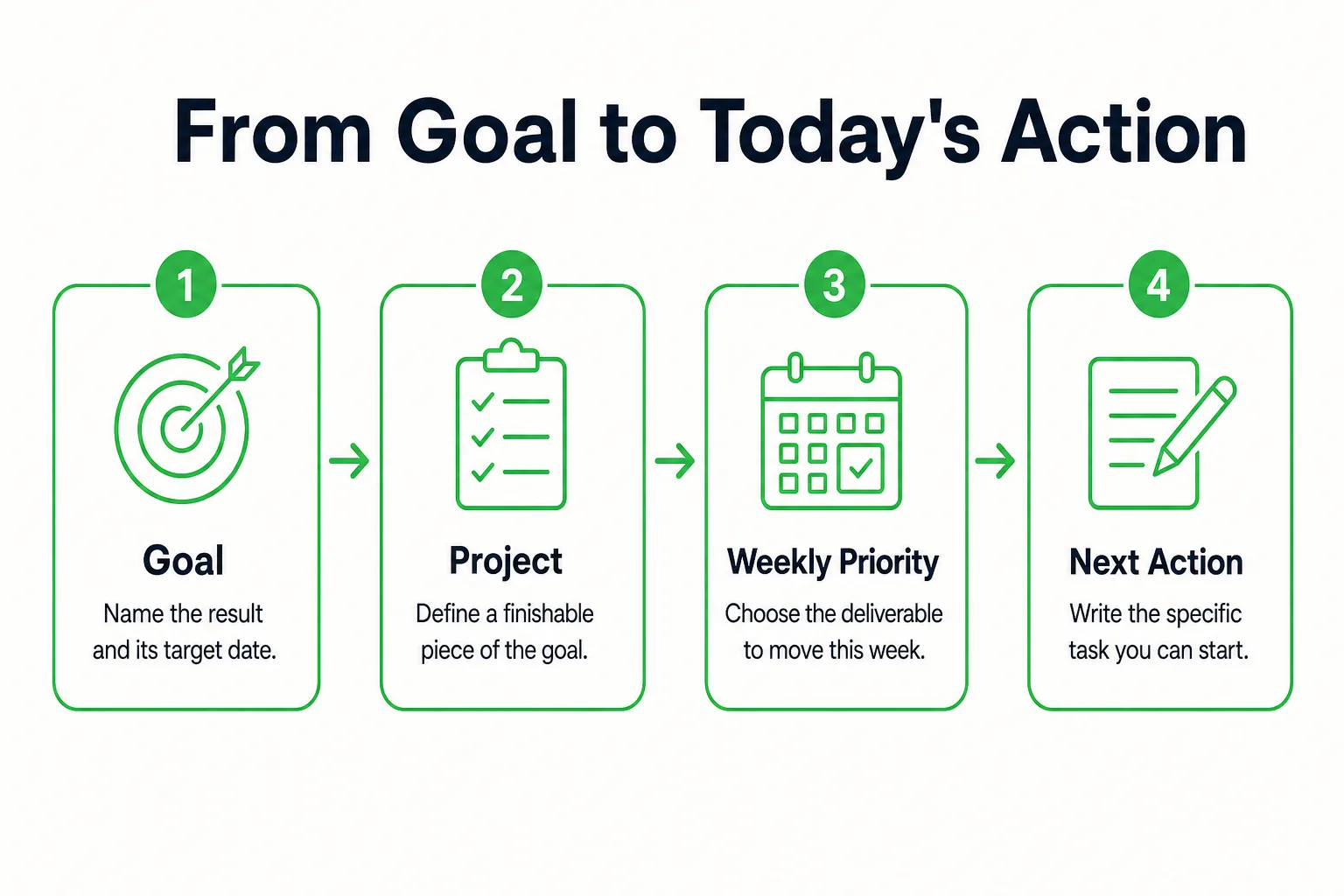
- Write the goal and target date. Describe the result in plain terms and add the date you intend to reach it.
- Name the projects needed. Break the result into finishable bodies of work. Start with one project that can move forward now.
- Choose this week’s deliverable. State what you want to finish or produce by the end of the week. Keep other projects out of this week’s priorities unless they need attention now.
- Write the next physical action. Choose a specific step you can begin, such as gathering source files or drafting an outline.
The chain looks like this: goal → project → weekly priority → next task.
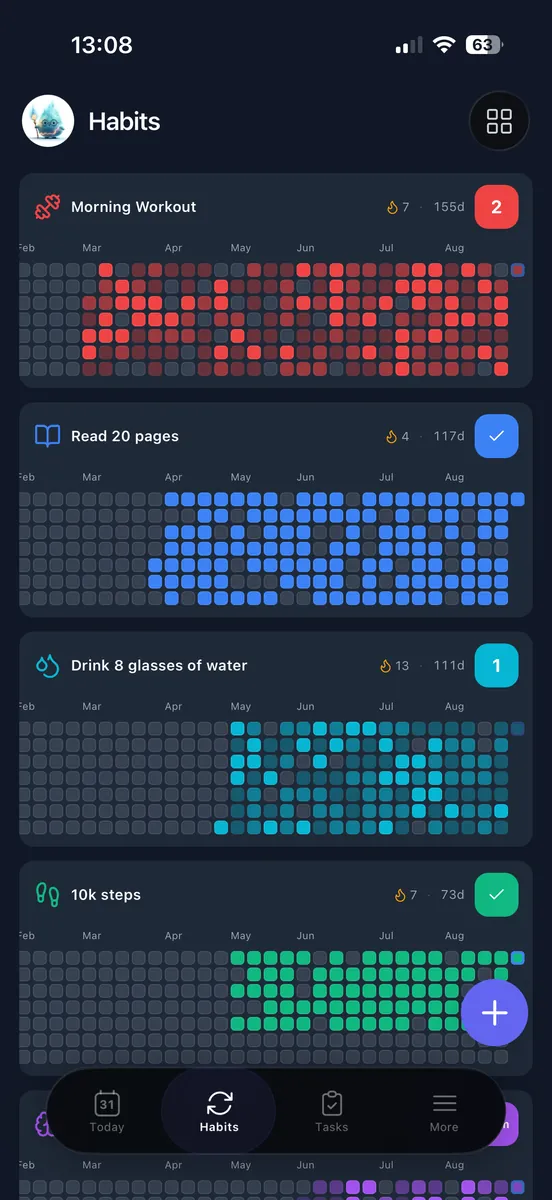
In a basic app, keep a short note for the goal and a project list for the work. Select the existing tasks you plan to do today rather than making copies in separate annual, weekly, and daily lists. If the app connects records, attach tasks to their project or goal and use filtered views of those same records. In Loggd, connect tasks and focus sessions with a goal so the work stays together.
Add recurring habits alongside the project chain, not in place of its deliverables. A scheduled writing session describes when to practice; “draft an outline” describes what to finish. Completing a session does not mean the outline is done. If the annual goal is too distant to plan directly, use the 12 Week Year Planner to choose a nearer milestone before adding its next actions.
 Loggd · by the makers of this blog
Track your habits, tasks and goals in one free app.
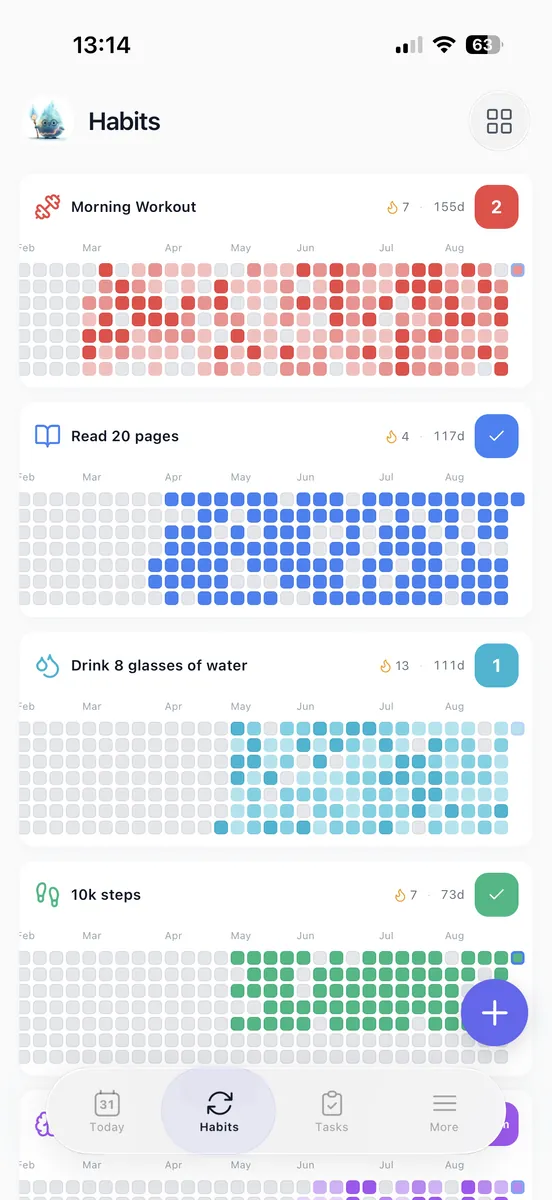
Every day you check off fills in a grid of your last 365 days, so you can see if you are getting better.


Free plan with no time limit. No credit card.


Keep Only Features That Change a Decision
Keep a feature when it changes what you do next. Start with one capture inbox, a place for active work, and a daily view. Add labels, dashboards, or extra views only when you can name the decision each one will help you make.
Use due dates for real commitments, not every day you hope to work on something. Choose a daily task without giving it an artificial deadline. Set a priority when two tasks compete for your attention; if everything is marked important, the label cannot help you choose.
Set reminders for actions that need a timely cue. After using the app during ordinary days, review the alerts you receive and turn off duplicates. Test capture on your phone where tasks come to mind, and test desktop or web access where you plan. Before moving your work, check that the app supports the devices you use.
If calendar integration matters, verify what it actually does: show events, send tasks to a calendar, or synchronize edits. Choose the behavior your setup needs. Keep useful notes with the task or project they belong to. Add tags only when you need to filter a group of actions.
If maintaining a field does not help you choose, start, or review work, remove it from your daily routine.
Build a Daily List That Fits Your Calendar
Begin each day by checking fixed appointments and the hours that remain. Choose actions that fit that available time, put demanding work in a usable block, and check which habits are scheduled. University of Georgia Extension recommends reviewing your planning tool daily.
Keep task selection separate from time blocking. Your to-do list holds actions; your calendar reserves time to work on them. If you put a task’s work session on the calendar, keep one task record rather than making a second copy. A suggested workday is a plan, not a deadline.
Judge your capacity against the whole day, including meals, errands, and when you need to end work. Leave some time unassigned so a change does not force every later block to move. If you need to see whether the work fits, map the available hours with the time blocking planner. If choosing from a long list is the sticking point, use the Ivy Lee Method Planner to order tomorrow’s tasks.
With a 30-minute opening, pick an action you can finish in that time. If the task is larger, define a smaller stopping point, such as gathering the files you need, before you begin. That gives the block a clear purpose without pretending the whole project fits.
When you finish work, record what finished and write the next action for unfinished work. Put new tasks in the inbox so they do not get scattered across notes, messages, and calendar entries.
Run a Week With One Connected Plan
Say your annual professional goal is to publish three portfolio case studies by December 15. Make the first case study the active project, with a complete rough draft as this week’s deliverable. Keep the other two case studies outside this week’s priorities.
On Monday, select three relevant work samples. On Tuesday, outline the case study. On Thursday, draft its first section. These are intended workdays, not external deadlines. Schedule a 20-minute writing session for Monday, Wednesday, and Friday. When each session begins, choose the current project task to work on; the session records practice, while the task records what needs to be finished.
In the same daily view, include a personal habit such as a 10-minute walk after lunch and a one-off task such as returning a library book by its actual due date. These items answer different questions: the walk is a behavior to repeat, and the book return is a single commitment.
Suppose Wednesday’s writing session is missed. Record the miss and leave Friday’s scheduled session in place. Before moving the unfinished draft task, check Thursday’s capacity. If there is room, work on it then; if not, choose a realistic later time instead of squeezing it into an already full day.
At the weekly review, check whether the rough draft exists and name the next deliverable. Count the draft as project progress, not the number of writing sessions. Later, completed case studies provide evidence of what you produced for your yearly review. Habit history shows when you practiced writing. One record does not prove what the other caused.
Review What to Keep, Change, or Drop
Use a brief daily check to capture changes, a weekly review to reset active work, a monthly look at goals, and a yearly review of outcomes and patterns. Treat this as a starting routine; adjust it to fit your workload. Use the Weekly Reset Planner when you want prompts for reviewing work alongside the rest of your week. North Dakota State University recommends reviewing and adjusting your timetable each day and week as new items arise.
At the weekly review, check:
- Inbox: Sort new items into an active project, a scheduled action, or a decision to drop. Leave nothing important buried in capture.
- Overdue items: Confirm whether each still matters and whether its date reflects a real commitment. Choose a new date only after checking your capacity.
- Active projects: Name the next finishable deliverable and the action that will move it forward. Pause work that no longer fits.
- Repeated postponements: Decide what is blocking each task. Rewrite an unclear action, identify a dependency, reserve time for a commitment that still matters, or delete work that no longer deserves attention.
- Scheduled habits: Check whether the cue, schedule, and behavior size are workable. If a habit keeps slipping, choose a smaller action or a more suitable opportunity before scheduling it again.
- Next week’s capacity: Look at appointments, work demands, and personal commitments before choosing priorities. Leave room for changes instead of carrying every unfinished task forward automatically.
At a monthly goal review, compare the remaining work with the time and priorities you actually have. If a goal has stalled, choose deliberately: revise its scope, change its target date, pause it with a date to review the decision, or close it. A yearly review can then retain completed milestones, task completion records, habit history, and brief notes about decisions. These records answer different questions. Milestones show outcomes achieved; task records show work completed; habit history shows when you practiced. Activity is not the same as an outcome, and missing records leave gaps in what you can see.
After seven ordinary days, check whether capturing work, choosing daily actions, rescheduling, and reviewing all feel manageable. Simplify the setup before moving more work into it. If an essential action still feels difficult, try a different app.