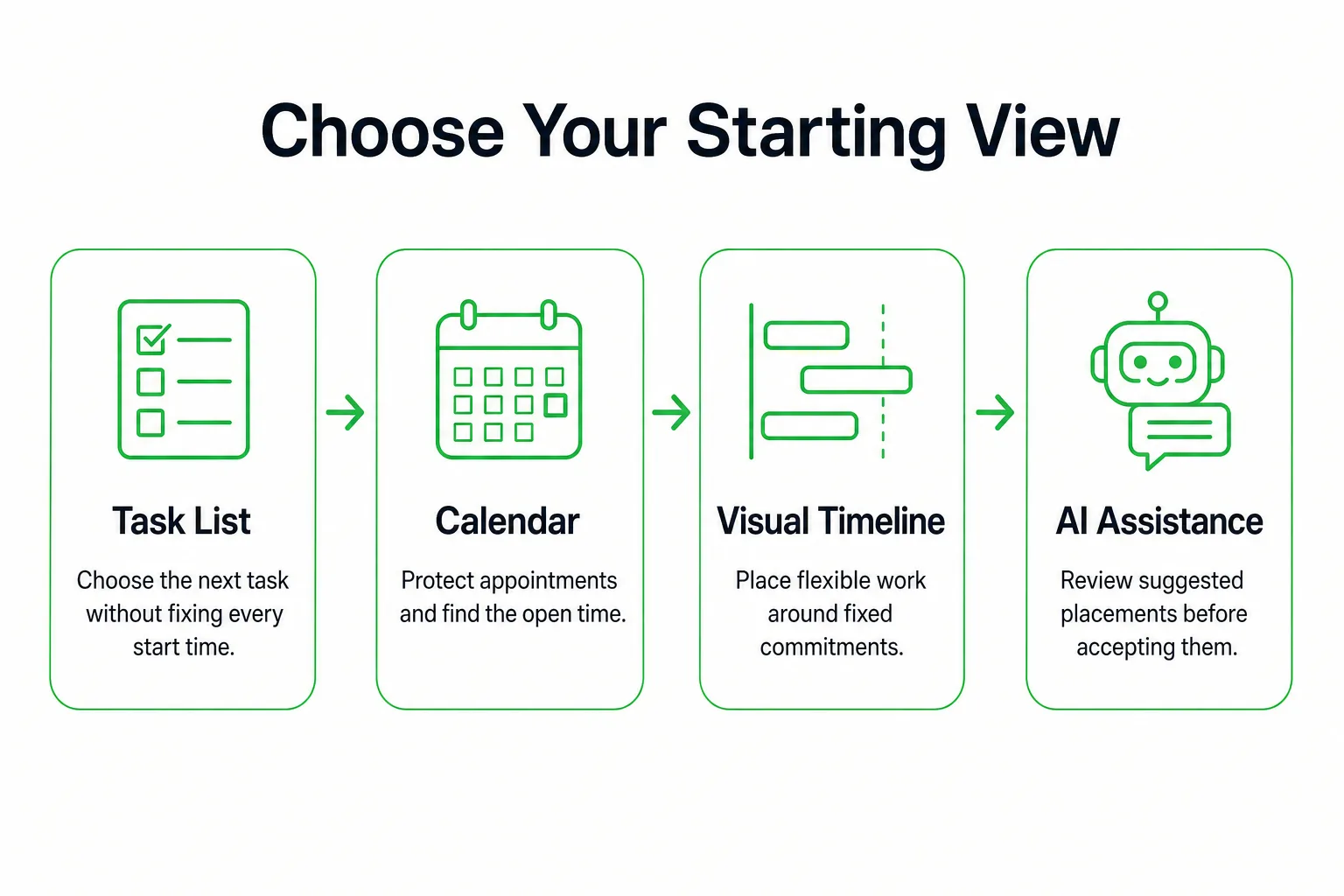
A daily schedule app should show what is fixed today, what needs doing, and where the work can fit. Choose a task list for flexible work, a calendar for appointment-heavy days, or a visual timeline when you need both on one view. Try a free daily planner app with one ordinary day before you transfer every task and appointment. First choose the view that fits your decisions. Then check the free features on the devices you use, build a real day, and adjust it. The best daily schedule app is the one that helps you make your actual planning decisions with the fewest extra steps. A short test will show whether it fits better than a feature list can.
Match the App to the Decisions You Make
| App type | Choose it when | What to check | Trade-off |
|---|---|---|---|
| Task manager | The order of tasks matters more than their start times. | Priority levels, recurring tasks, and reminders. | You still need to decide how much work fits in the time available. |
| Calendar app | Your day has fixed appointments to protect. | Day view, week view, and calendar sync. | Filling every opening can leave no room for flexible work. |
| Visual daily timeline | You want to place flexible tasks around appointments. | How moving a block affects the rest of the day. | You have to maintain the blocks as plans change. |
| AI-assisted planner | Manually placing tasks is the main source of friction. | Whether its suggested durations, deadlines, and protected appointments are right. | You must check the proposed schedule before using it. |
Use a free-first acceptance test before moving your whole routine into an app. Create a recurring task, trigger a reminder, connect the calendar you need, try a widget, and check the same change on another device. Find out which actions stay available after a trial ends before you commit. Do not assume that a free version includes every feature you need.
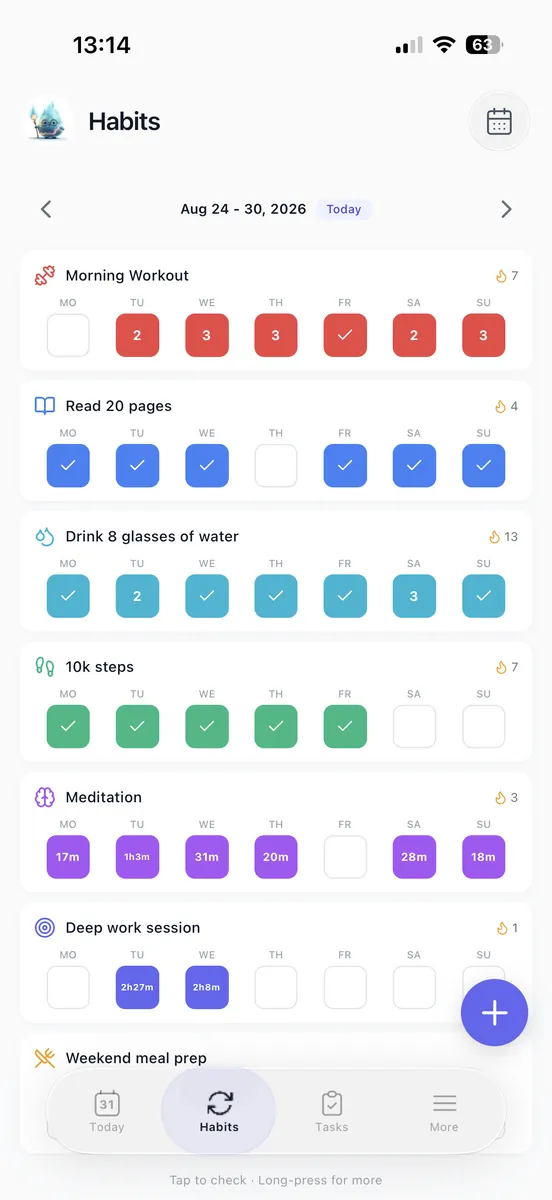
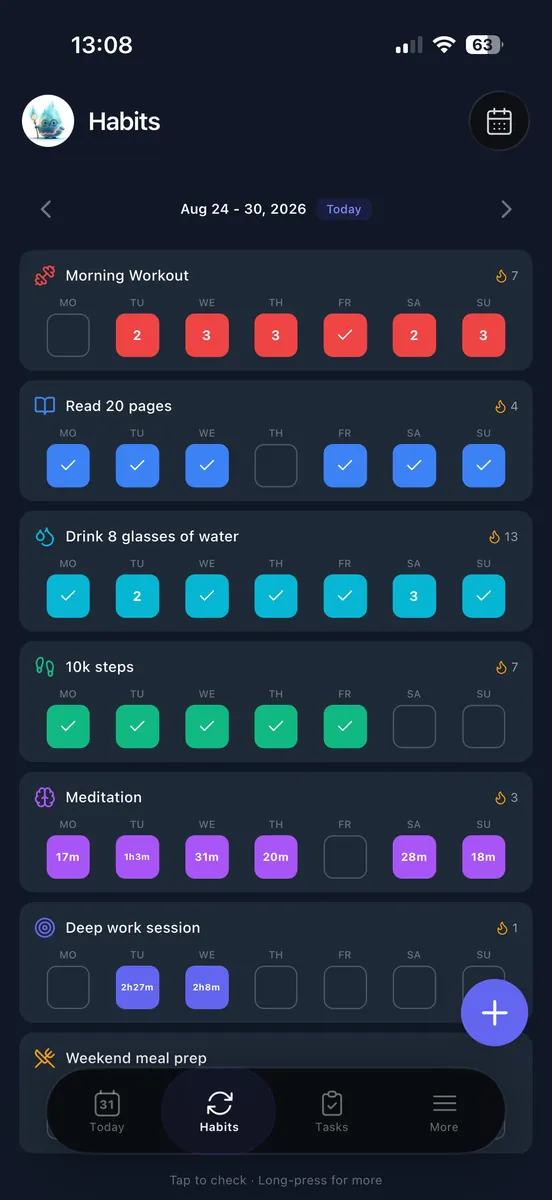
If Android is your main planning device, use our Android app guide to narrow your device-specific shortlist. For a task-led setup, Loggd can keep your habits, goals, focus sessions, and to-do items in one place. Choose the app type by the decision you need to make most often, not by the length of its feature list.
Test Your Choice With One Ordinary Day
Try your choice with an ordinary workday before you add every commitment. Say you have a work window beginning at 9:00 a.m. and ending at 5:00 p.m., with meetings from 10:00 to 10:30 and 2:00 to 3:00, and lunch from noon to 12:30. You also need 90 minutes for a proposal, 30 minutes for invoices, and 30 minutes for email.

Enter the fixed appointments first. Add lunch and any transition time you need, then estimate the flexible tasks. Give a due date only to work with an actual deadline; the day you hope to do something is not its due date. If appointments repeat across the week, gather them with the weekly work schedule template before entering today's commitments.
One workable placement is the proposal from 10:45 to noon and 12:30 to 12:45, invoices from 1:00 to 1:30, and email from 3:15 to 3:45. That divides the proposal into two blocks totaling 90 minutes. Keep the rest of the day available for ordinary work and interruptions rather than treating every open minute as focus time.
Use the same commitments in whichever view you chose: order the tasks in a task manager, reserve work blocks in a calendar, or place and resize blocks on a daily timeline. If your schedule allows it, put demanding work near your peak focus time. Move the proposal to a different open period if that better matches when you focus. If choosing the day's tasks is the hard part, use the daily task planner before adding time blocks.
 Loggd · by the makers of this blog
Track your habits, tasks and goals in one free app.
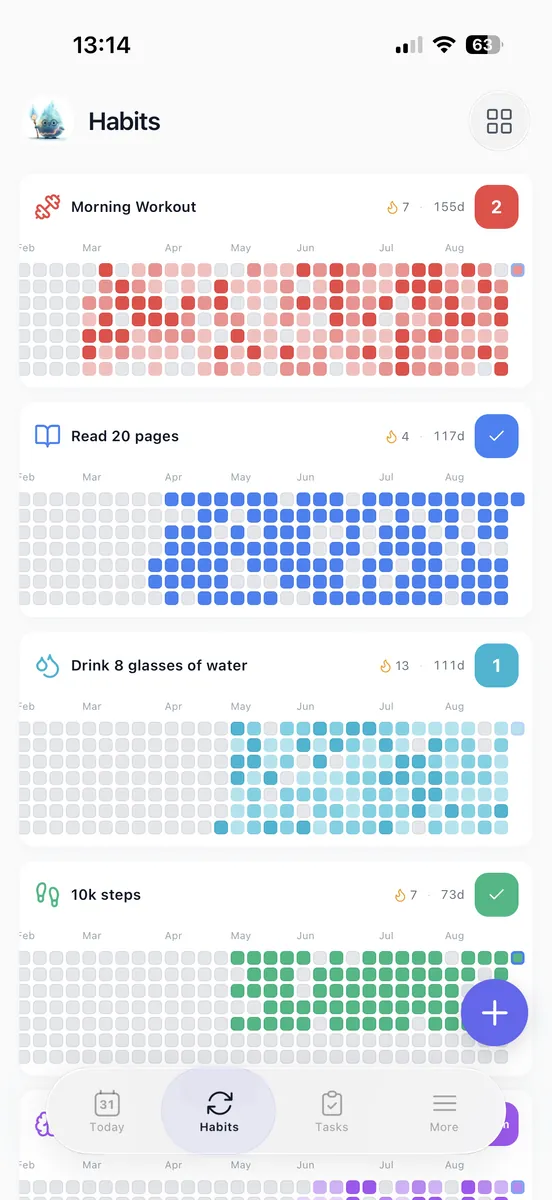
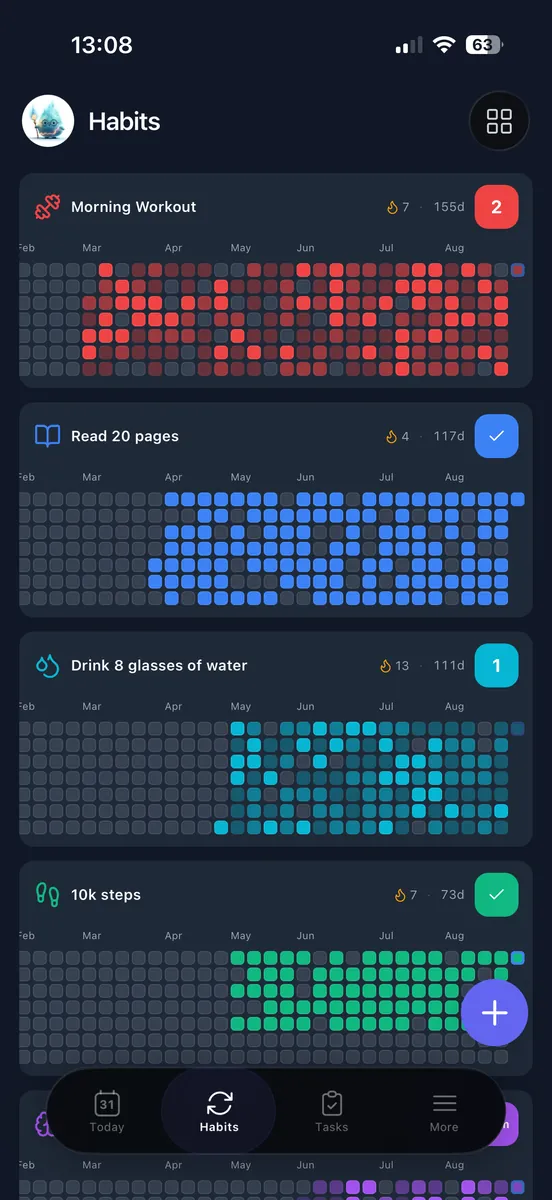
Every day you check off fills in a grid of your last 365 days, so you can see if you are getting better.


Free plan with no time limit. No credit card.


Give an AI Planner Constraints, Then Check Its Work
You can ask an AI day planner to arrange a task list around appointments. Review the proposed day before using it; check that it fits your real commitments and the kind of work you need to do.
Try this instruction:
Keep 10:00 to 10:30 and 2:00 to 3:00 for meetings, noon to 12:30 for lunch, and all work within 9:00 to 5:00. Place a 90-minute proposal, 30 minutes of invoices, and 30 minutes of email. Allow transitions and leave some time unassigned.
Compare its schedule with your source calendar. Confirm the appointments, task durations, actual due dates, and time zones where relevant. Add travel or preparation time if you need it. Then decide whether the proposal can be split. If it needs an uninterrupted block, move it rather than accepting a split automatically.
Try changing an appointment and inspect which tasks move. Before accepting the revised schedule, check what was displaced and whether the new arrangement still works.
Decide What Happens to Unfinished Tasks
A useful daily plan needs a rule for unfinished work as well as a place for new tasks. Before you finish planning, choose a next action for each unfinished item: reserve a new opening, reduce it to a smaller action, return it to an unscheduled list, or delete it.
For example, if an interruption leaves you with 20 minutes of invoices after you have worked on them for 10 minutes, schedule the remaining 20 minutes. Do not copy the original 30-minute block as though none of the work happened.
Keep a real deadline attached when you move a work block. A due date is when the work must be done, not the day you hoped to do it. If the same important task keeps slipping, use the Eat That Frog worksheet to name its next concrete action and give it an appropriate opening. When unfinished work must carry into tomorrow, reduce tomorrow’s other commitments to make room.
Keep a Small Record You Can Review Later
Give your day a two-minute close. Mark completed work, settle unfinished items, and add one short note only if it explains a useful change, such as a meeting that ran long or a task that needed more setup time.
At the end of the week, check which planned blocks fit, which kept moving, and whether recurring tasks belong on different days. Change one scheduling rule for the next week. For a year-end view, keep completion records and occasional useful notes instead of writing a detailed daily journal. Tracking progress can help you spot strengths and areas to improve.
For example, if the proposal repeatedly spills beyond its block, allow more time for the next one or define a smaller deliverable. If your record shows plenty of completed tasks but little movement on a chosen goal, use the goal-setting plan to identify the next action worth scheduling. For next week, decide whether to keep your current setup or switch to a task list, calendar, or timeline that better fits the way your days unfold.