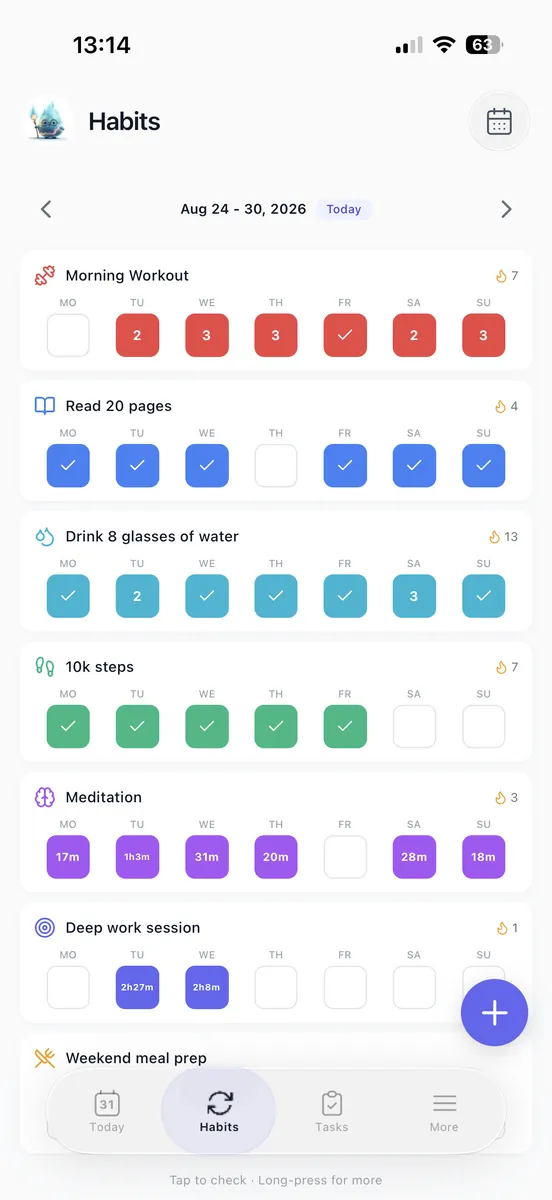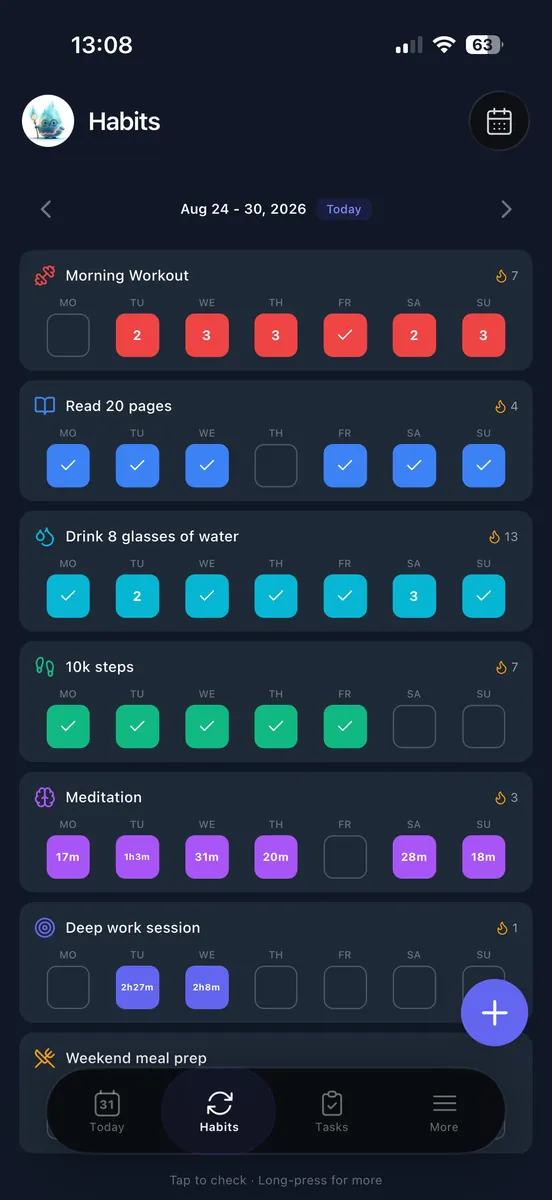
The best goal planner app for you connects the result you want with actions you can schedule, repeat, and review. Choose one by testing a real goal through a normal week, including a busy day and a missed task.
Start with what you need to manage, then check the free version’s limits and how it feels to use before moving your whole system. This guide offers a practical way to compare and trial an app, not a ranked list. A place to record an intention is useful, but it matters more that the next action stays visible when you need to do it.
Match the App to What You Need to Manage
First, name the planning decision that gives you trouble. Is it choosing an outcome, repeating an action, finishing separate tasks, reserving time, or organizing the material that supports your work? Match the app to that need, then test whether it gives you enough structure to keep the goal connected to what you do.
| App type | Your main need | What to test | Supporting structure you may need |
|---|---|---|---|
| Goal-focused app | Keep an outcome and its steps together | Does opening a goal show its milestones and next actions? | A calendar or reminder if actions need a specific time |
| Habit tracker | Repeat an action on a chosen schedule | Can you set flexible recurring schedules and review past entries? | An outcome review so repeated activity stays tied to a result |
| Task manager | Finish one-off and recurring tasks | Can you set priorities and handle recurring tasks the way you work? | A visible link between tasks and the goal they serve |
| Calendar | Reserve time and manage appointments | Can you see available time and move appointments when plans change? | A goal or task list to decide what belongs in each open slot |
| Notes app | Keep research, ideas, and supporting material | Is the next action easy to find among your notes? | A repeatable review cue to bring the next step back into view |
Choose a goal-focused app when the outcome and milestones are hard to keep connected. Choose a habit tracker when repetition is the main challenge, but plan a separate check of whether the habit is helping the outcome. A task manager can suit work built from distinct actions; check that each important task points back to its goal. If you mostly need to protect time, start with a calendar. If you need a flexible record of supporting material, notes can work, as long as you have a reliable way to surface the next action.
Daily habits and one-off tasks may both serve the same goal. In that case, test a combined setup rather than forcing every action into one format: for example, track a recurring practice in a habit tracker and connect a deadline-driven task to the same outcome. If you have narrowed your need to an iPhone habit tracker, compare options in the iPhone habit tracker comparison.
Check What the Free Version Lets You Keep
Before importing old records, try the free version with a small sample of your real workflow. Check that it supports the goals, reminders, history, and devices you actually use. Free access does not tell you whether the features you need are included, so make the trial do the work of answering that question.
| Feature | Test to perform | If it falls short |
|---|---|---|
| Goal capacity | Create the active and paused goals you intend to keep. | Keep some goals in your current system, or test another candidate. |
| Reminders | Set a reminder on your own device and check its delivery and timing. | Use a different reminder method if it fits your routine. |
| Recurring tasks | Complete one occurrence, then reschedule the next one. | Keep recurring actions in a tool that handles your schedule clearly. |
| Habit history | Check whether past entries remain accessible. | Record essential history somewhere you can retrieve it. |
| Calendar integration | Confirm what appears in each place and whether edits travel in the direction you need. | Keep scheduling in your calendar if the connection is not useful. |
| Export | Add sample data, download a file, and inspect its dates, completion records, and goal associations. | Keep a separate accessible copy of records that matter. |
| Device access | Open the same sample goal on the devices you use and check what carries over. | Choose a setup that works on your necessary devices, or keep the system divided. |
Keep your current system in place until the trial shows that essential records and actions remain accessible.
If a missing feature has a workable place elsewhere in your routine, keep testing. If it is central to your weekly planning, choose another candidate.
 Loggd · by the makers of this blog
Track your habits, tasks and goals in one free app.
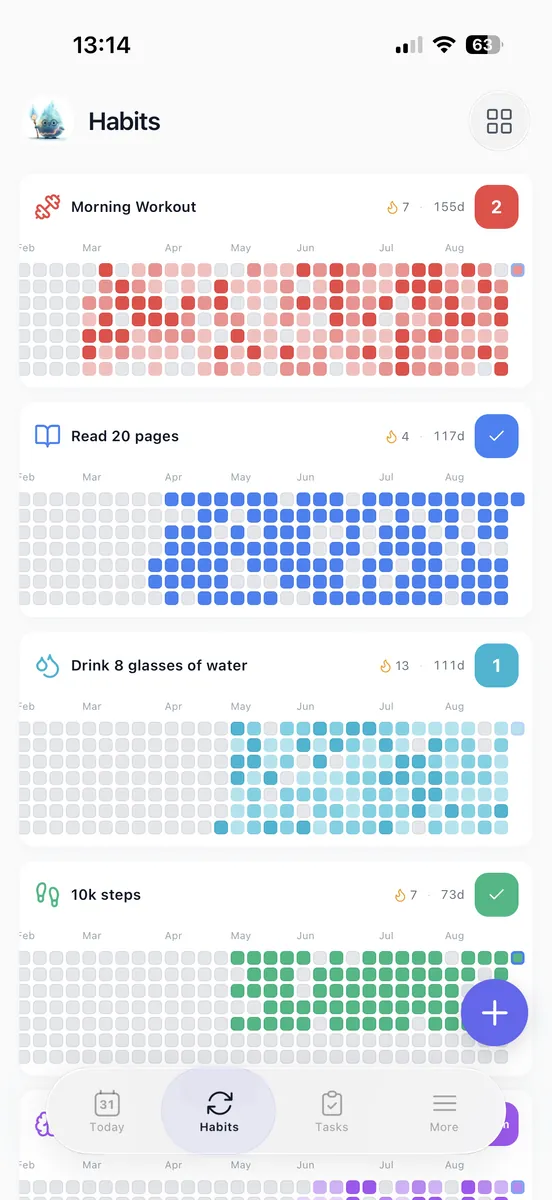
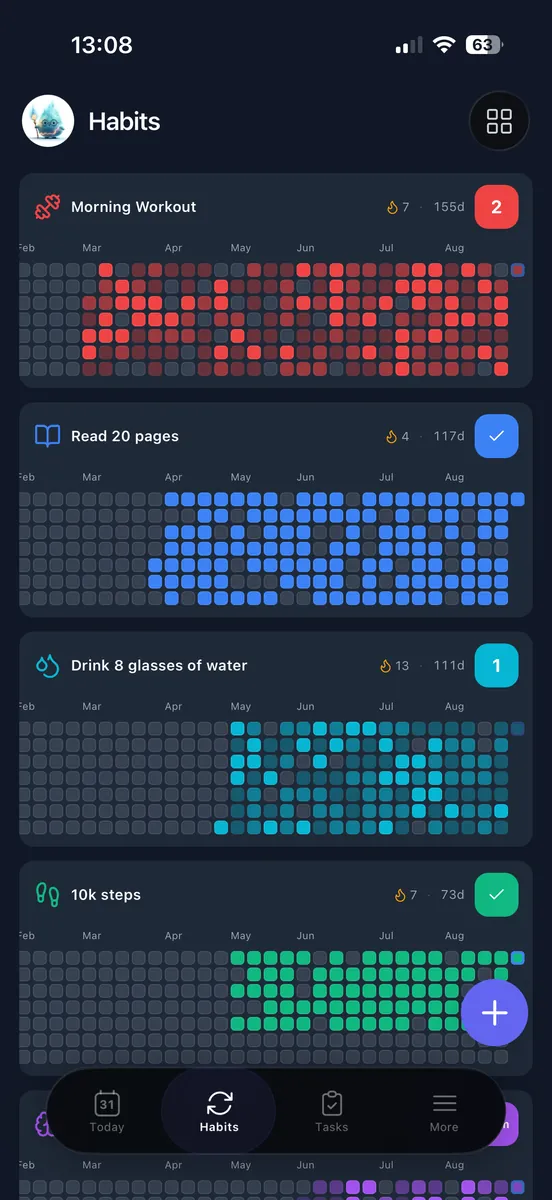
Every day you check off fills in a grid of your last 365 days, so you can see if you are getting better.




Free plan with no time limit. No credit card.


Put One Real Goal Through the App
Use a goal you already want to pursue as an acceptance test. You are not choosing an app based on a polished demo; you are checking whether it can hold the outcome, the steps, and the changes that happen during a real week.
For a worked example, use this goal: publish three portfolio case studies in six weeks. Set a milestone for one published case study at the end of weeks two, four, and six. The CDC’s SMART criteria make a goal specific, measurable, achievable, relevant, and time-bound. Adjust this example’s scope and deadline to match the time you actually have. If you want help clarifying the goal first, use the goal setting plan.
Enter “Publish three portfolio case studies” as the outcome and set its target date six weeks from now. Add the three milestones beneath the goal, or create separate milestone records with a visible link to it. Check that you can return from a milestone to the overall outcome without searching through unrelated notes.
Now give the goal both repeated work and one-off tasks:
- Recurring action: work on the current case study for 25 minutes on Tuesday and Thursday.
- One-off tasks: choose the first project, gather screenshots, draft the explanation, and publish the page.
Schedule “choose the first project” for a real opening in your week and set a reminder that would help you act. Then test the changes a normal plan needs. Move that task to another day, complete one occurrence of the recurring action, and find the parent goal again. In Loggd, connect a task and a focus session to the same goal so the work stays together.
After publishing the first case study, check whether the milestone record changes automatically or whether the app gives you a clear way to update it manually. Either approach can work if the status is easy to understand and the other two milestones remain visible. If the app makes you lose the connection between the work and the outcome, note that friction before deciding whether to move your whole system.
Fit Active Goals Into a Busy Week
Begin your trial with one active goal. Add another only when its next actions fit the week you actually have. Choose active goals by the time you can give them this week.

For the portfolio example, say you have two available 25-minute sessions this week. Assign both to the current case study rather than also activating a course and a website redesign. This is a capacity decision, not a judgment about which goal matters more in the long run. You can keep the other goals in view without scheduling work for all of them now.
Sort competing goals into three states:
- Active: you intend to take a next action this week.
- Maintenance: you will do a small recurring action to keep it going, but are not pushing a major milestone.
- Paused: you are holding the goal without planning current work on it.
Use app fields or tags if they support these states. If they do not, keep a short separate list that points to each goal. Choose what gets time by checking for a real deadline, a dependency that blocks other work, or a commitment you have already made.
When the week gets crowded, reduce the next action to something that fits, such as gathering one screenshot or outlining one paragraph. If the remaining work no longer fits the milestone date, move the date rather than leaving an impossible plan in place. Give each paused goal a date to reconsider it, and keep its notes and completed work attached. Use the time blocking planner to see how proposed goal sessions fit around your existing commitments.
Use a Short Daily Check-In
A daily check-in should make one useful action easy to find. Open the active goal and check how much time you have today before choosing what to do. Pick an action with a clear stopping point, such as drafting the project introduction during a 25-minute session.
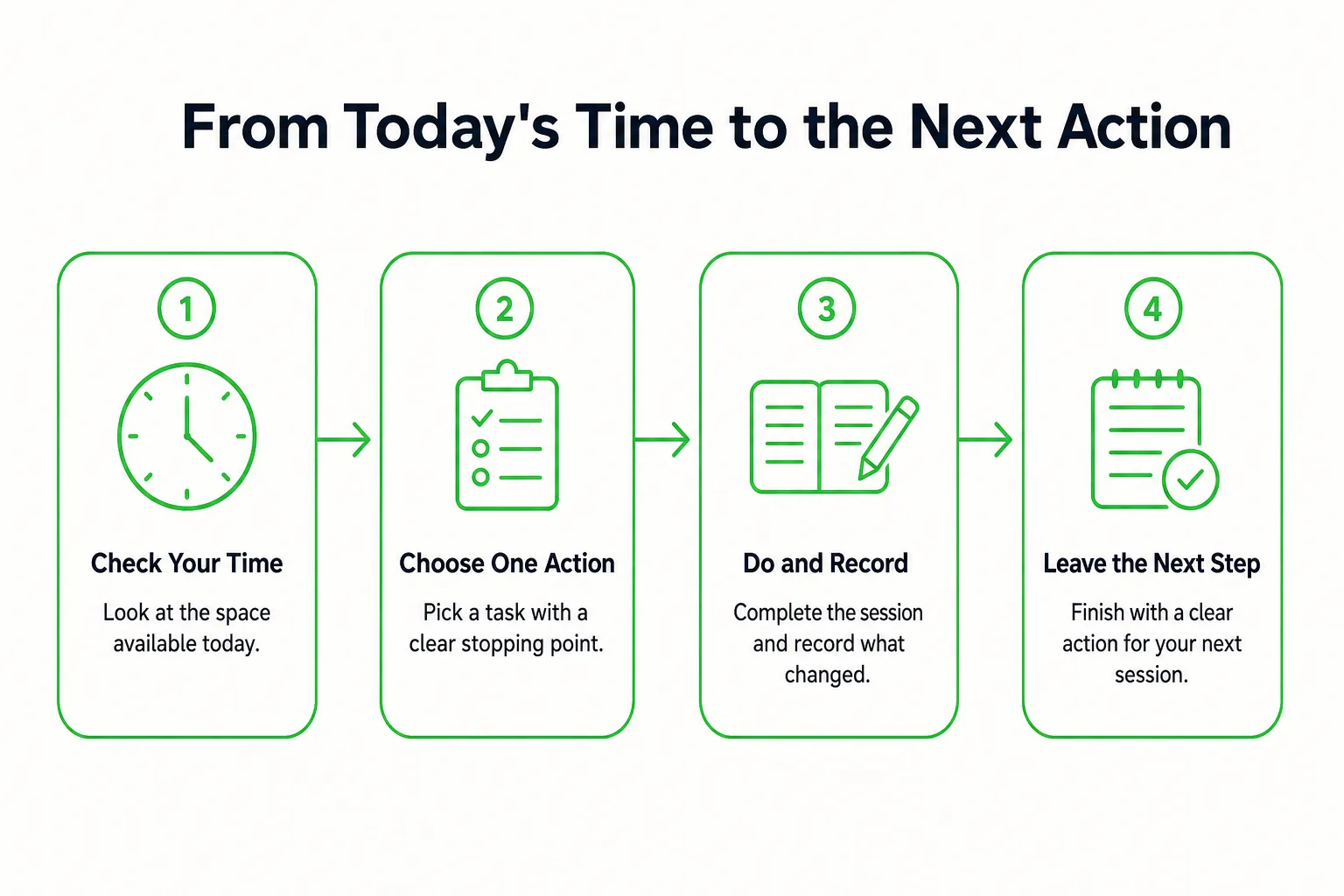
Use a reminder at a time when you can act. If you routinely dismiss the first reminder, change its timing during the trial. After the session, record what you completed and leave the next action visible. Time spent is useful information, but it is different from a finished milestone: a 25-minute session does not mean a case study is ready to publish.
The CDC notes that tracking can help you see what is and is not working. A short note such as “screenshots took longer because the project files were scattered” can help you choose a more realistic next action. When you miss a task, reschedule it, reduce its scope, or remove it if it no longer serves the goal. Preserve the completion record; you do not need to rebuild the whole goal to adjust one action.
Use this four-part sequence each day:
- Check time: Open the active goal and look at the time available today.
- Choose: Select one next action with a clear stopping point.
- Do and record: Complete the session, then note the work done and any obstacle.
- Leave a next step: Keep the next useful action visible, or adjust the plan if today’s task was missed.
Streaks can help you check whether you are repeating an action. For this example, the outcome measure is still the published case studies. A streak can show repeated work; it cannot replace checking whether a case study is complete.
Review the Goal Before Planning Next Week
Set a recurring 15-minute appointment for a weekly review. Treat that as a starting point: use enough time to make next week’s plan, then adjust the appointment if it regularly feels too short or too long.
Look at the outcome and milestones before checking how many tasks you completed. For the portfolio goal, ask which case study is ready to publish and what still blocks the next one. Compare completed actions with the result you wanted. If preparation tasks are piling up while the draft remains untouched, make drafting the next scheduled action.
Review missed recurring actions together. Decide whether their timing, frequency, or scope needs to change. Then inspect overdue tasks one at a time. Schedule a next action, move a dependency, pause the goal, or remove work that no longer serves it.
Choose what the coming week should contribute to the next milestone, then put those actions into time you actually have available. If you need help choosing a measure for progress, see four ways to track goal progress.
At the end of the trial, check whether you can find the active goal, see its next action, adjust a missed task, and retrieve last week’s record without maintaining a second system. Keep the app if it supports those decisions with little friction. Adjust the setup if the structure works but a particular step needs changing. If an essential part of your routine remains awkward, test a different app category.
Keep Useful Records When Goals Change
When priorities change or the year ends, give each goal one decision: continue, pause, revise, or remove it from your active system. Review the original target, completed milestones, recurring-action history, and notes about obstacles together. Ask what those records suggest changing in the next planning period.
- Continue: Keep the outcome and add the next milestone.
- Pause: Record why the goal is paused and set a date to reconsider it.
- Revise: Before changing the scope or deadline, save the old target in a dated note. Then enter the new version.
- Remove: Archive the goal or export useful history before deleting any records you no longer need.
Close completed goals in a way that keeps their useful evidence with them: completed actions, milestones, notes, and work samples such as published case studies. Available options vary by app, so check how its archive or export works before relying on it.
For a broader look back at the year, use the annual progress review. For now, archive one finished goal and schedule the next date to review your active goals.