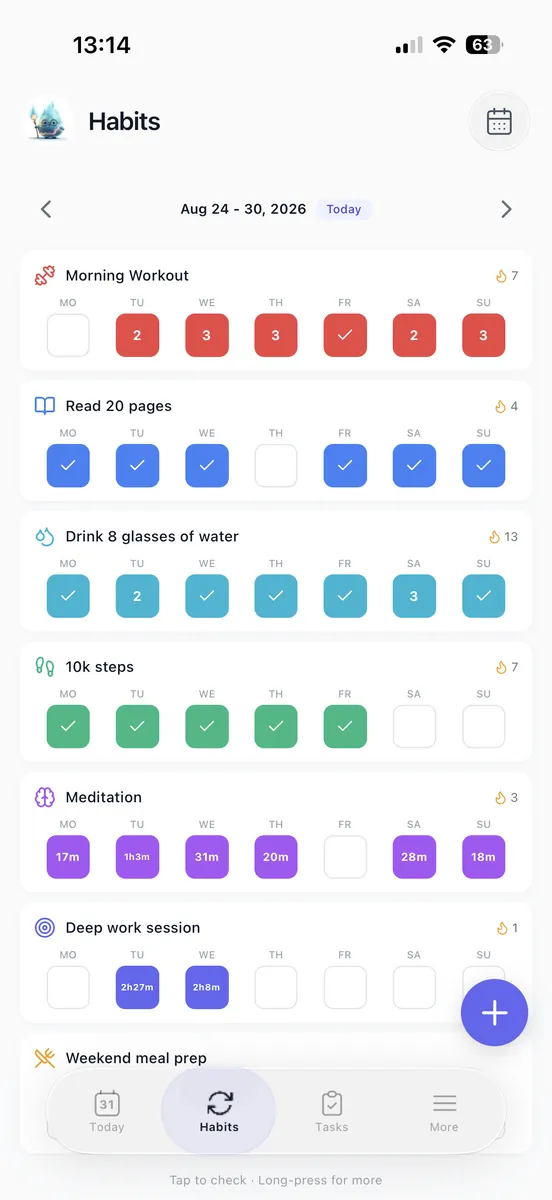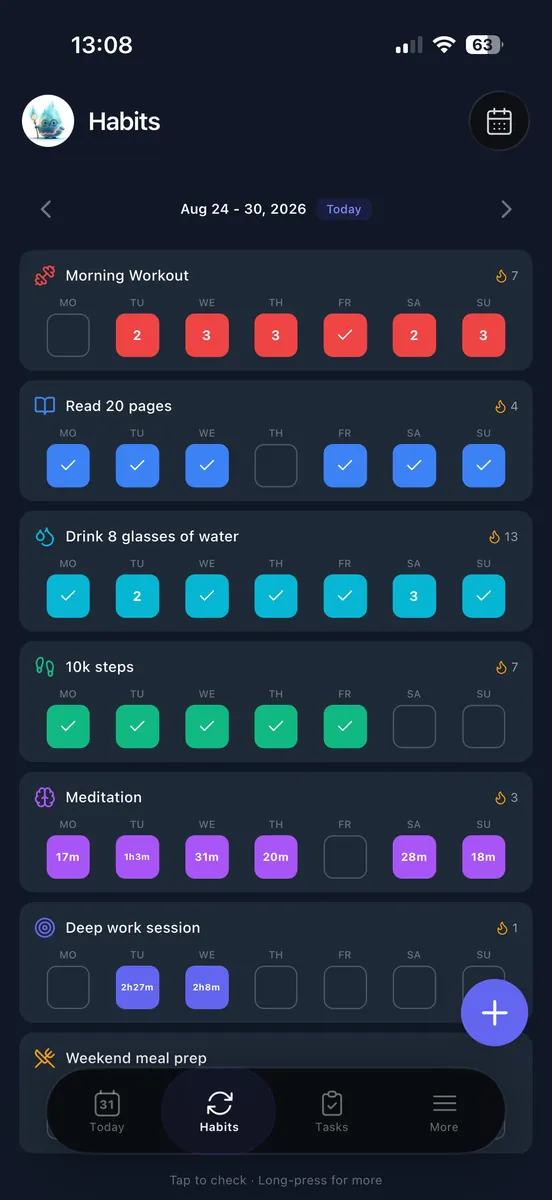
Choose habit making apps by the action you want to repeat, the devices you use, and how you want to check it off. Start with one habit, then test its schedule, reminders, and completion flow before moving the rest of your routine. Habit formation involves repetition that makes a behavior more regular and increasingly easy to perform over time. An app can help you record the action, but you still need to choose a workable schedule and use it.
Before opening a comparison, write down one action you want to repeat and your main requirement. That might be a quick daily checklist, access from your phone and computer, or a way to see your progress. Then compare options against that requirement instead of judging every feature at once. Use our habit tracker app comparison to build a shortlist; this guide focuses on choosing and setting up an app, not ranking another list.
Match the App to Your Daily Situation
First, check that an app works on the device you actually use: Android, iPhone, web, or Apple Watch. If you plan to use a watch, verify that you can perform the actions you need there, such as recording a completed habit. A listing for a device does not tell you whether its everyday controls suit your routine.
| Your situation | Start with | Check before choosing |
|---|---|---|
| Simple routine and a checklist | A habit tracker with a clear list of what is due | Check scheduled days and completion controls. A checklist is quick to scan, but gives you less detail. |
| Motivation from visible progress, streaks, or game elements | An app with a progress view you will actually use | Check which progress views are available. Game elements add activity to the interface, which may or may not suit you. |
| Shared accountability | An app with sharing controls you can review | Check exactly which habit details others can see, who receives updates, and how to remove access. Sharing requires privacy choices. Keep sensitive habits private unless the visibility settings meet your needs. |
| Work-related habits tied to tasks, goals, and focus time | A combined planning tool | Check how its parts connect and how much setup they require. Combining planning needs can take more configuration. |
Before choosing, verify reminder controls, scheduled days, notes, progress tracking, offline recording, and access on your devices. Treat each as a requirement to test, not a feature every app includes. If you use an iPhone, the iPhone habit tracker guide can help narrow your device shortlist. Check whether essential features remain available without payment. If ongoing free access matters, compare options with the free habit tracker guide.
Test the Check-Off Before Adding More
If you want a simple daily routine, start with the smallest setup that lets you see what is due and record it. Judge the app by the completion test: can you reach the habit, mark it done, and correct the record when needed without searching through screens you do not use? The best fit is the one that makes those usual decisions easy to find.

Say your habit is reading two pages after breakfast. Add only that action, then try the whole flow before adding more. Check each item:
- Open directly to today’s habits.
- Record one completion.
- Correct an accidental check.
- Find the next scheduled day.
- Adjust a reminder.
- Hide or leave unused views that distract from the routine.
Keep the app if the actions you need are easy to find. Reject it if optional screens repeatedly get in the way of the routine. If deciding how many habits to add next is the sticking point, see how many habits to track at once.
 Loggd · by the makers of this blog
Track your habits, tasks and goals in one free app.
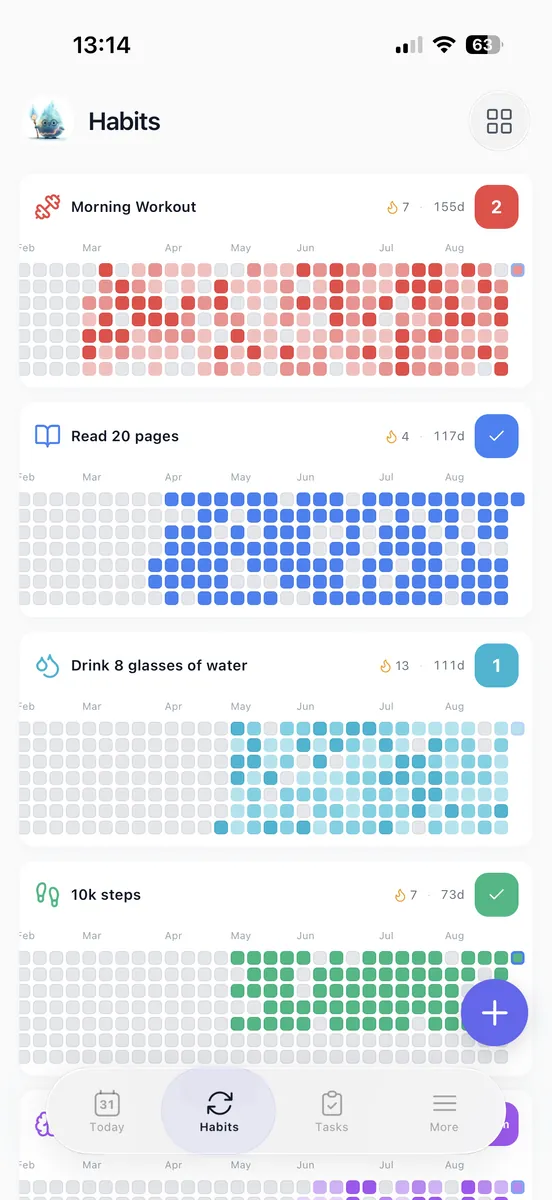
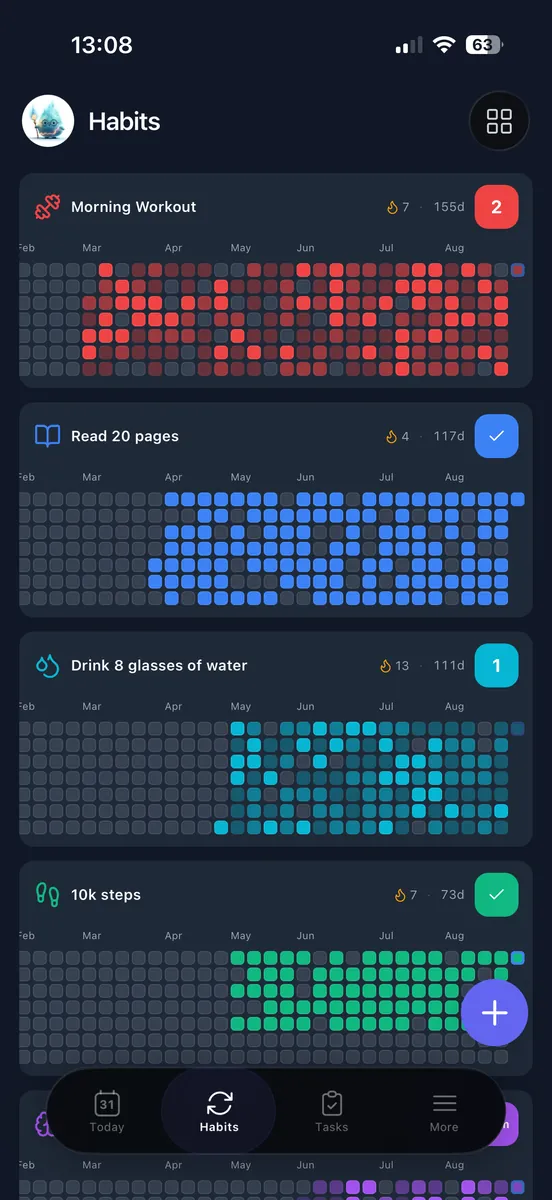
Every day you check off fills in a grid of your last 365 days, so you can see if you are getting better.




Free plan with no time limit. No credit card.


Decide What Your Work Activity Needs to Record
Choose the tool based on the question you need the record to answer: Did I repeat an action, what must I finish, or how long did I spend? A habit tracker records repetition, a task manager keeps a deliverable and its deadline visible, and a time tracker records duration.
Say you are preparing a proposal. Reviewing the pipeline each weekday is the habit. Sending the proposal on Thursday is the task. Recording the minutes you spend drafting is time tracking. These records can relate to the same work, but each answers a different question.
Choose one primary home for the decision that matters most, then add another record only if it serves a separate purpose. For this example, check off the weekday pipeline review, keep the proposal deadline in your task list, and record drafting time only if you need it for planning or billing. A completion mark does not show how long the work took. Time recorded does not establish that the proposal is finished, and a one-time task does not describe a repeating schedule.
If deadlines and daily workload are your main concern, read the planning app selection guide before committing to a habit-only workflow.
Set Up One Habit and Review It After a Week
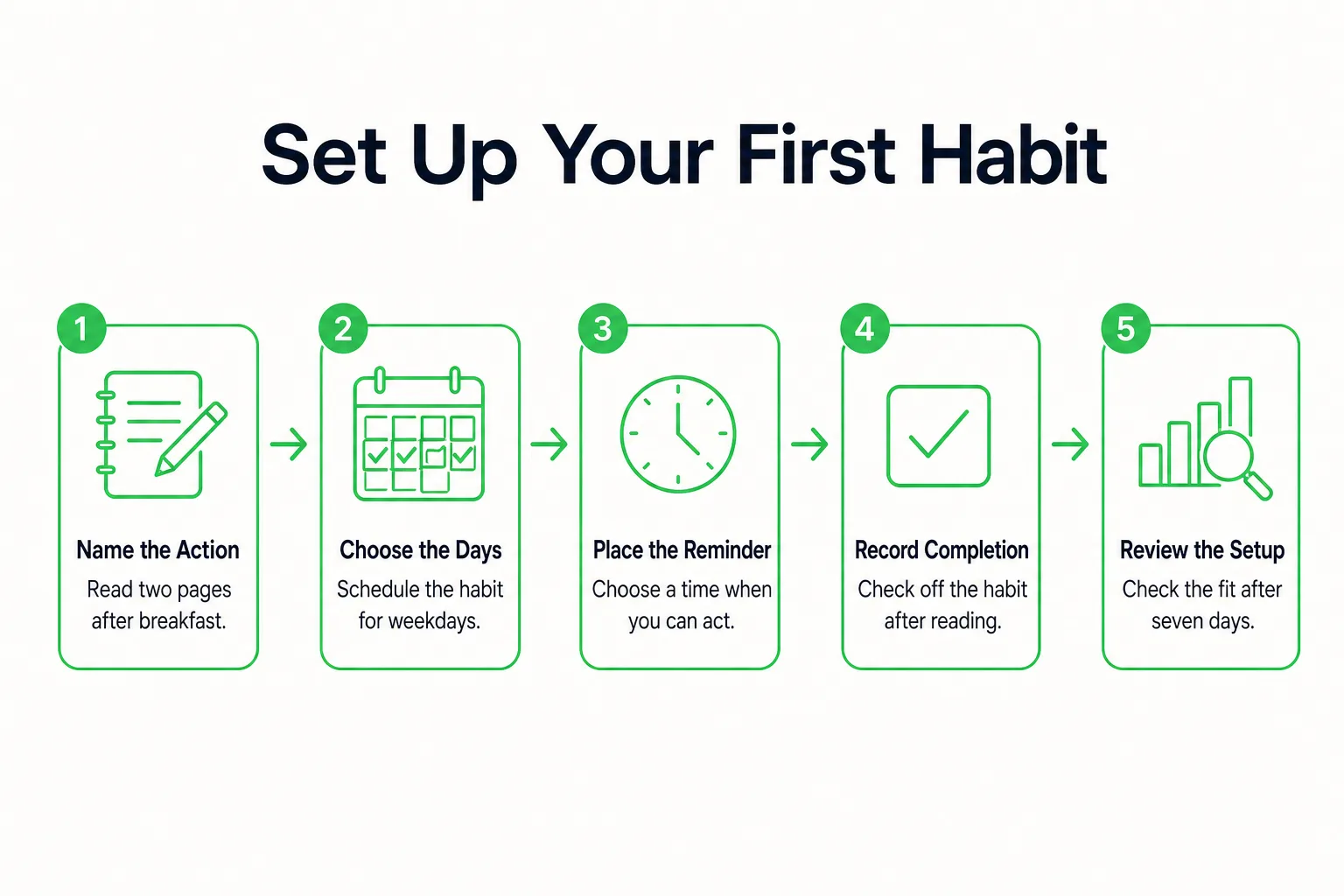
Set up one habit, use it in your real routine, and review the fit after seven days. For example, track reading two pages after breakfast on weekdays.
-
Name the action and schedule. Enter “Read two pages after breakfast” as the habit, with two pages as the completion threshold. Select weekdays so it appears on the days you intend to do it instead of accepting a daily default.
-
Connect it to a cue. The American Heart Association describes a cue as a reminder to act on a habit. Put the book where breakfast ends, then set an app reminder for a time when you can realistically start reading. A reminder is useful only if it reaches you when acting is practical.
-
Choose one progress view. Use a completion history, streaks, or habit analytics only if that view helps answer a question you have. A continuous run and a broader record show progress in different ways. If you are choosing between them, the grid-versus-streaks guide explains the difference. If you choose Loggd, use its flexible habit schedules to match the weekdays you selected.
-
Record and review. Check off the habit after you read, and leave missed sessions accurate. After seven days, look at whether the reminder arrives at a useful time, whether recording feels manageable, and whether the schedule fits your week. Keep the app if it supports the actions you need without recurring friction. Adjust the reminder or schedule if one of those is the obstacle. Choose another app if a required function is missing.
Add another habit only after you decide this setup deserves to stay.