Smarter work means choosing useful work and a workable way to finish it, rather than adding more effort to every task. To work smarter, not harder, decide what to stop, simplify, automate, delegate, or give your full attention.
A busy calendar and a finished task list do not prove that useful work got done. You might clear email all morning while leaving an important decision untouched. The ten changes in this guide are choices you can apply to an ordinary workday, not a demand to rebuild your whole routine. Start with one repeated source of wasted effort, and decide what would make the time you spend on it worthwhile.
Working Hard vs. Working Smart: What Changes?
Working smart means choosing the result that matters, removing unnecessary work, and matching your effort to what the task requires. Working hard describes the effort you apply. Both can belong in the same day: focused effort may be exactly what a demanding task needs, while effort spent repeating avoidable cleanup deserves a closer look.
| Situation | Where Extra Effort Helps | What to Change First |
|---|---|---|
| A deadline for a well-defined deliverable | A bounded extra work session can help you finish once the scope and dependencies are clear. | Confirm what must be delivered, who needs it, and what other work it depends on. Set a finish time for the session. |
| Repeated corrections to a report | Careful review matters, but repeating the same cleanup may not fix the source of the problem. | Check the inputs, instructions, and review process before doing another round of corrections. |
| Learning an unfamiliar skill | Deliberate practice takes effort; choosing a specific skill makes that practice easier to direct. | Decide what you will practice, such as building a formula or giving a concise project update, and protect time for it. |
Effort deserves scrutiny when the same avoidable problem keeps returning, the requested output has no clear use, or more work creates more revisions. In those cases, look for a change to the task or process before adding another work session.
Name one result that would make today's work worthwhile. That gives you a way to choose what deserves your time.
Decide What Deserves Your Time
Choose one recurring task you handle. Identify who receives its output, what useful result they need, and what they will use that result for next. Then work through these choices in order.

1. Stop Work That Has No Clear Use
Start here because improving an unnecessary task still leaves it on your calendar. Ask what decision, requirement, or deliverable depends on the work. If you cannot identify one, check with the person responsible before removing it; the task may serve a requirement or keep a shared record.
For example, if a recurring status meeting only repeats information already shared, suggest a written update and reserve live time for unresolved decisions. Check with the meeting owner before changing shared commitments or required records. A written update still needs a clear recipient and a useful purpose.
2. Simplify Before You Automate or Delegate
A small decision rule is more useful than a vague promise to become more productive. Use this checklist for the task you chose, in order:
- Stop if the output has no current use.
- Simplify if fewer steps or a smaller output would meet the need.
- Automate if the remaining inputs and rules are repeatable.
- Delegate if another person has the responsibility, capacity, and context.
- Do it personally if it needs your judgment or ownership.
If automation is the right choice, start with one repeatable action and test it on a small sample. Decide who will check exceptions, and keep private or restricted information within approved tools. The setup and ongoing checks count as part of the work.
If you delegate, hand over the required result, what “done” means, the deadline, the authority to act, and a check-in point. Include the time you will need to explain the work and review the result when deciding whether the handoff helps.
Once you have a repeatable task worth keeping, work productivity tools matched to the job can help you choose a tool for that specific step.
 Loggd · by the makers of this blog
Track your habits, tasks and goals in one free app.
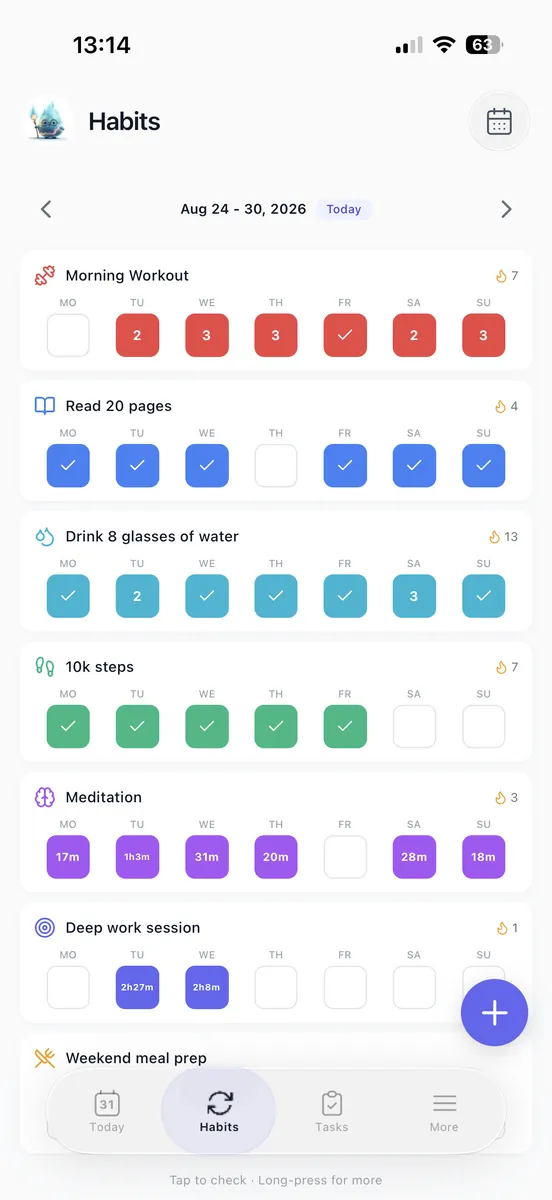
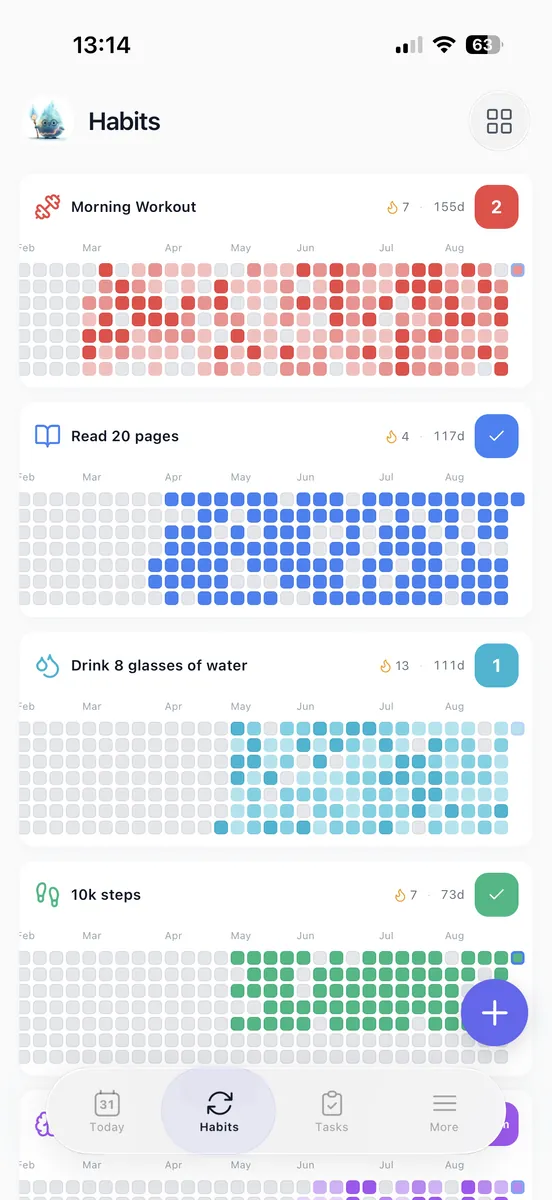
Every day you check off fills in a grid of your last 365 days, so you can see if you are getting better.


Free plan with no time limit. No credit card.


Turn Important Work Into a Finishable Day
First, work out how much time you have today after fixed commitments. Then choose an outcome that fits that time, rather than filling the day with tasks and hoping the important work gets done.
3. Choose an Outcome Before a Task
“Work on the proposal” is hard to finish. “Send a draft with scope, assumptions, and open questions by 3 p.m.” gives you a clear result to aim for and a way to judge whether the work is done.
Research summarized by the American Psychological Association links specific, challenging goals and regular feedback with greater motivation and productivity.
When deadlines compete, compare the consequences of missing each one, the dependencies that could hold up other work, and the commitments you have already agreed to. If both requests cannot fit, tell the responsible stakeholder and ask them to choose a smaller scope, a different deadline, or a different owner. That makes the tradeoff visible instead of leaving you to absorb it silently.
If you need help naming the result your daily tasks should support, choose from these work objectives.
4. Give Big Work a Small Next Finish
A whole project is too large to use as today's finish line. Choose a bounded output you can complete, check, and hand off. Say you need to prepare a presentation: decide what decision it must support, draft the outline, then identify the evidence still missing. That gives you a concrete next result without pretending the entire presentation is already done.
Put that action in a 45-minute work block, with space afterward to check the output. If the action will not fit, reduce its scope before extending your workday. A shorter, reviewable draft may be the right finish for today. When work depends on several contributors or handoffs, use the project work plan to organize the moving parts.
Keep Email and Meetings From Running the Day
Some work needs a quick response. Other work merely arrives quickly. Treating those as the same thing lets incoming messages and meeting requests set your priorities for you.
5. Batch Email Around Real Response Needs
Email needs a place in the day, but each new arrival does not have to choose your next task. Batching routine messages gives them an opening without breaking up every other kind of work.
If you check your inbox whenever a notification appears, try scheduled checks after a focus block and before a handoff deadline. Keep an agreed channel available for work that is genuinely urgent. The right checking pattern depends on your role, so agree on response expectations with the people who rely on you, especially in customer-facing or on-call work.
During a check, answer messages you can resolve, turn longer follow-ups into specific next actions, and remove messages that need no further attention. Batch similar replies when they share context, so you do not have to keep switching between different subjects.
6. Make Each Meeting Earn Its Place
Let the meeting's job determine its format. Before accepting or organizing one, ask what decision it should produce, who needs to take part, what preparation is needed, and what a clear finish looks like.
A written update can cover status sharing. A short conversation may unblock a decision. A task that needs doing rather than discussing may need protected working time instead. For a recurring meeting, try a shorter agenda or a lower frequency with the organizer's agreement. Then check whether decisions and handoffs still happen.
You can make the tradeoff clear with a sentence like this: “I can send the update today; if we need a decision, let's meet with the people who can make it.”
Protect Attention Without Spending Your Evening
Once you have decided what matters, give it room on the calendar and a clear stopping point.

7. Give One Task Your Full Attention
Prioritization picks the work; focus gives you a chance to complete it. Repeatedly switching between tasks can take more time and produce more errors than focusing on one task at a time.
Before a focus block, define what you will finish. Close unrelated tabs, mute nonessential notifications, and keep a short capture note nearby for thoughts or requests that can wait. Write them down and return to the task instead of following every new lead. If you want to time the session in Loggd, follow the focus timer guide to get started.
8. Set a Stopping Point and Take Real Breaks
Plan for recovery and a finish, not only for task starts. Between demanding blocks, stand up, get water, or take a short walk. Short bursts of physical activity can support memory and thinking skills, though that does not guarantee a particular work result.
Sleep deficiency can slow task completion and increase mistakes. If your routine depends on repeatedly borrowing from sleep, reduce the scope of the work or renegotiate a commitment. Before you finish work, leave the next action somewhere you can find it tomorrow. If deadline work needs an exception, bound it by a specific deliverable and a finish time.
Check Whether Your Changes Actually Help
Judge a change by what it delivers and what it costs in attention, quality, and personal time. The last two changes help you check whether a new way of working is useful, then turn that finding into a decision.
9. Test One Change Against a Normal Week
Change one part of your routine at a time. It is easier to compare what happened when you can point to one change, rather than several at once. Before you try it, note how the task currently works.
Track four practical indicators: whether you completed the useful outcome, how much time it took including setup and rework, any errors or revision requests, and your own notes about stress. If a stress scale helps you compare days, use the same one each time. The number is a prompt for reflection, not a substitute for checking the work itself.
Say a recurring update currently takes 45 minutes. You try a shorter version that takes 25 minutes. Check whether the recipient can still make the decision the update is meant to support. Then count any follow-up work: if the recipient needs another 30 minutes of clarification, the shorter draft did not reduce the total effort in this example.
Note what else changed during the comparison. A heavier workload, a harder task, or an unusual deadline can affect the result. Keep the change if it delivers the needed outcome at an acceptable cost. Adjust it if the useful parts work but something needs fixing. Abandon it if the tradeoffs outweigh the benefit. One week's notes can guide your next choice, but they do not prove that the change caused every difference you saw.
10. Review What to Keep, Change, or Remove
A daily review should produce a next decision, not another list of unfinished work. Take five minutes before you finish work to name the useful result, identify one source of friction, and choose tomorrow's first action. If a task repeatedly remains unfinished, revisit whether to stop, simplify, automate, delegate, or focus on it.
For an annual review, look across representative busy and ordinary weeks. Check recurring commitments, unfinished work, and tasks that repeatedly spill into personal time. Decide what to keep, change, or remove, then schedule one concrete change so it has a place in your routine. If work is crowding out other priorities, the Wheel of Life assessment can help you examine how your time fits with the rest of your life.
End with the next action you selected. Make it specific enough to begin tomorrow.
Sources
- The Top 10 Journal Articles of 2019
- Multitasking: Switching costs
- Physical Activity Boosts Brain Health
- Sleep Deprivation and Deficiency: How Sleep Affects Your Health